InteliJ embedded Terminal console is freezing!

Hello.
I'm working on MacOS and lately embedded terminal keeps freeze! For example I'm writing down "cd .." but it's not appear on terminal console, and I have to click on "terminal" button below console (which hides the console). It's shows typed command after re-click "terminal" button and opening the console. Below you will find 2 screenshot. (*)
I couldn't figure out why that's happening but lately I've downloaded XCode on MacOS and tried to open several projects on IntelliJ IDE. The problem occurred after those two configuration! Of course that should not be a problem!
(*)
01: Here I've wrote "cd .." to console but did not appear! 
02: After that dbl-clicked to 'terminal' button (hide and re-open the console) and then it has showed typed command

and here is computer details: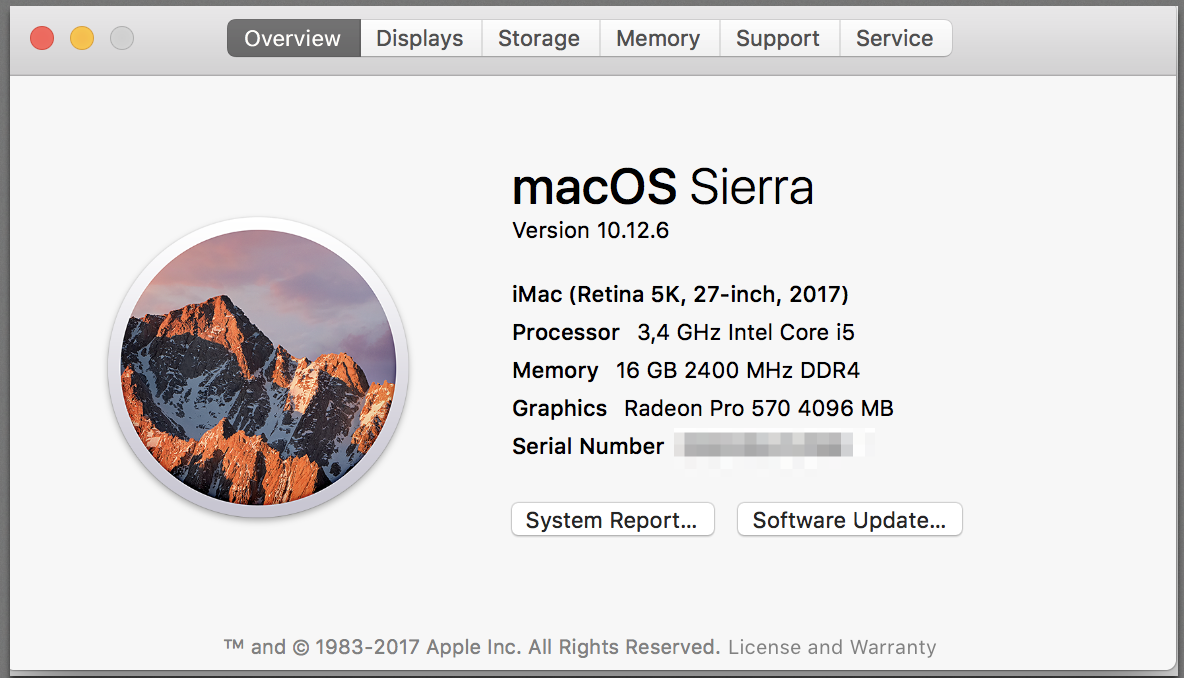
Please sign in to leave a comment.
Please report at https://youtrack.jetbrains.com/issues/IDEA with the logs and the thread dumps (use jstack):
https://intellij-support.jetbrains.com/hc/articles/207241085
https://intellij-support.jetbrains.com/hc/articles/206544899
The logs shows you are running 2017.2 version which was affected by https://youtrack.jetbrains.com/v2/issue/IDEA-172594 bug. It's already fixed in 2017.3 available at http://www.jetbrains.com/idea/download/index.html.
Dear Serge. I've updated the IDE and now it works pretty well! Thanks a lot.