PHP + Docker + Linux Code Coverage issue
Answered

Problem with tests code coverage and docker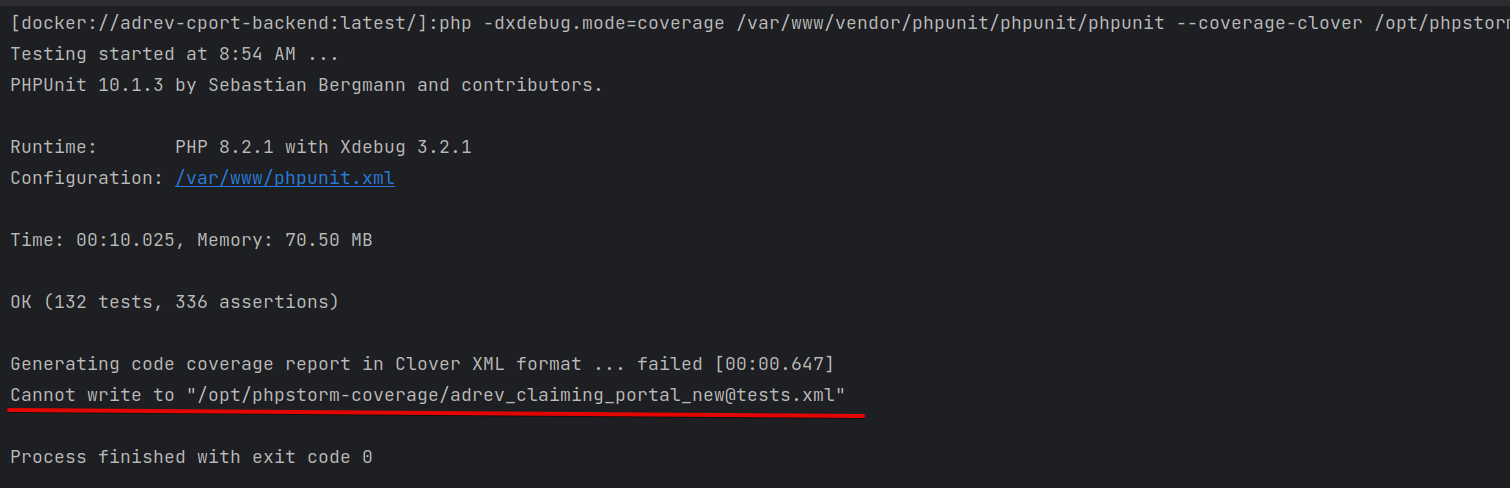
But if I run this command inside of the container - all works fine and file is created.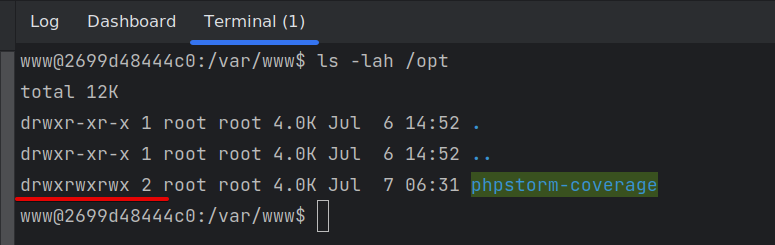
rights are fine
Command output inside of container: 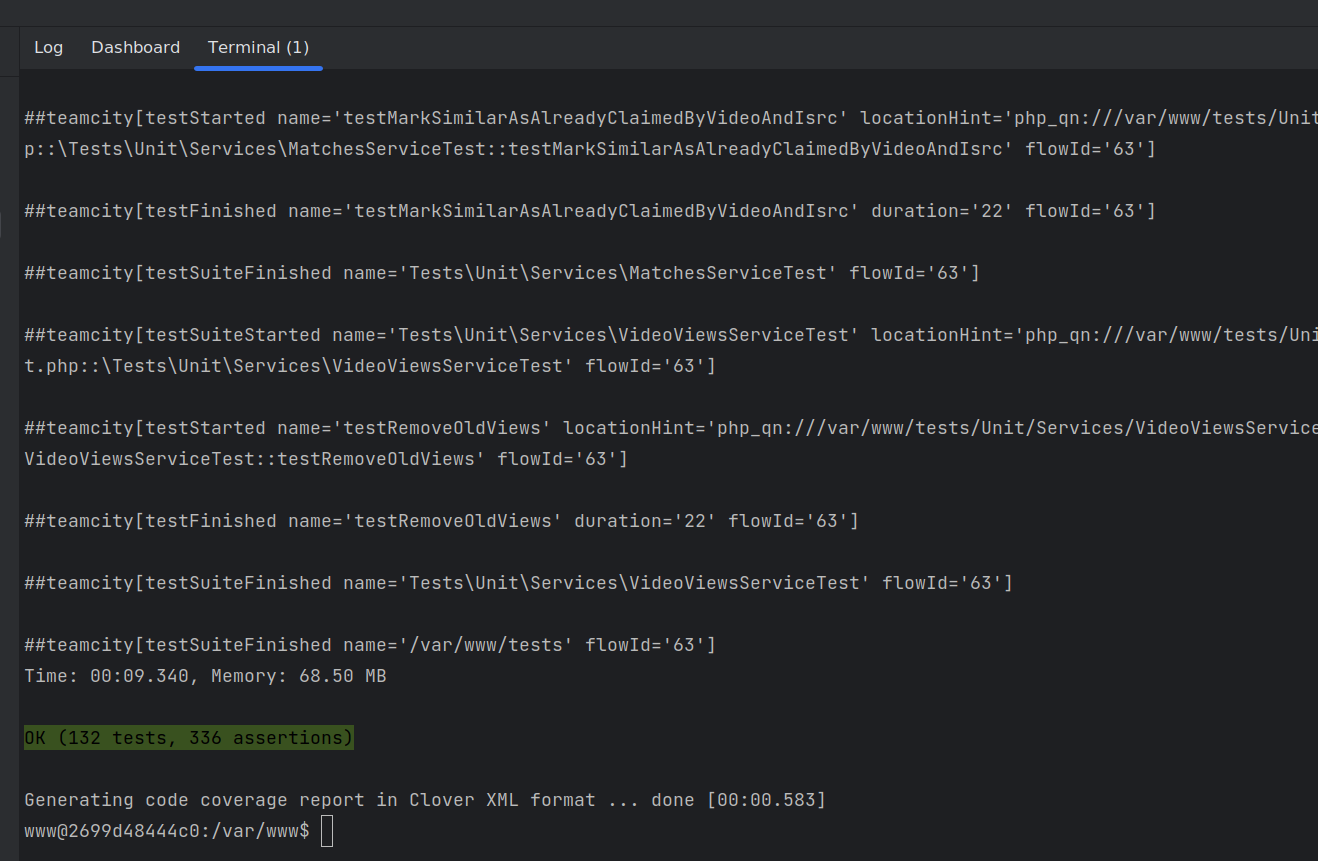
all is fine.
Volume present inside of docker-compose.yml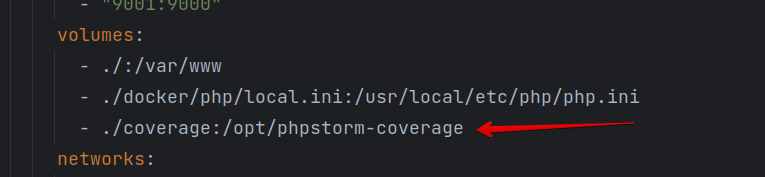
Can anyone help me with this problem?
System info: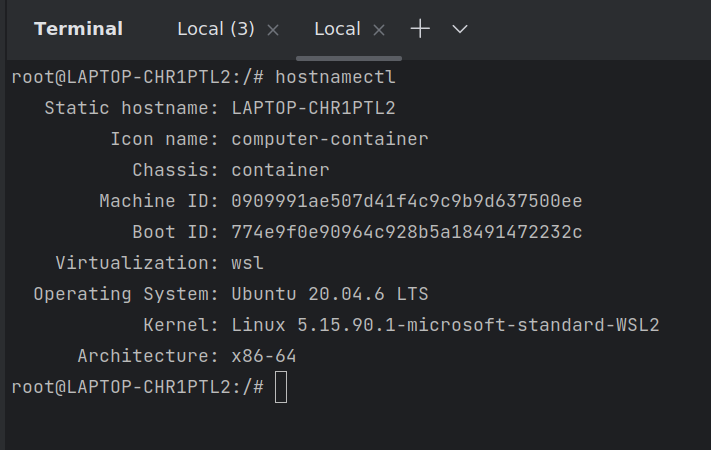
And when I try to open generated file - it opens as Python Coverage but it must be PHP, and 0%:
Please sign in to leave a comment.
From the container, could you please check what permissions you have on the file itself?
It seems that it already exists, and the permissions are not right, so when PHPUnit tries to write into it and fails.
I tried to remove the directory at all. Docker creates it when building the container - the result is the same.
I understand that, but given that the file gets created after all (since you can try opening it), it's worth checking what permissions it gets.
I just realized that you are using a Docker PHP interpreter and not a Docker Compose one.
Please note that with a Docker PHP interpreter, IDEA does not re-use the existing container but creates a new one instead; at the moment, there's no way to make IDEA use
docker exec: WI-55125So, whatever modifications you did in the container (for instance, setting the correct permissions) don't apply to the container the IDE is creating.
The valid way to check if everything is configured correctly is to run PHPUnit from the host machine with
docker run -v <your volume mappings> repo/image:tag php
-dxdebug.mode=coverage /var/www/html/vendor/phpunit/phpunit/phpunit ...
(the command from the first line on the first screenshot in your initial post).Thank you, Eugene Morozov! I changed remote interpreter to the Docker Compose with executing EXEC and all working fine.
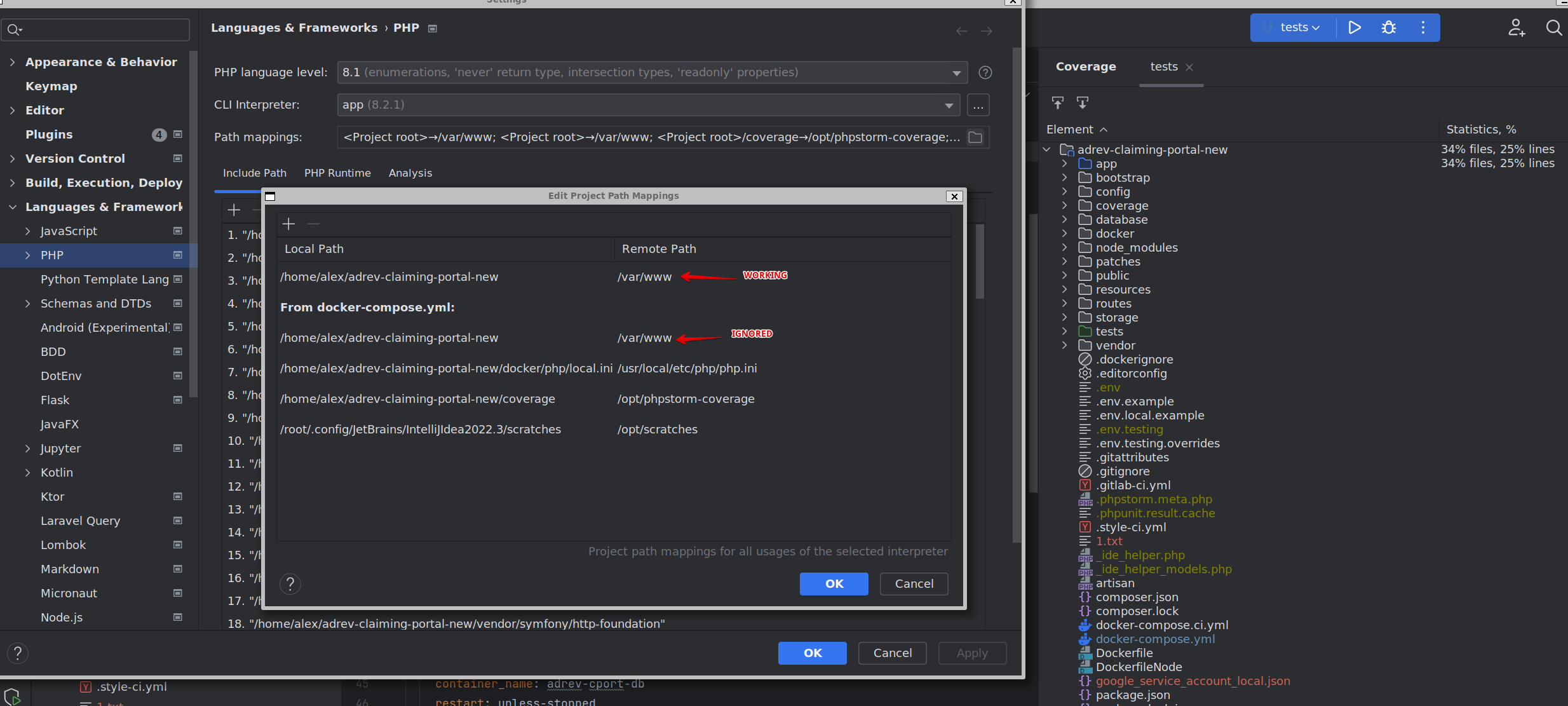
Just one small bug with paths mappings. By some reason not fixed more than year. https://youtrack.jetbrains.com/issue/WI-70069
It's supposed to be fixed in 2022.3.3: WI-70270
Could you please check what exact IDEA version you are using?
Sure, I am using 2022.3.3
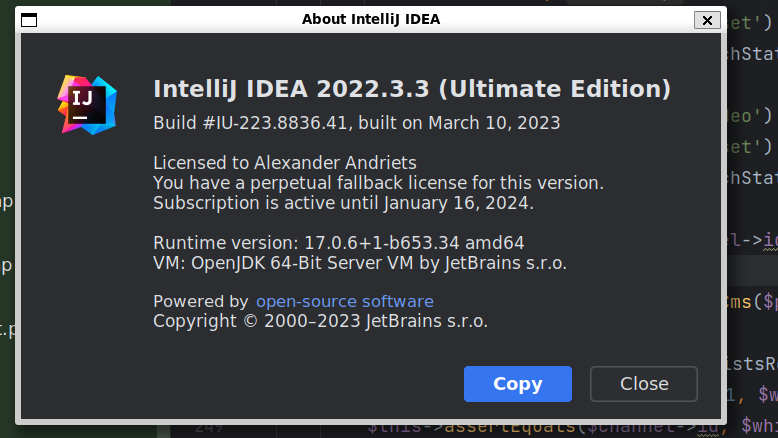
Thank you! Although, I can't reproduce the issue locally on 2022.3.3.
Could you please check if your
.idea/php.xmlfile contains theDOCKER_REMOTE_PROJECT_PATHattribute? If it does, please check how it goes after you remove it.It might be this one: WI-52649
Yes, it contains the DOCKER_REMOTE_PROJECT_PATH. And all started working fine when I removed it and additional mapping. Thanks.