Gradle tab in build tool setting not loading in I
Answered

Hi,
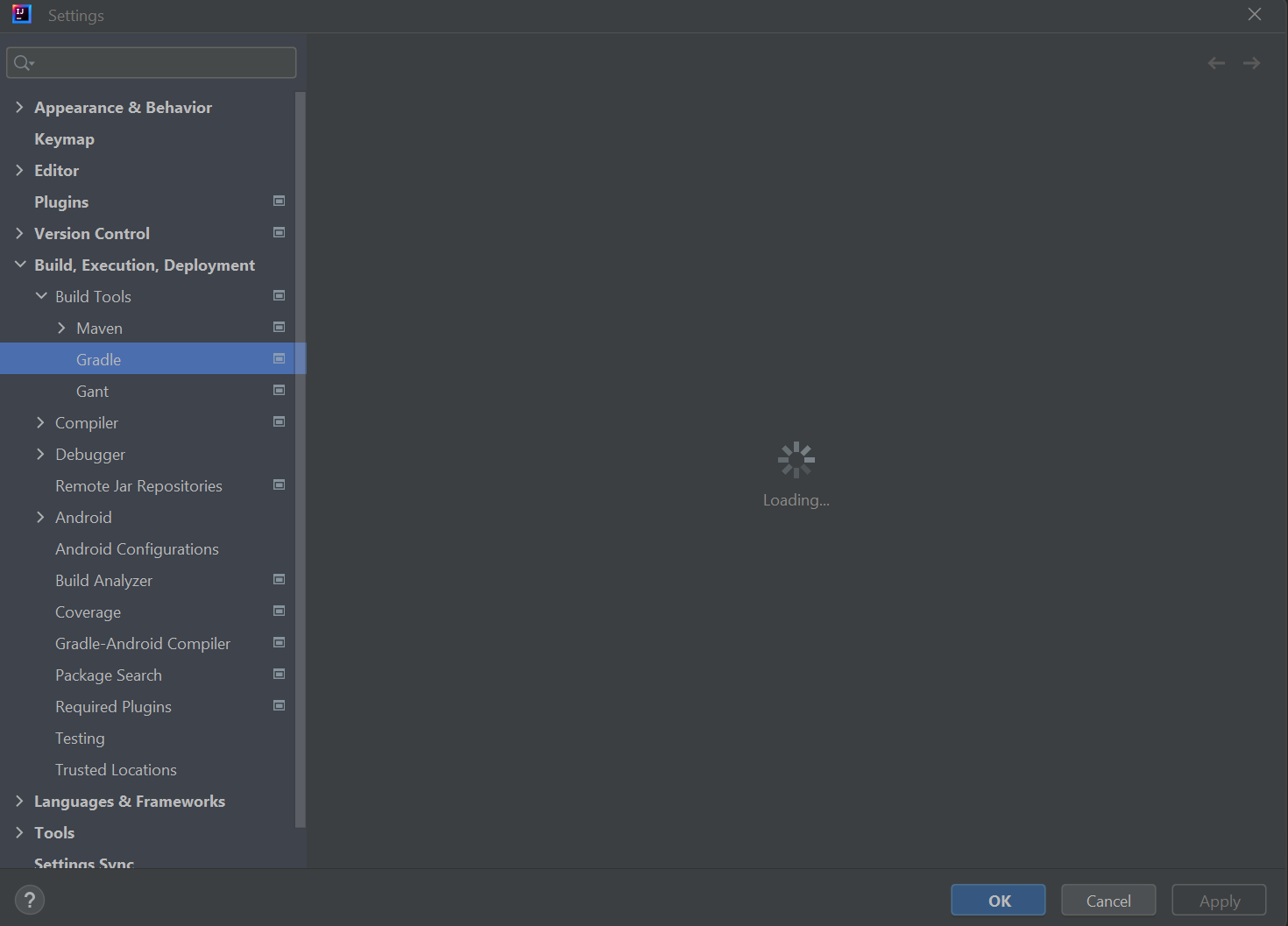
So i just installed Inteliij Idea 2023.1.4 and whenever i go to: Settings > Build, Execution, Ddevelopment > Build Tools > Gradle, the tab doesn't open and it continuously loads forever. Below is a picture of the settings page:
Please sign in to leave a comment.
Hi John,
I think you are hitting this issue: https://github.com/gradle/gradle/issues/8065
More details here: https://youtrack.jetbrains.com/issue/IDEA-250420/Gradle-sync-failed-with-no-details-shown
I noticed your project path has a !(bang) char like this: D:/______/!Minecraft Modding Files/IDE/Files
Can you try using a different path name like just remove the ! char and try again?
Please collect the IDE logs (menu Help | Collect Logs and Diagnostic Data), upload them (snapshot file and log files) to https://uploads.jetbrains.com/, and provide their upload IDs here and we will investigate it.
The upload ID is: 2023_07_17_GwVAeiKXeNrcQ27gLfzXRK
Let me know if these are the correct files!
Thanks!
That worked. Thank you so much!