Don't show run button and menu options love that
Answered

After I upgraded clion from 2023.1 to 2023.2, I lost the run button and menu button, when I reopened clion after deleting all files under ~/.config/JetBrains, it was fine, but once I closed clion and started again open, i will repeat the question
The interface in question is as follows:
When I delete the configuration file under ~/.config/JetBrains and reopen,You can see that this is a normal interface:
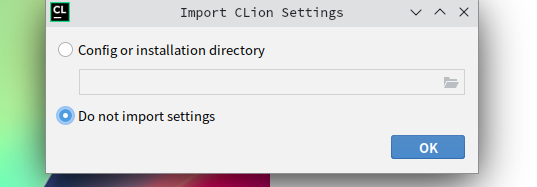
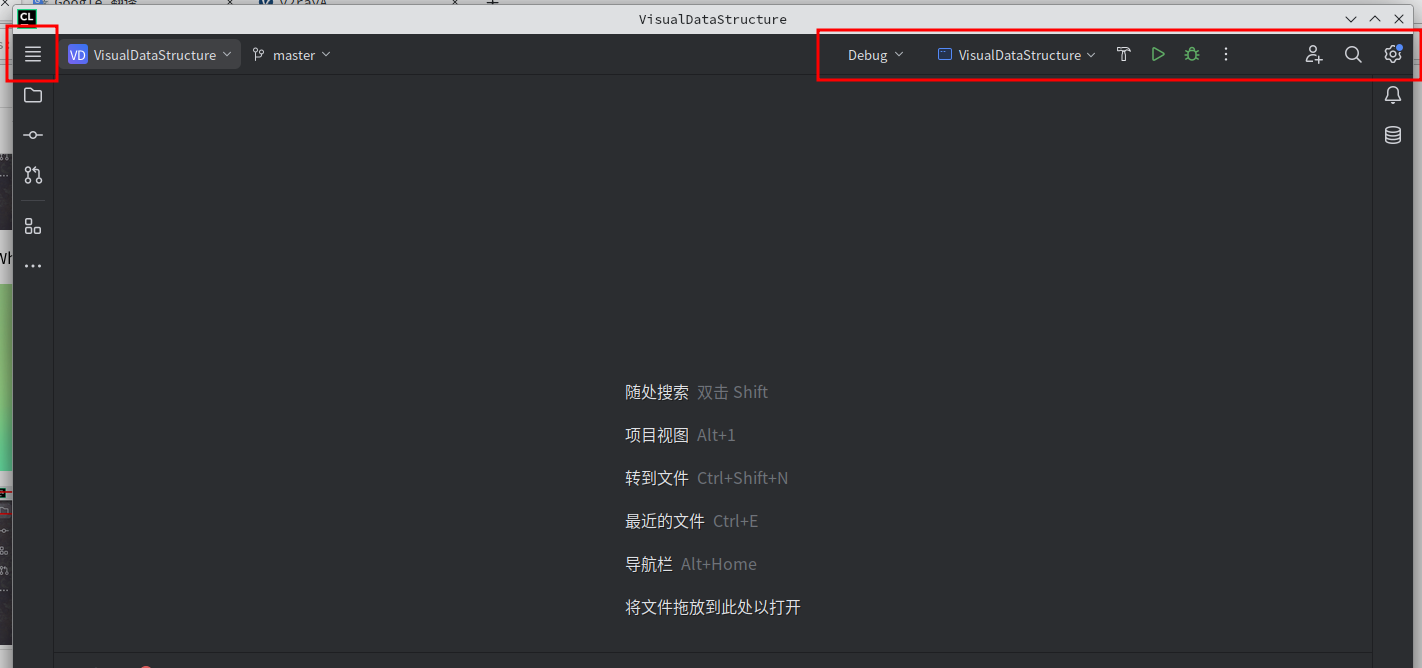 when i close this normal interface and reopen clion the problem reappears:

Please sign in to leave a comment.
Workaround:
1. Open Settings `Ctrl+Alt+S`| Appearance & Behavior | Appearance | UI Options
2. Uncheck the 'Merge main menu with window title' option
3. Click 'OK'
4. Restart IDE.