Showing javadoc in quick dok popup from dependency jars
Answered

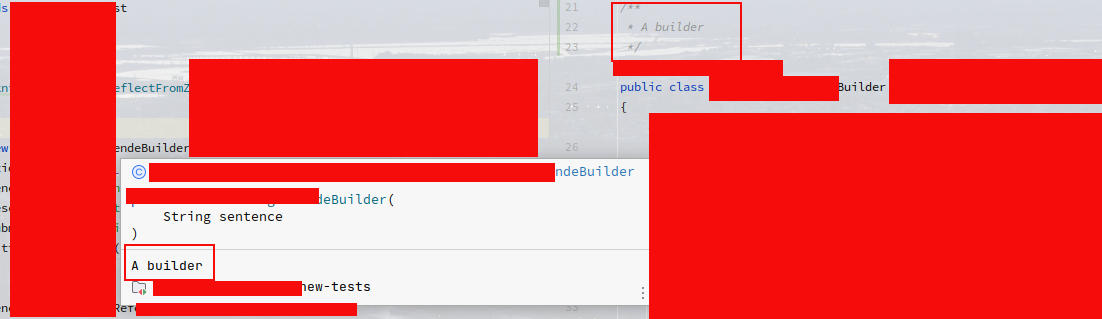
I have created a jar with an annotation including javadoc which I would like to appear as in the following image (that is having a class within this project showing its java doc "A builder" in its quick doc popup). But it won't pop up. I get all the parts in the popup window EXCEPT the javadoc. How can I resolve this? Does it relate to how I build my jar or is it something else?
Please sign in to leave a comment.
Hello Joachim!
If you attach your jar via “Project Settings | Libraries”:
- first, you need to generate Javadoc reference
- then you need to specify documentation in “Project Settings | Libraries”, pls see https://www.jetbrains.com/help/idea/library.html#add-library-docs
The process is different if you add your jar via Gradle or Maven:
- Gradle https://stackoverflow.com/questions/39059040/how-can-i-generate-a-jar-that-also-includes-javadoc-in-it-using-intellij-idea-i
- Maven https://stackoverflow.com/a/14990005/18430882
We hope this helps