pyCharm SSH Connection Issue: Automatic Minimization and Blank Window Display

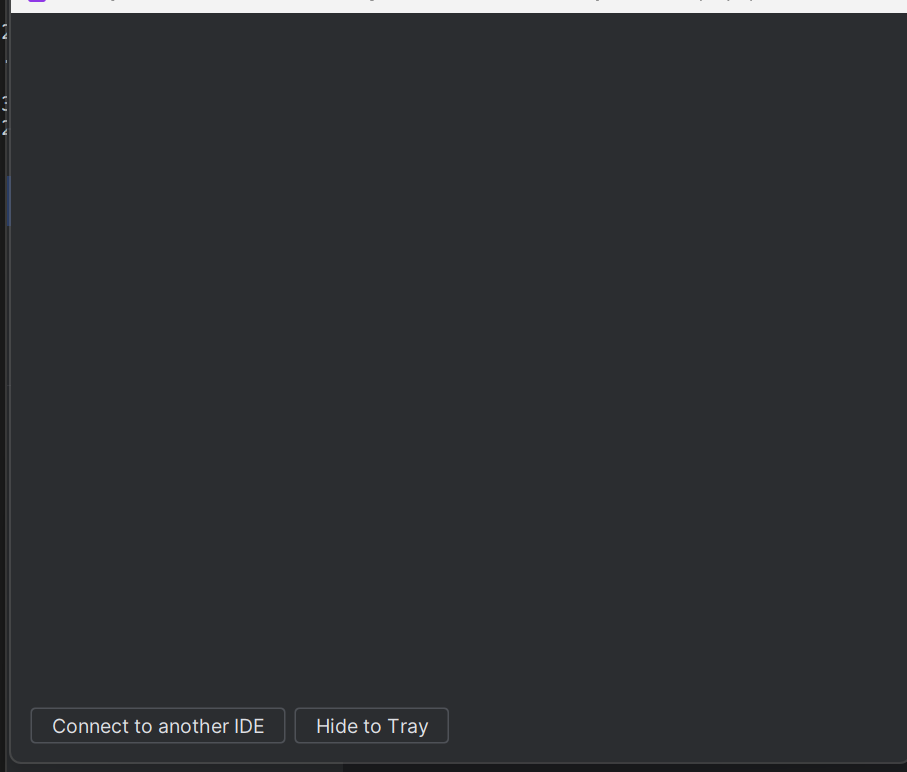
This issue appeared suddenly yesterday afternoon; before that, everything was running smoothly, and I had been working on the remote project via PyCharm for months. This afternoon, when I returned from being outside, I attempted to connect to the remote server via SSH on PyCharm. The progress bar advanced until it reached 'checking available space, starting the remote backend,' at which point the window automatically minimized to the tray. When I tried to reopen it, it essentially showed nothing, as I've shown in the figure. However, the remote project show a “running” status.
I've tried updating PyCharm to the latest version on my local system, but I found that I couldn't update the remote client version. Curiously, the size of the downloaded file automatically resets to zero whenever it reaches 77%. This happened whenever I chose to download the IDE backed on the remote server or I upload it from my local computer. I've attempted rebooting both my local machine (Windows 11) and the remote server (Ubuntu 18.04), but this didn't resolve the issue.
Any suggestions? Thank you very much.


Please sign in to leave a comment.