[issue] Remote code sniffer coding standard not found

Hi all!
I have a problem with setting up coding standards for a remote code sniffer. I have successfully set up a remote Interpreter:

I've also set up a remote code sniffer: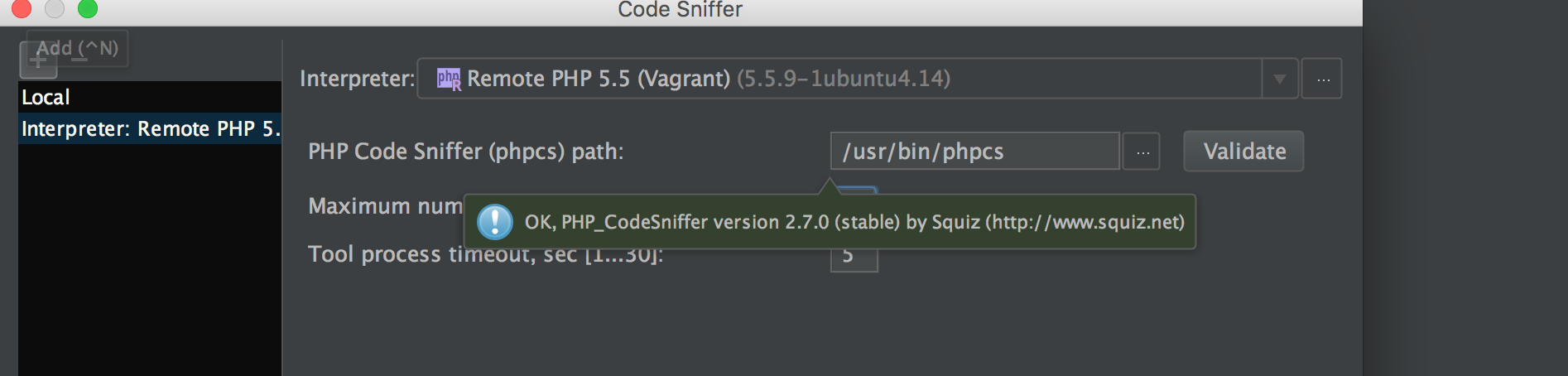
But when I go to Inspections and I want to select a coding standard for my code sniffer I get the following message:
If I run the config show command in my vagrant:
phpcs --config-show
installed_paths: vendor/escapestudios/symfony2-coding-standard
phpcs -i
The installed coding standards are Zend, PEAR, PHPCS, Squiz, PSR1, MySource, PSR2 and Symfony2
Anyone know how to solve this issue? I'm using Pphstorm 2016.2.1 .
Thanks in advance!
Please sign in to leave a comment.
Please attach the IDE log (as a file) after you try to expand the dropdown.
Hi Eugene,
You can download the log here: https://s3-eu-west-1.amazonaws.com/spencer-appstrakt/idea.log
Could you please test if behavior the same in latest EAP build?
I've found the issue. My Symfony2 config for phpcs was in the wrong location and this was triggering an error if phpstorm ran the phpcs -i command. Maybe that's somethng you can add in the log file if that happens? Don't know if that's possible.
I figured it out by doing the same steps phpstorm was doing in the log file.
Thanks for the help!