Pycharm highlights import module from working directory as unresolved reference

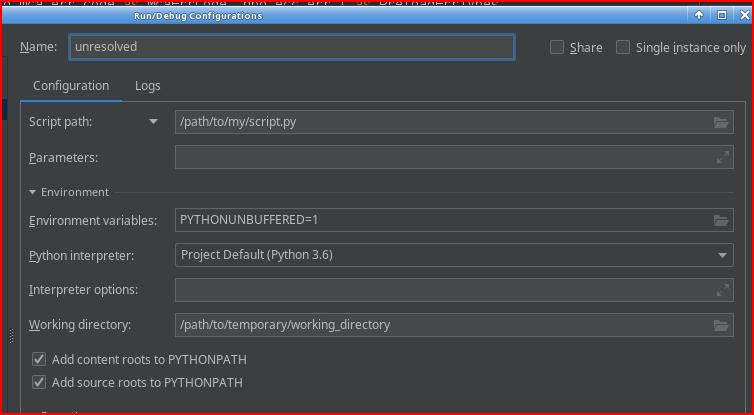
I created run/debug configuration with script and test directory.
The test directory is temporary, located elsewhere and cannot/shouldn't be included in project structure.
The test directory has module.
The module cannot be moved under project structure as its content is test-dependent.
When I import the module, the script 'sees' its content and runs ok.
But the ‘import module’ is still highlighted as ‘Unresolved reference…’
How can I solve it?
Please sign in to leave a comment.
The IDE relies on interpreter paths to index available packages, which is required for code insight functionality. While specifying additional paths in the run configuration makes it possible to run the script, it doesn't show the IDE that there are additional sources. So, the file runs well, but the IDE's code insight subsystem doesn't know about those packages.
To make these packages visible for code insight, please try extending the interpreter paths by following this article: https://www.jetbrains.com/help/pycharm/installing-uninstalling-and-reloading-interpreter-paths.html
Daniil Bogdanov
Thank you!
I know this list.
The problem is that I cannot add to it absolute path of my test directory - it is temporary and I change it frequently while debugging
Adding environment variable like $TEST_DIR would help, but I don't how or if it even possible