How Do You Delete Docker Configurations?
Answered

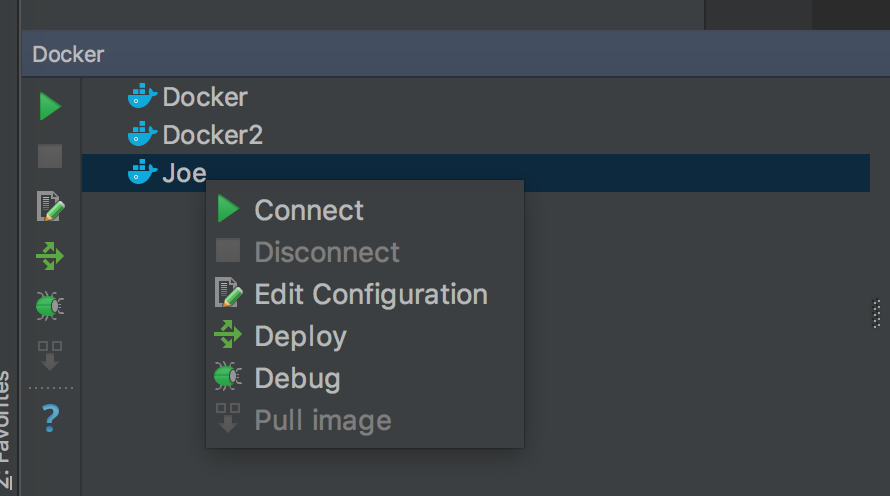
I have been mucking around with Docker support for the first time in PyCharm 2016.3 and I have ended up with some throwaway Docker configurations that I want to delete. It's not obvious how. The context menu and toolbar have no delete option.
How do I nuke these?
Please sign in to leave a comment.
Hi Joe!
You can manage the list of Docker configurations in File | Settings | Build, Execution, Deployment | Clouds menu for Windows and Linux or PyCharm | Preferences | Build, Execution, Deployment | Clouds menu for OS X (see Help).
Looks like this directly moved to the File | Settings | Build, Execution, Deployment | Docker menu in newer versions ;)
Not there now, so where is it?
Should be there.
If it's not there, make sure Docker plugin is enabled
Oh, I misread this post. I'm not looking for how to remove the connection or whatever that is called, I want to remove the Docker configurations created by other (and now deleted) PHPStorm projects:
https://intellij-support.jetbrains.com/hc/en-us/community/posts/360007021739-How-do-I-remove-stale-Docker-configurations-
Ahh, got it. Those are docker-compose services. Ok, continue in another thread you created.