Turning off boxes that have nothing to do with my code

Hi All,
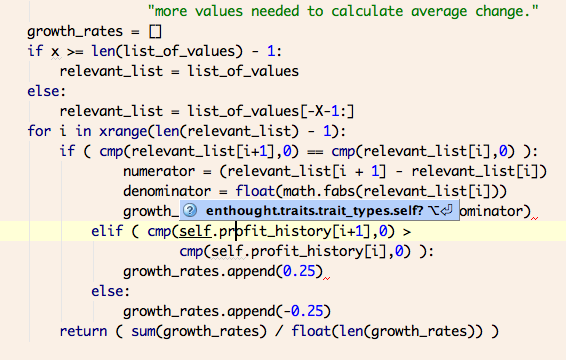
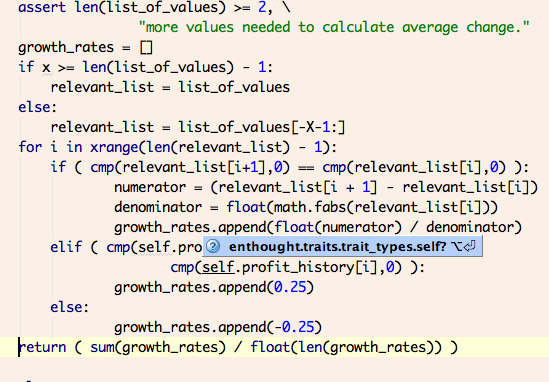
I am trying out PyCharm on Mac OS X (have been using it for a few days now). It is good and I think I will stick with it. However, it has some boxes popping up which make it difficult to see what I am typing. How can I get rid of these unwanted boxes. The blue "enthougt.traits.trait_types..." box in the image below is an example of what I am referring to.

I don't want to turn off autocompletion of function names and variables from the classes I have imported (the kind of suggestions I get when I press CTRL-SPACE). However, I am not using traits for anything. And the above box keeps coming in the way of my typing.
Thanks.
Attachment(s):
Picture 9.png
Picture 8.png
Picture 8.png
Please sign in to leave a comment.
Hello,
Settings | Editor | Auto-Import | Python | Show import popup
Note that PyCharm 1.1 contains some fixes to avoid showing import popups
in situations when they aren't helpful.
--
Dmitry Jemerov
Development Lead
JetBrains, Inc.
http://www.jetbrains.com/
"Develop with Pleasure!"