Grails Project View: Grails 2.3.x supported?
Answered

Just switched to 2016.3 and my grails view is gone. I understand it's now supposed to be a tab in the project view, which is fine. But I can't seem to get it to come up for my Grails 2.3.11 project. Is the grails view still supported for 2.3.11?
If not: ouch. That's painful, guys.
Please sign in to leave a comment.
Works as intended:
I have the exact same problem. Existing Grails 2 project. Imported as new project in 2016.3 - it detects Grails framework and shows "grails console", but no Grails view. Please don't ignore!
Did you try to switch the Project View mode to Grails as shown on my screenshot above?
Grails View works for Grails 2.x and is available as a Project View pane.
If you are having troubles, please try to import, close and reopen the project (no need to restart IDE).
Ah. It has flown over my head, that it would not be a separate tab as older versions. My bad - works like a charm!
With the Grails View now available as a Project View pane - is there a setting that will open the Grails View by default when opening a Grails project?
For me, it always defaults to the Project view.
I'm switching a lot between different Grails projects and every time I have to click on the tiny arrow to manually select the Grails view.
This was much better in the previous version.
Feature request for the default project view option is welcome at https://youtrack.jetbrains.com/issues/IDEA.
I still cannot find the project view for grails. I am new to Intellij idea. I have followed the below steps. I am working with version 2017.3.4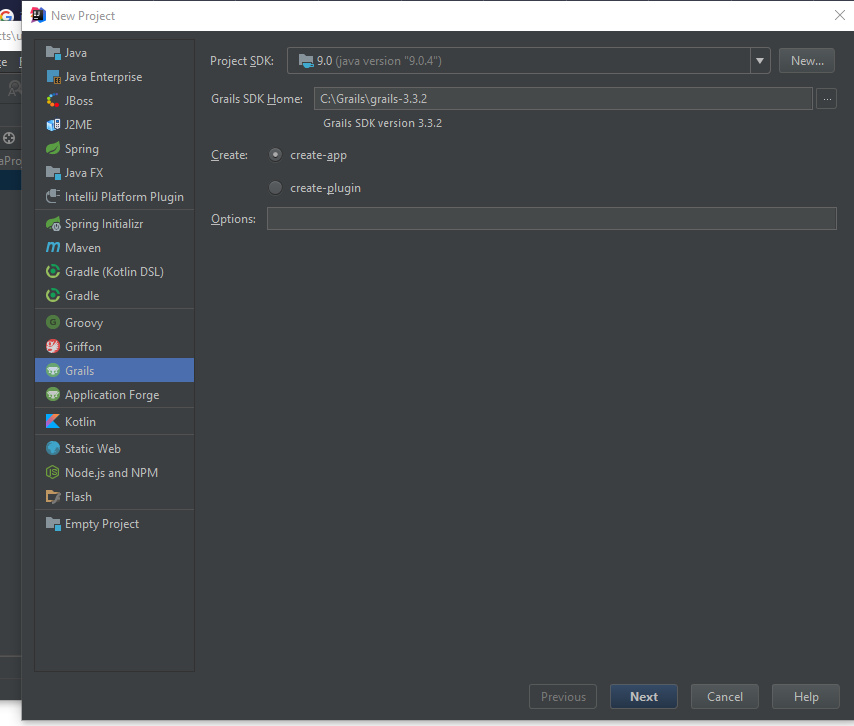
What should I do. None of the videos address this part. Kindly help me.
Try using Java 8.