Can query the DB but it doesn't show the list of tables

First off, the look and feel looks great! The only thing is it does not list the tables of my database like in the screenshot.
https://www.jetbrains.com/dbe/features/
The database is SQL Server.
Can't wait for the full release of OxDBE. Thanks for the good work!
Please sign in to leave a comment.
Hello David,
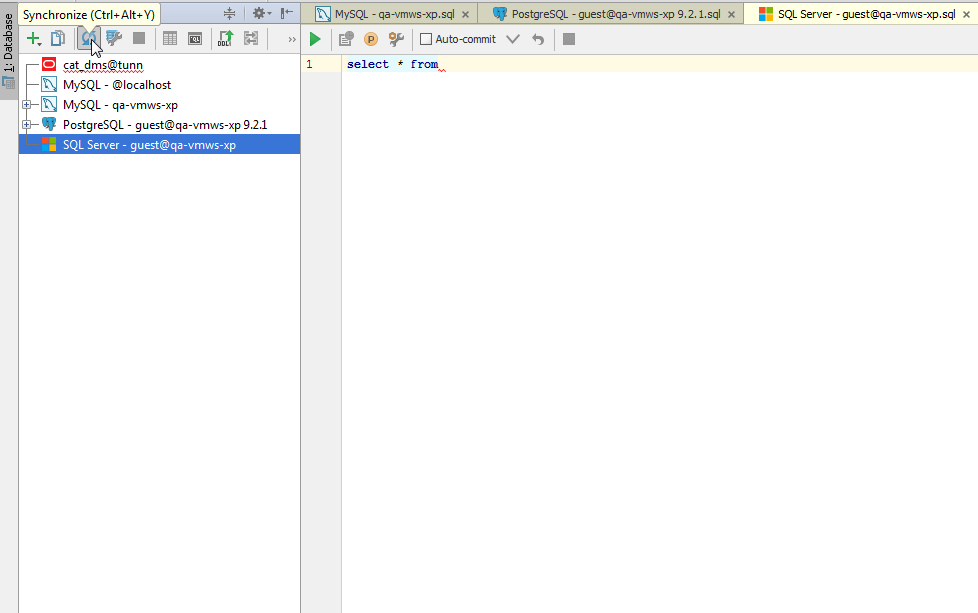
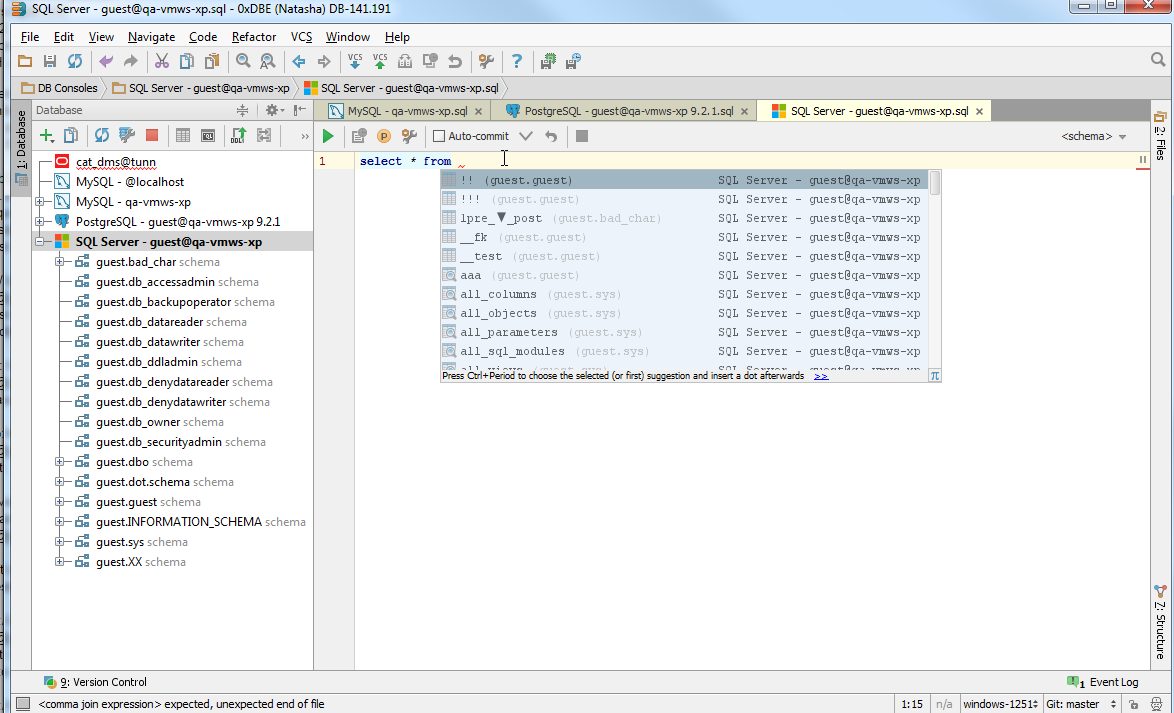
Please try invoking synchronize button for the selected MSSQL datasource, which you use. See the screenshots below.
Then tables list should be available in completion:
Awesome Audrey, it works!!
It took quite a while though to load everything (78s), but it may be because I am on the VPN. I'll try again from the office next week.
It's a bit faster (51s). It's not a big deal after all since the metadata is cached between restarts.
Thanks I'm quite happy with the product so far.
Thanks for the feedback!
Hello:
I am using DataGrip version 2017.3 and executing the synchronizing action doesn't refresh the tables properly. As an interesting tidbit, the database was restored from a backup. I am using sql server 2008 r2.
I looked at the statement that DG uses to refresh the objects:
declare @p1 int
set @p1=8
exec sp_prepare @p1 output,N'@P0 int,@P1 datetime',N'select object_id,
name,
rtrim(type) as type,
create_date,
modify_date,
is_ms_shipped
from sys.all_objects
where type in (''U'',''S'',''IT'',''V'',''FN'',''IF'',''P'',''X'',''PC'',''TF'',''TT'')
and schema_id = @P0
and modify_date >= @P1
order by create_date',1
select @p1
(btw, when I paste the code, the indentation spaces are removed)
If the objects have been restored from a backup then this approach won't work. Is there a way to do a "full" synchronization?
I fixed this by removing and adding back the datasource. I think that's unacceptable, once added, the datasource should always work.
Thanks
This is still a problem for me in 2018.2.2 with SQL Server 2016.
All of the schema initially loads correctly when I first add the data source, but sometimes when I open Datagrip again there are only 4 or so tables (There should be over one thousand in my database). Clicking synchronize appears to do something but then the missing tables are not added. I have managed sometimes to get it to work if I click 'Introspect using JDBC metdata', synchronize and then untick this again and run synchronize a second time. Whenever it synchronises without 'Introspect using JDBC metdata', it says its introspecting incrementally.
I suspect there is a problem with the incremental introspection where it's being too lazy and not looking for all the tables that are missing, and maybe there's a circumstance where the inspection state is not correct
@Sam this worked for me, thanks!
Activating 'Introspect using JDBC metdata' helped.
There is no "Synchronize" button anymore.
Try "Force Refresh". See my comment https://intellij-support.jetbrains.com/hc/en-us/community/posts/115000082950-DataGrip-not-list-tables-?page=1#community_comment_7249570668050