Checkout from SVN/ creating a project with exact same folder structure

Hi there,
i seem to be unable to checkout some HTML/PHP pages from SVN and retain the exact folder structure. idea 12 still wants to include thousands of root folders..or none at all
first: i use "checkout from VCS" in the project screen, getting to the SVN dialog selecting the branches-folder und check them out, afterwards create a new Project, now i have a million folders it want as root folders... :(
i don't want
/branches/branch1/html/js ,
/branches/branch2/html/js as root folders
i want /branches/ !!
why is that vastly more complicated than , say, eclipse or netbeans?
how do i accomplish that idea12 follows the folder structure my way?
would be nice if someone could tell me why it behaves like this
Please sign in to leave a comment.
Jan,
are you talking about project roots or VCS roots? Could you please attach some screenshots?
this is my structure inside our SVN
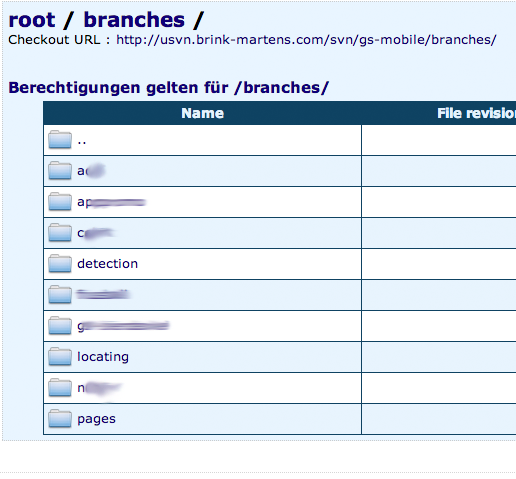
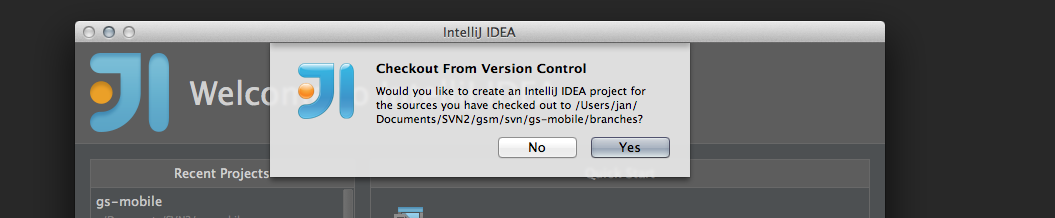

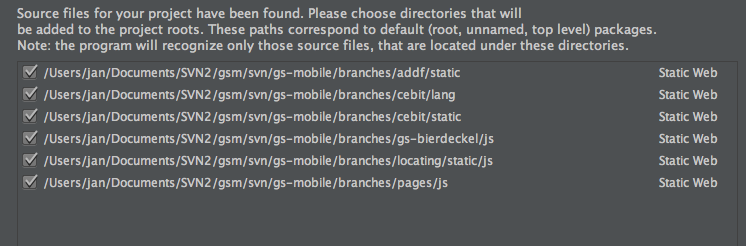
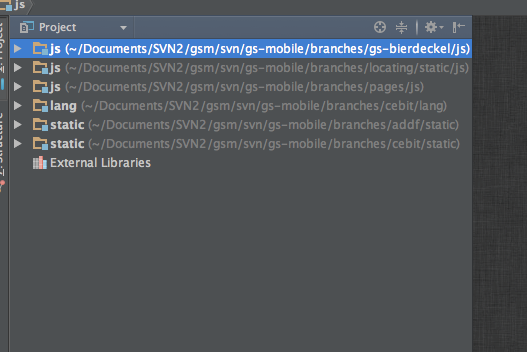
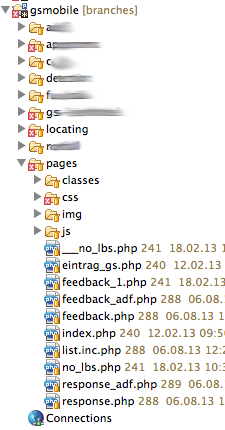
when i check out the 'branches' folder
i end up with this, i do not understand what i am doing wrong:
but it should be like this (taken of eclipse i'm working in right now):
Hello!
please try the following:
- clear the checkboxes for all roots (just press Unmark All button) in Import project dialog, press Next, then Finish
- when the project is crteated, open the Project Structure (File/Project Structure)
- select Modules, hit Alt+Insert to add a new module
- in New Module dialog, choose Static Web/Web module, make sure to choose your branches folder as a content root
This should do the thing