npm install 'package' fails with Connection Refused

I use WebStorm 8.0.4
When creating or managing applications in Windows (8.1 Enterprise)
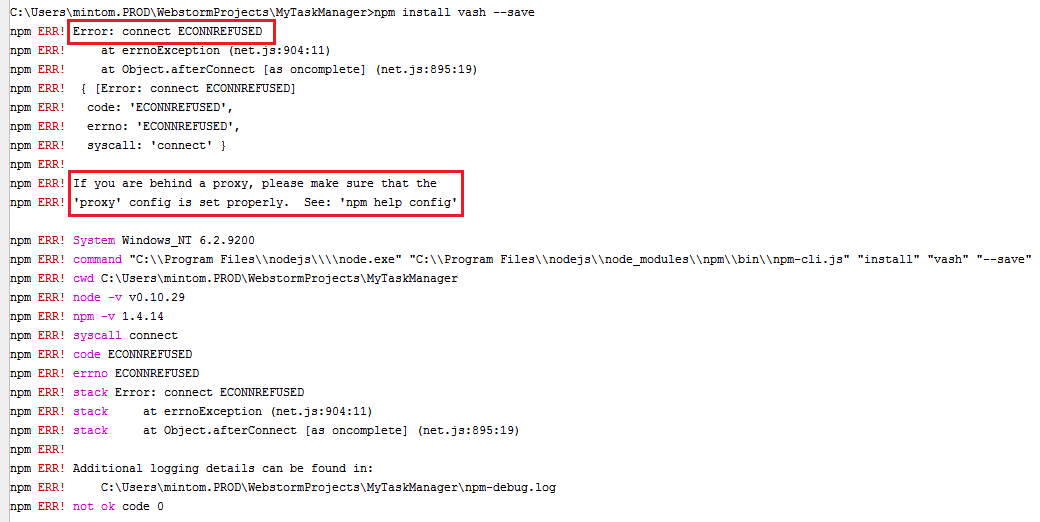
If I try to install any package E.g. Express, Grunt or Vash using the WebStorm 'Terminal' window, I receive the following message:
C:\Users\mintom.PROD\WebstormProjects\MyTaskManager>npm install vash --save
npm ERR! Error: connect ECONNREFUSED
npm ERR! at errnoException (net.js:904:11)
npm ERR! at Object.afterConnect [as oncomplete] (net.js:895:19)
npm ERR! { [Error: connect ECONNREFUSED]
npm ERR! code: 'ECONNREFUSED',
npm ERR! errno: 'ECONNREFUSED',
npm ERR! syscall: 'connect' }
npm ERR!
npm ERR! If you are behind a proxy, please make sure that the
npm ERR! 'proxy' config is set properly. See: 'npm help config'
All attempts at configuring using 'proxy' config have not solved the problem
I have attached my npm-debug.log file for reference, as well as a screen shot of the terminal log
My current corporate proxy is : 'DCSTR-PROXY02.network.prod.hwc.internal:3128'
Could someone offer their advice on configuring node package manager for use behind a corporate proxy.
Regards
Michael Minto
Attachment(s):
npm-debug.log.zip
WebStorm_NpmInstallFails.png
Please sign in to leave a comment.
How did you set up your npm config? What does it look like? Please run 'npm config list' in Windows cmd console and provide the output
CURRENT CONFIG LIST
npm config list
; cli configs
registry = "http://registry.npmjs.org/"
user-agent = "npm/1.4.14 node/v0.10.29 win32 x64"
; userconfig C:\Users\mintom.PROD\.npmrc
https-proxy = "http://dcstr-proxy02.network.prod.hwc.internal:3128/"
proxy = "http://dcstr-proxy02.network.prod.hwc.internal:3128/"
registry = "http://registry.npmjs.org/"
strict-ssl = false
; builtin config undefined
prefix = "C:\\Users\\mintom.PROD\\AppData\\Roaming\\npm"
; node bin location = C:\Program Files\nodejs\\node.exe
; cwd = C:\Users\mintom.PROD\WebstormProjects\MyTaskManager
; HOME = C:\Users\mintom.PROD
; 'npm config ls -l' to show all defaults.