No Django support installed in selected interpreter

I am using Python 2.6 on Mac OS 10.6.5. I installed Django using the MacPorts install and when I tried to create a new Django project in PyCharm, I got a "No Django support installed in selected interpreter" for my only installed Python interpreter:

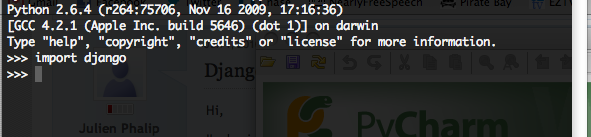
I can import the module from the console:
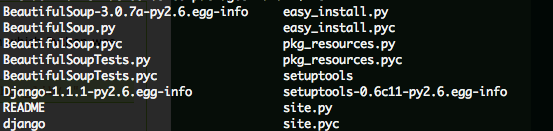
The package is properly installed in my site-packages folder:
Any help would be much appreciated!
Attachment(s):
Screen shot 2011-01-01 at 4.17.21 PM.png
Screen shot 2011-01-01 at 4.00.04 PM.png
Screen shot 2011-01-01 at 4.08.24 PM.png
Please sign in to leave a comment.
Hi Mike.
Why is the python console reporting version 2.6.4 and pycharm reporting 2.6.1? Perhaps that's the problem. Do you have multiple versions of python?
jm2c
This happened to me on my initial install as well (on windows 7 with python 2.7).
The fix was:
file -> settings -> python interpreter -> reload