How do I make a quick change the syntax highlighting for one file

I have e.g. a html file and want to see it in the syntax highlighting of javascript.
How do I change this quick only for the current file and for this session?
Sublime Test 2 has this in the right bottom corner.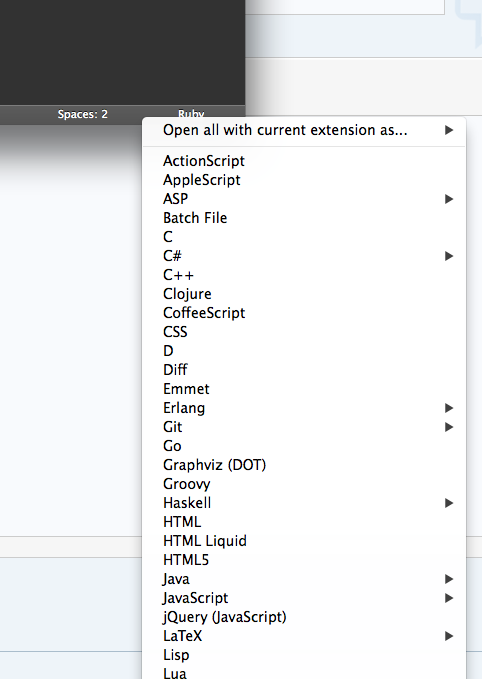
Please sign in to leave a comment.
Why do you need this?
Regards, Oleg.
because I have for example handlebars files with html extension.
Or when i have handlebars.erb files the syntax for handlebars are not there.