How to use domain creds on a datasource

I'm new to using IntelliJ for my database connections and I'm sure I'm missing something simple. How do you use domain credentials with setting up a datasource? For example in the username field, I tried "MYDOMAIN/username" but it still says it's an invalid login. I've checked with other SQL editors and I do have authority to access that server and database. Any help would be appreciated.
Please sign in to leave a comment.
Hello.
What is the build number of your IDE? Please check About dialog.
Regards,
Alexander.
Build #: IU-139.1117
Is your database a MS SQL Server? Then the data source properties should include "Use Windows domain authentication" check box. Is it relevant to your case?
Regards,
Alexander.
It is a MS SQL Server but I don't see the checkbox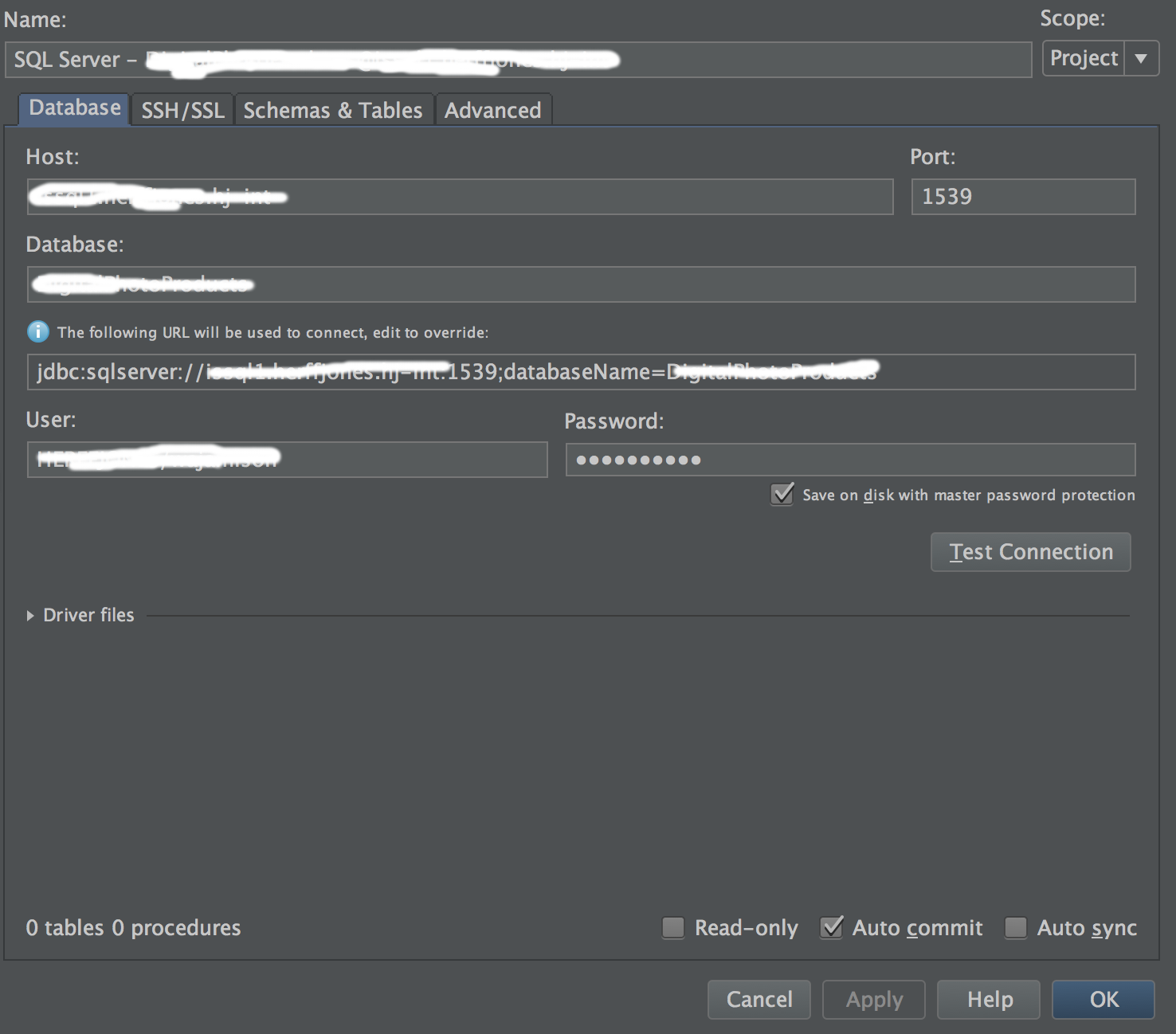
Can you try to create another data source: is the check box present?
Thanks,
Alexander.
Still no checkbox...
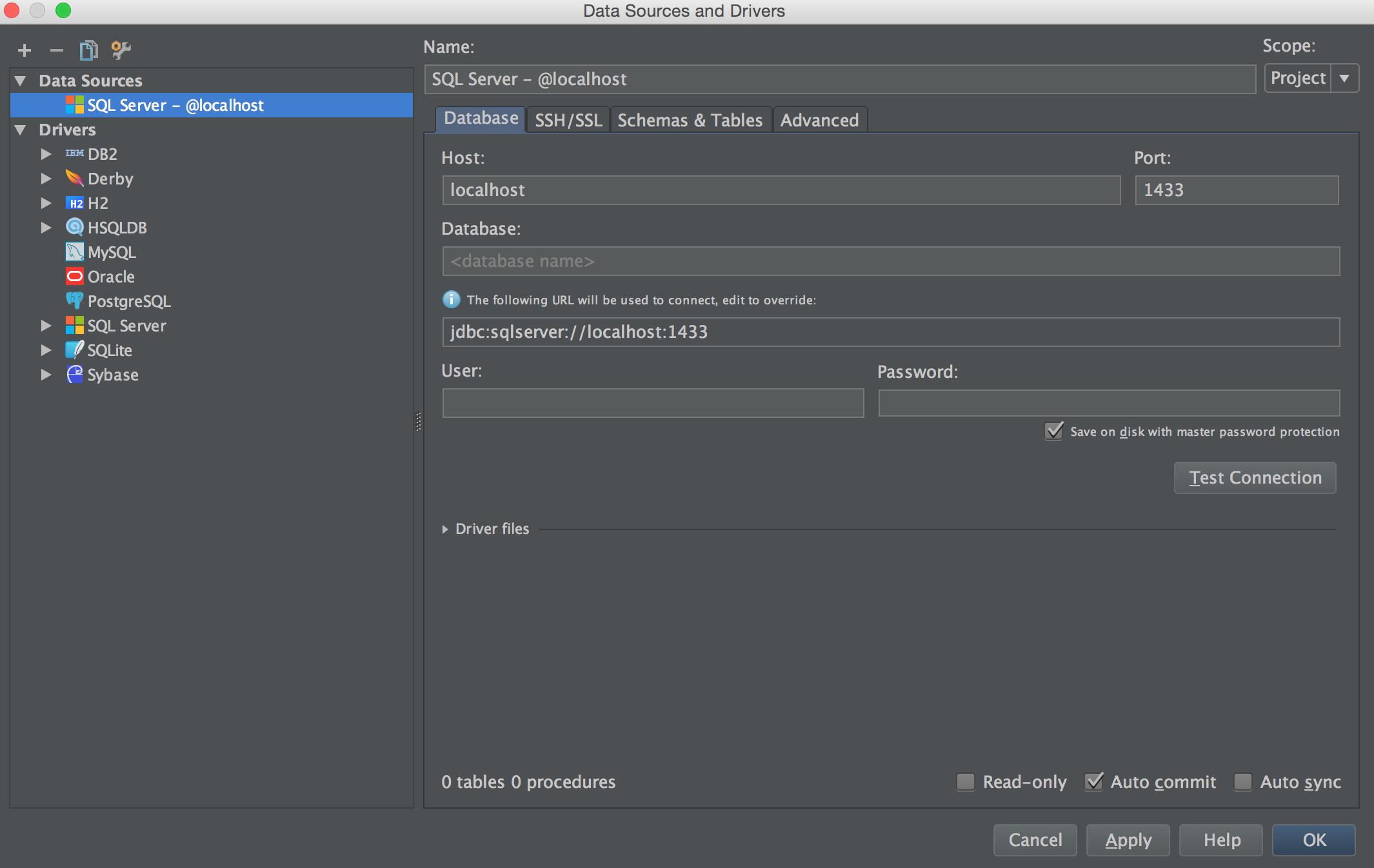
Looking at the screenshot I can suppose that you're on Mac? If so then sorry, domain authentication is supported only for Windows. I will show this topic to our developer to check it is possible to improve this.
Regards,
Alexander.
Thank you. That would be appreciated.
Meanwhile, I've searched the web and found something about connecting from Mac.
For example, this link: http://stackoverflow.com/questions/11234931/windows-authentication-for-sql-server-using-jbdc-on-a-mac
At least one mentioned way seems to work from IDEA. I've set up a connection with jTds driver (not native MS driver). Provided all parameters like host, port, database. Then added to the URL the following parameter: ";domain=MY_DOMAIN_NAME". Set User = My.Domain.User, Password = My_Domain_Password. It works for me from Mac.
Regards,
Alexander.
Thank you. I got that to work :)