Disable spell checking by default (global options)

Hello,
I want to disable spell checking by default for all projects. On startup (with no project opened) I disabled it in preferences and project defaults but when I create a new project it is still enabled. How can I set global options for all projects?
Thanks
Please sign in to leave a comment.
Hello.
Can't reproduce the problem. In Project Default settings select Inspections page. For me Project Default inspection profile is active there. Disable the Spelling group (containing the single Typo inspection). Create new project, check Inspections: the Typo is disabled. Create a java class with some "typo" identifier: no warning is shown.
What step in my description works different to you?
Regards,
Alexander.
Hello,

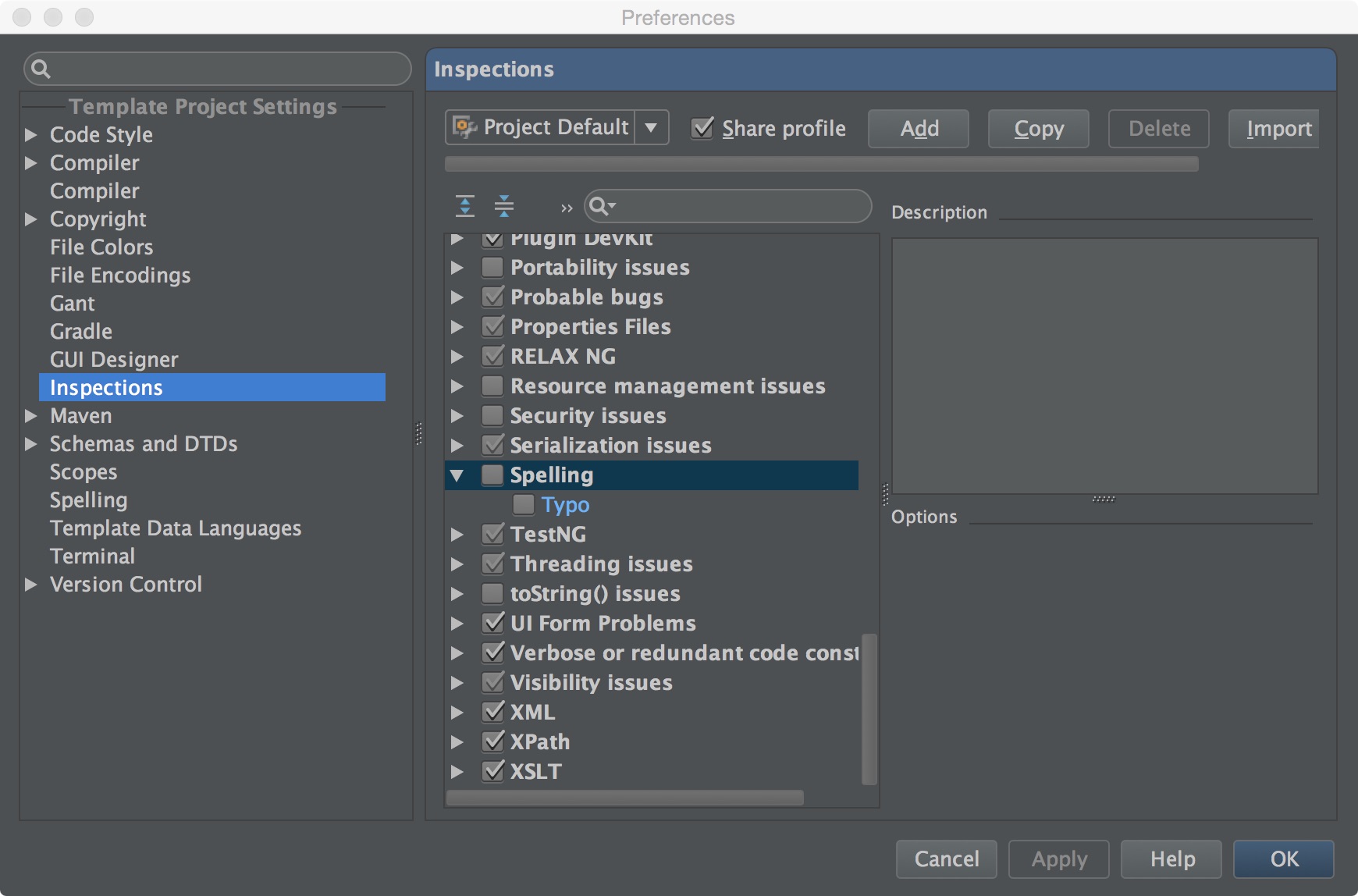

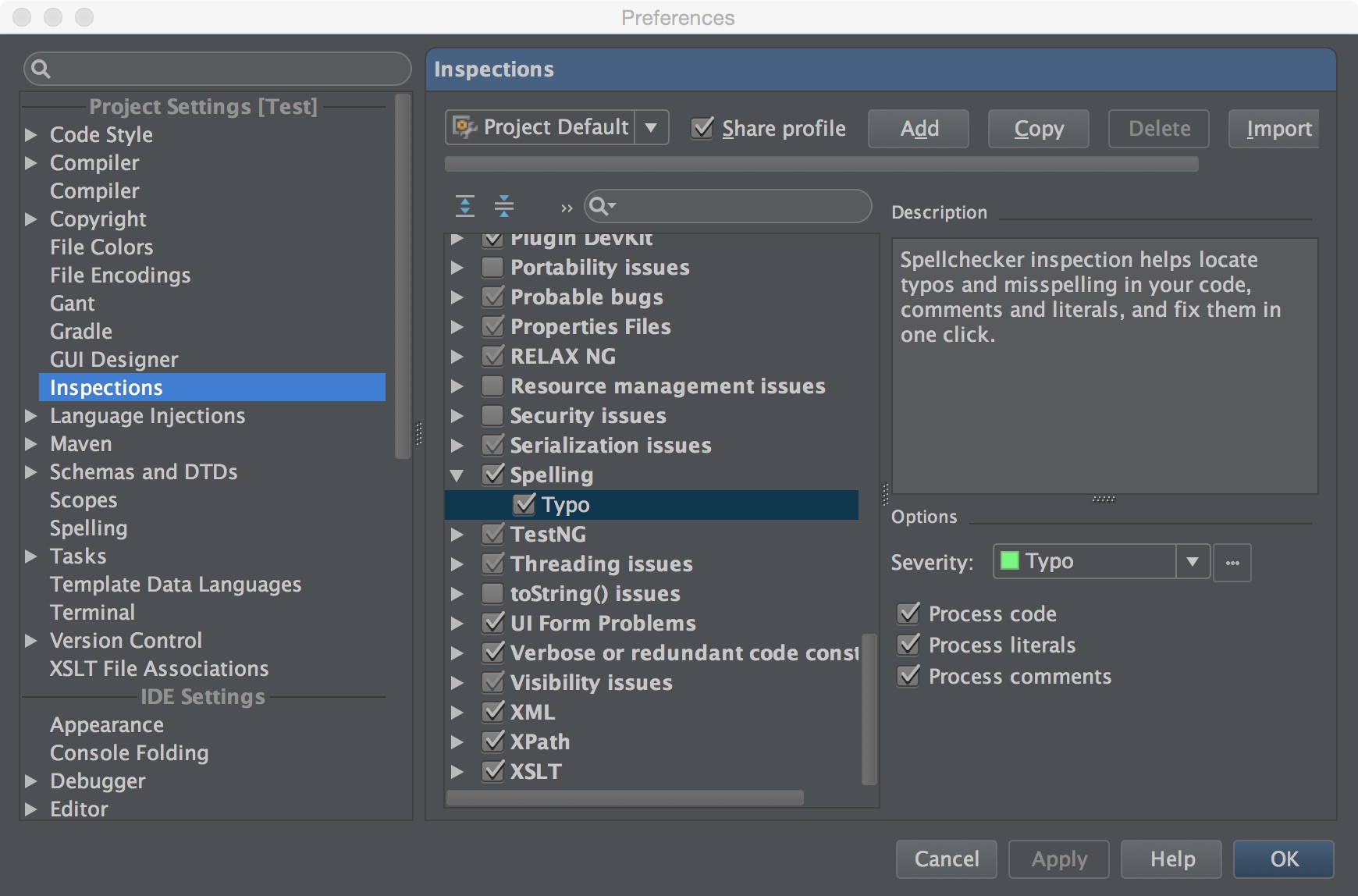
Here is what I did:
Open Project Default settings window.
Uncheck Inspections/Spelling/Typo.
Create a new project. Spelling still seems to be checked.
When I open Preferences now (I still have the project opened) Inspections/Spelling/Typo is checked.
How can I solve this?
Thanks for your time.
Thank you. The same steps like you show on the pictures work for me. Looks like a bug, but we should know how to reproduce it.
Is that Mac OS X? What IDEA version do you use?
Beside that: once you have created new project, and see that the inspection is On again, please check project defaults again. Is your change in project defaults is still there, or is it lost?
Regards,
Alexander.
In Project Defaults the setting remains unchecked. I am using OS X 10.10 and IntelliJ IDEA 13.1.5 CE.
I've checked the same IDEA version on Mac OS X. Still can't reproduce.
However, your description of the problem is clear enough. Please, file an issue into our bug tracker (right now under maintenance, hopefully should be alive soon). Maybe our developers can suggest something: https://youtrack.jetbrains.com/issues/IDEA
Thank you for your patience,
Alexander.
Thanks for your help. I will do that.
One question though, why are the options Spelling and Typo colored blue (see the second screenshot).
Blue color means a difference from the value in default inspection profile.
I came here because I was looking for this exact information. Spell checking, especially on variable names must be the lamest feature of Intellij Idea, or any IDE for that matter. Period.