yeoman in webstorm terminal

Hi -
(I'm really weak with using terminal)
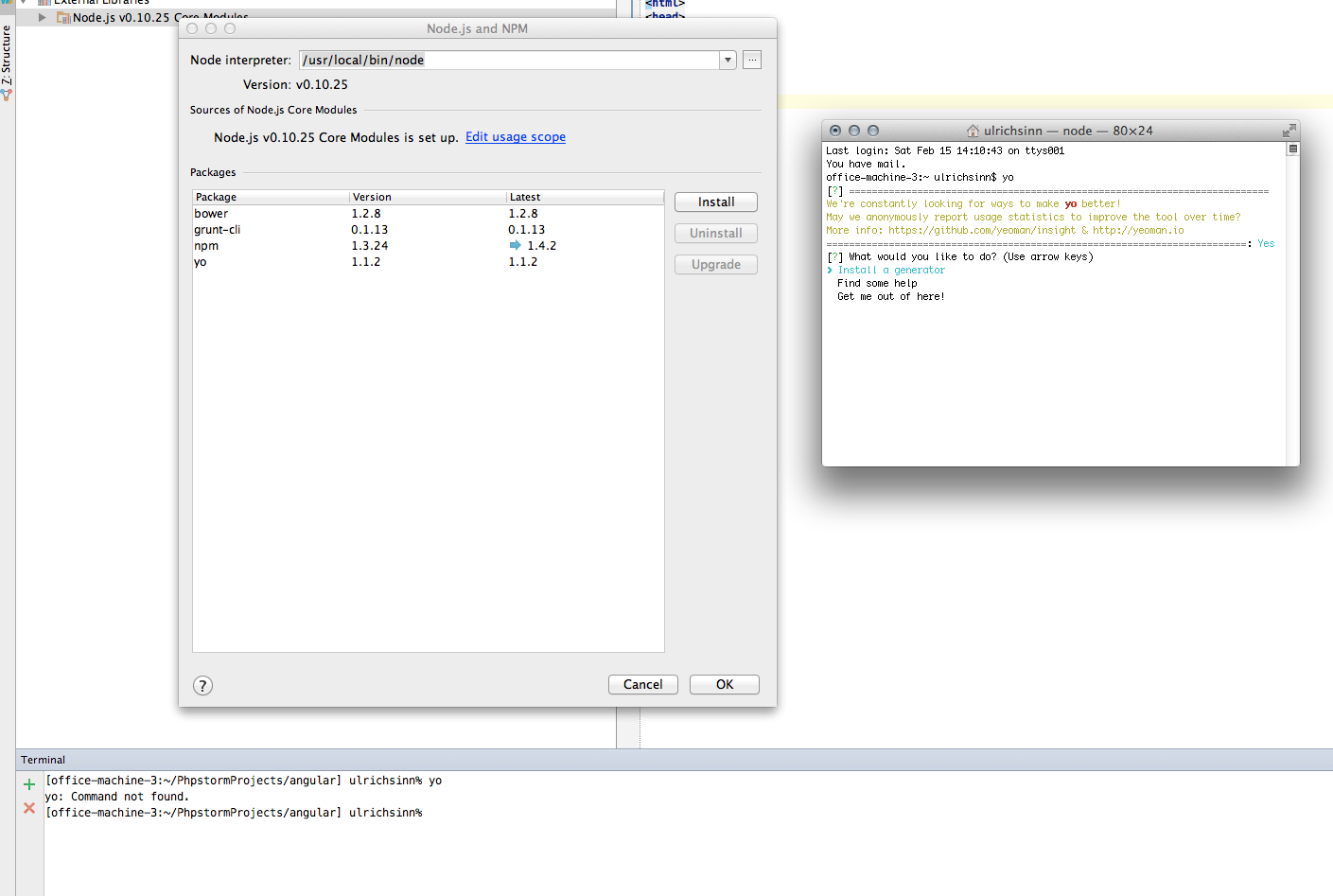
I have npm and yeoman successfully installed into "/usr/local/bin/node", but when I try to run yo from the webstorm terminal I get a "command not found". Which steps havbe I missed?
thank you!
Attachment(s):
Screen Shot 2014-02-15 at 15.01.27.png
Please sign in to leave a comment.
found (one possible) answer here:
http://devnet.jetbrains.com/thread/452524?tstart=30
this works, is this how I have to do it?
On MacOSX 10.8 and later, launching from terminal is the most suitable solution
On earlier versions, the solution is to modify
See http://apple.stackexchange.com/questions/57385/where-are-system-environment-variables-set-in-mountain-lion