how to add another project to an intellij project build path ...

i have created a project A, and i need the add another project B to the project A build path.
to slove this issue we use "Java Build Path -> Projectes -> Add" in eclipse
what should i do in intellij??
Please sign in to leave a comment.
Hello beneo,
A and B should be modules rather than projects, and you should add a dependency
on B in the Project Structure | Dependencies tab of module A.
--
Dmitry Jemerov
Development Lead
JetBrains, Inc.
http://www.jetbrains.com/
"Develop with Pleasure!"
Hello,
Eclipse project ~= IJ module (check this page for the terminology).
So, you need to define one module as dependency for another one.
Denis
On the Dependencies tab, there is no add button.
![blogcluster - [-home-saarixx-IdeaProjects-blogcluster] - IntelliJ IDEA 10.0.1_003.png](http://adm-10980.intellij.net/zendesk-forum-storage/jc/5284490/blogcluster%20-%20[-home-saarixx-IdeaProjects-blogcluster]%20-%20IntelliJ%20IDEA%2010.0.1_003.png)
Hello beneo,
There will be one if you resize the dialog.
--
Dmitry Jemerov
Development Lead
JetBrains, Inc.
http://www.jetbrains.com/
"Develop with Pleasure!"
hi, in intellij, i created maven project clustering-antispam, then, i created maven module client and maven module clusterdemo.
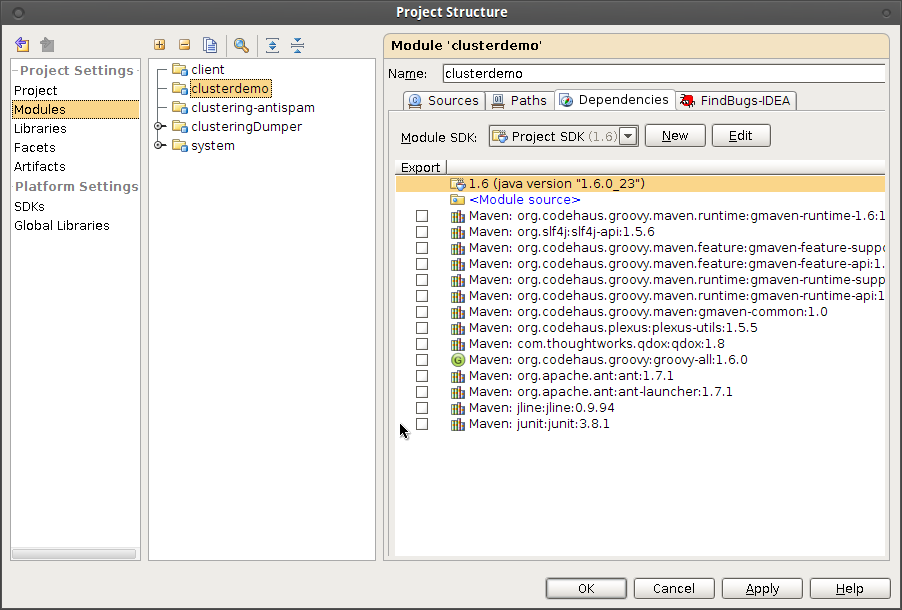
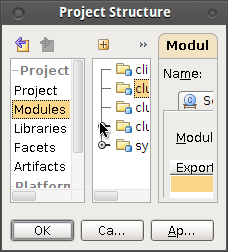
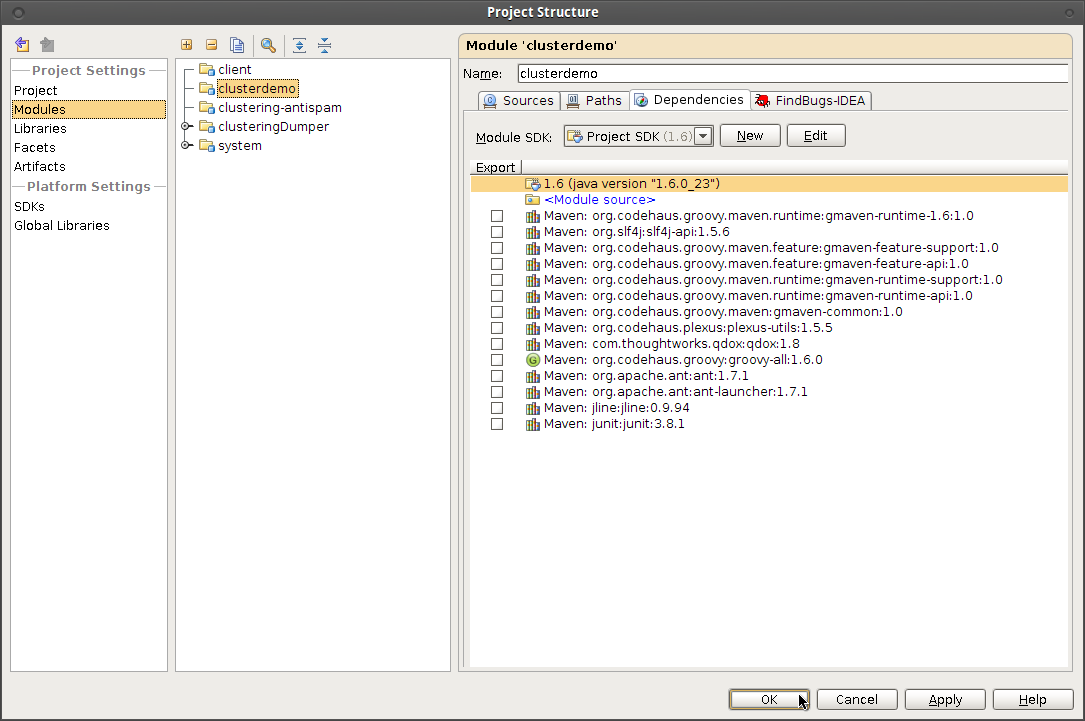
and i use your way to define one module as dependency, however, there is no add button, and i resize all the dialog.
any idea?
i resize
resize
and resize
and there is no "add" button
i uninstall the findbug plugin
and see the add button finally!!!
WTF
Hi beneo,
Cool, glad to see that it works finally. Unfortunately we can't guarantee correct behavior for third-party plugins.
Regards, Denis
This solution is not working for me.
Please refer to conversation in thread
https://intellij-support.jetbrains.com/hc/en-us/community/posts/115000322004-Adding-Project-Dependancy-is-not-working?page=1#community_comment_115000346264
What may be going wrong here ?