Disable all documentation pop-ups in Rubymine 2016.1

I'm new to and evaluating RubyMine, strongly considering switching from another editor. The one thing I can't seem to figure out is how to disable the "Documentation" popup whenever I hover over nearly any variable for less than 1 second. It seems that when I'm using RubyMine, unless I'm moving the mouse around constantly, when I look back to the window I see something useless such as this in the middle of my screen:
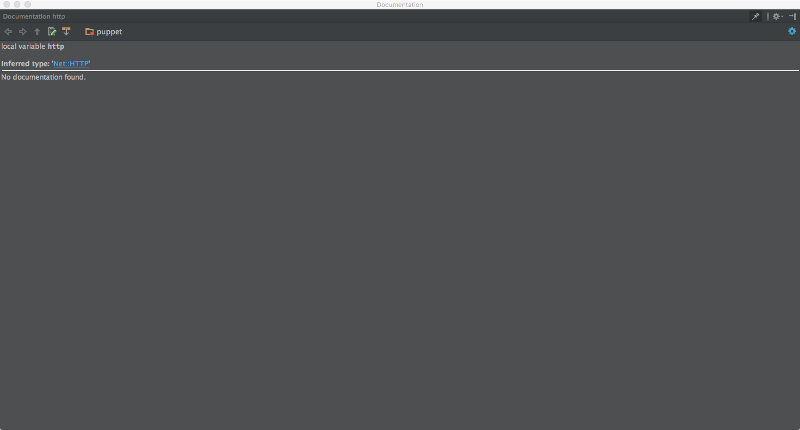
Settings I have tried:
- Editor > General > Code Completion: Unchecked all "Autopopup" options. Set "Autopopup documentation in (ms)" to a very large number. Set "Autopopup in (ms)" to a very large number. Restarted IDE after making settings. Settings are saved but it has no effect on behavior.
- Unchecked all options in settings matching "Documentation"
Please help!
Please sign in to leave a comment.
Hello, Kevin,
sorry for the delay. It appears to be a known issue (https://youtrack.jetbrains.com/issue/WEB-20554 ), please try the latest EAP for 2016.2.