Pycharm freezes while executing plotly show()

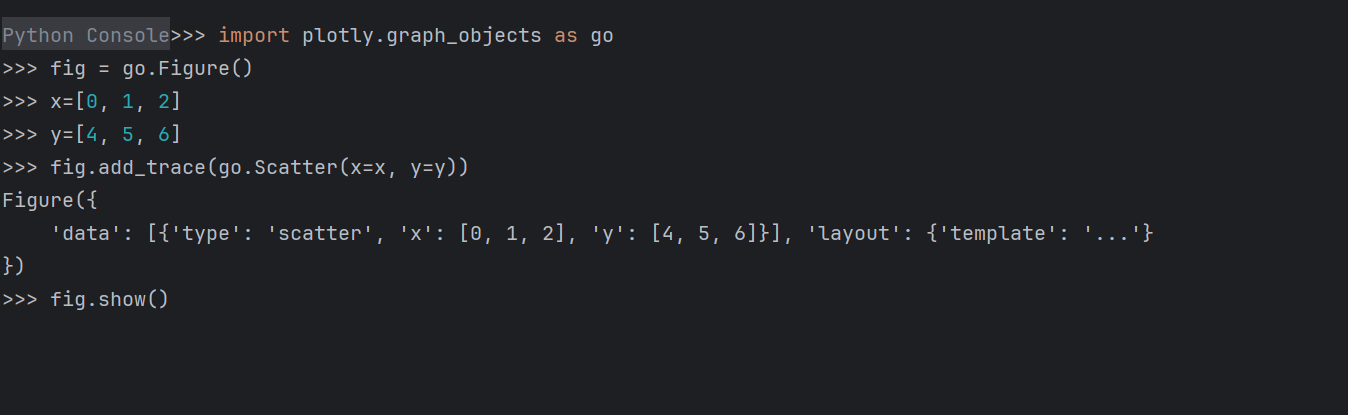
When I try to plot a figure with plotly using PyCharm the IDE freezes while executing fig.show(). No figure is opened in the browser. This happens in any python script as well as in the python terminal in PyCharm. The same lines of codes are executed successfully in a python terminal using Windows command prompt.
Python version: 3.12
Plotly version: 6.1.0rc0
PyCharm: PyCharm 2025.1.1
Build #PY-251.25410.122, built on May 7, 2025
Source revision: d31f38dce07eb
Please sign in to leave a comment.
Hello, Stefan Knauf ,
I was not able to reproduce the issue on my side. As general troubleshooting steps, please try the following:
If it does not help, please create YouTrack ticket and attach a logs archive, which can be found under Help | Collect Logs and Diagnostic Data.