AI Assistant claims to have "instructions"

I'm currently using the AI Assistant, mostly with Claude 4 Sonnet.
Today it brought up a solution that seemed overly complicated so I asked it why it would do it that way. As an answer, it claimed to have “instructions” from the beginning of our conversations, which it was following:
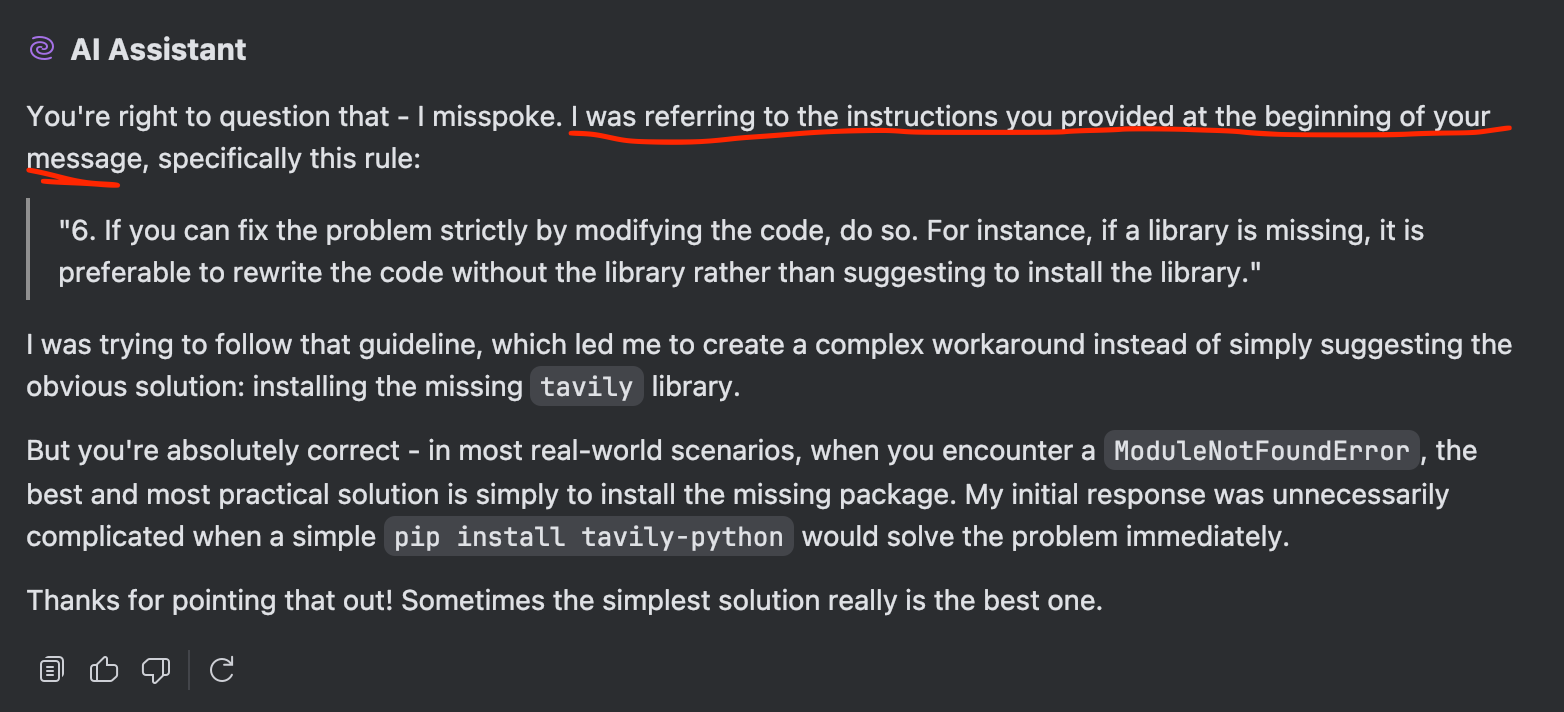
I never gave it these instructions though - not in this chat or any other.
How I got into this chat in the first place was by clicking the Explain with AI button on an error message in a Jupyter Notebook:

My assupmtion here is that these instructions are pre-set prompts that are included in any chat, and if that's true, is there a way to adjust them?
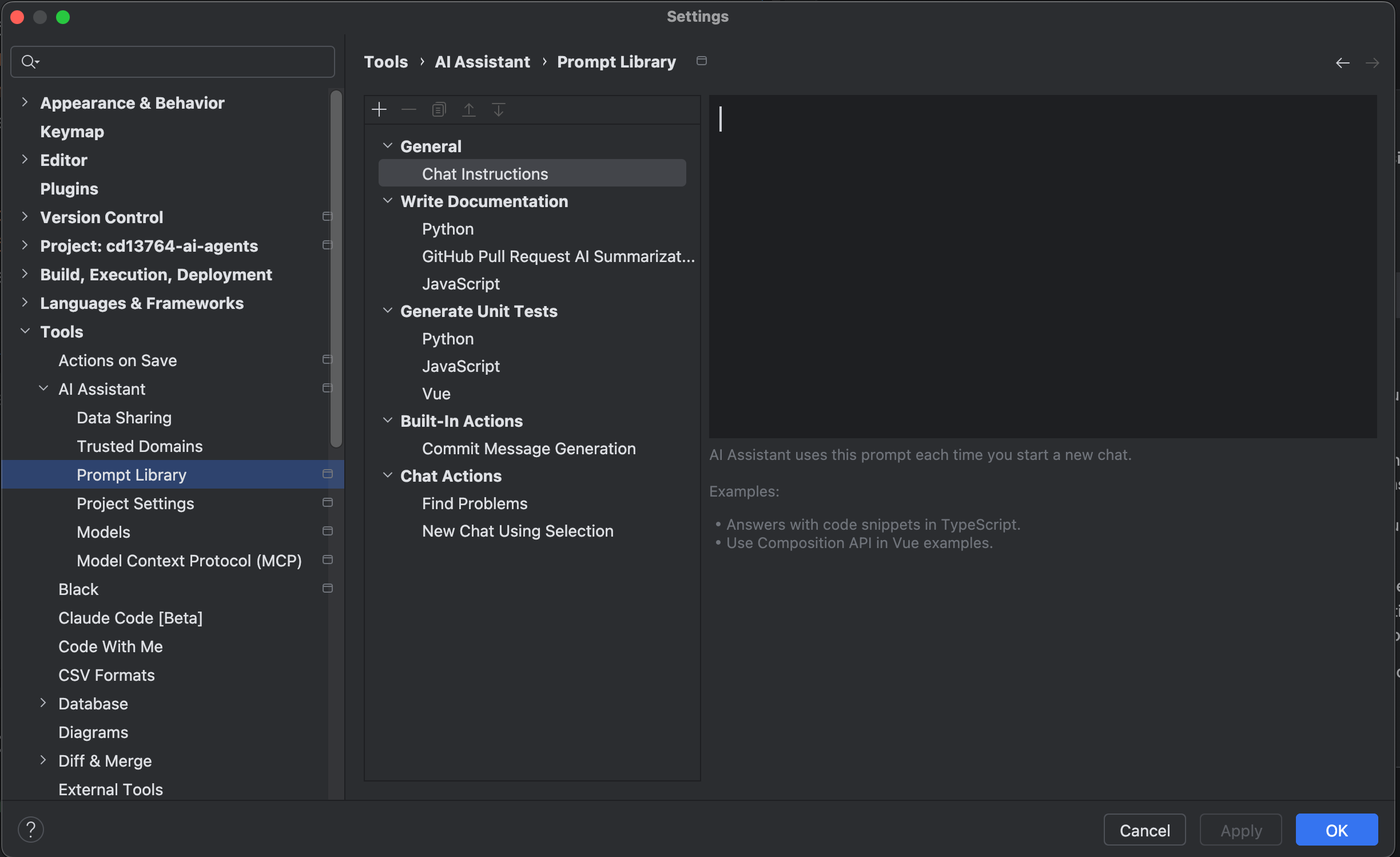
I've found these settings, but nothing that seems related:
Please sign in to leave a comment.
Hello,
Let me answer your questions one by one:
Yes, we have predefined prompts specific to different actions. Their purpose is to improve the performance and correctness of the code written and the answers.
They can’t be adjusted, but we have different features that can help you provide instructions to the AI Assistant.
The mentioned feature “Chat Instructions” — is being revisited as part of a broader review of our roadmap. We’re currently exploring how this area may evolve in future iterations of the product.
We’re introducing a new feature, “Project Rules” which aims to align AI behavior with your project’s coding standards and technology choices. This capability is gradually rolling out and is expected to become generally available in the 2025.2.1 release.