How to disable stripes for 'non-inspections' on scrollbar
Answered

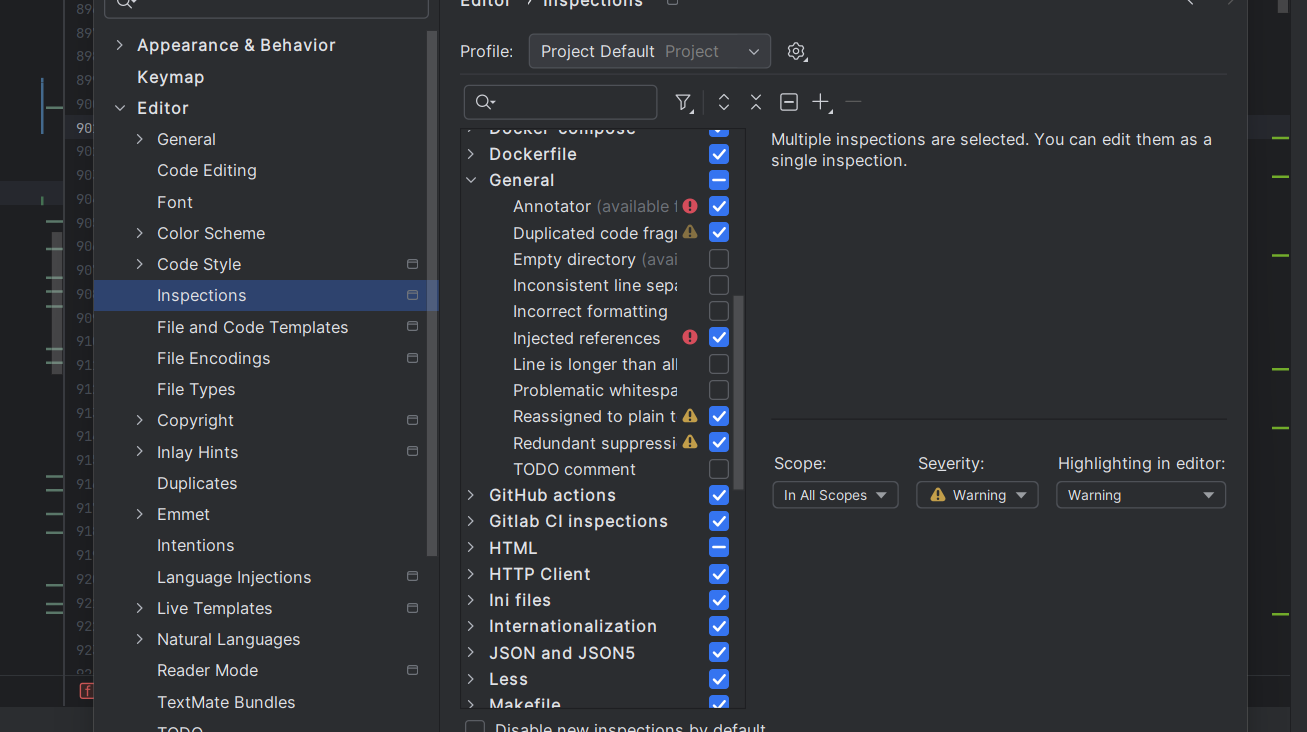
See attached. Specifically I want to disable:
- the lime green strips (on the right side of the image) showing ‘TODO’s in the file.
- the light green stripes (on the left side of the image) showing other occurrences of the type under cursor. This flash as the cursor moves around and is a visual distraction.
Please sign in to leave a comment.
Hello!
Please go to File | Settings | Editor | Color Scheme | General > Code and disable the Error stripe mark option for Identifier under caret and TODO defaults.
Thanks!