Can't find 'open on GitHub' for 'Show History for Selection' since update
Answered

Sorry if this is a duplicate- I couldn't find any mention of it. I'm not sure which update removed it, but I've been using the feature pretty often up until maybe two weeks ago.
I used to be able to go to the History for Selection window & open certain commits in GitHub to see other files that were changed in that commit. I don't see the option for opening in github anymore in that window, but I do still see it when right-clicking git blame. Does anyone know if there's a setting or configuration I change to re-enable it?
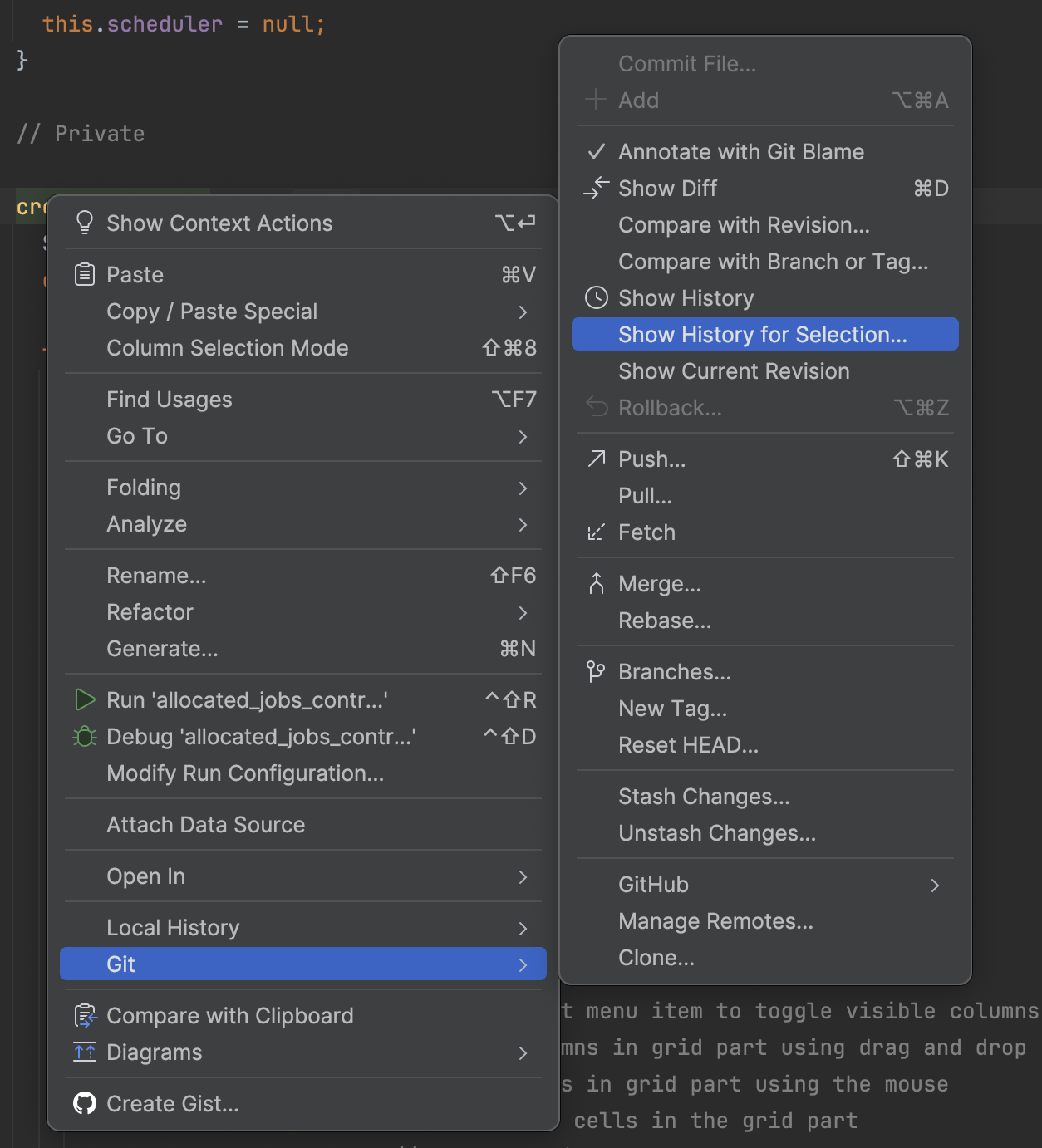
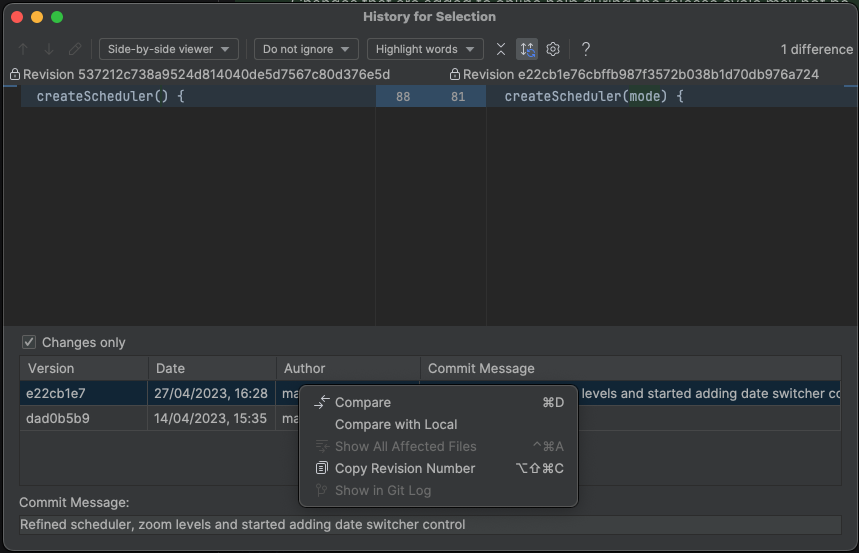
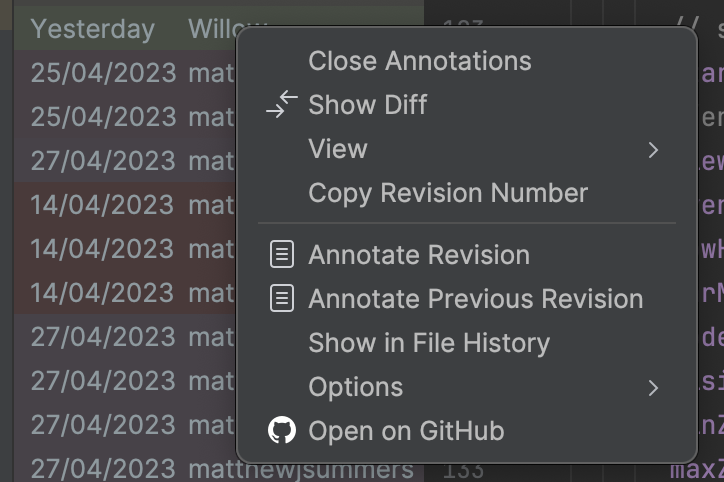
I'm using macOS 15.6 & 2025.02

Thanks!
Please sign in to leave a comment.
Could you please try it in the latest 2025.2.1 Preview build: https://youtrack.jetbrains.com/articles/IDEA-A-2100662434/IntelliJ-IDEA-2025.2-Latest-Builds#download-intellij-idea-202521-preview? I am not able to reproduce with it.
That's fixed it, thankyou!
version 2025.3.3 (253.31033.133) still has this issue.
Hi ROliveira, It looks like “Open on GitHub” action is exposed as VCS | GitHub | View in Browser
Well IDK why or how but I restarted the IDE and now I see it back at the context menu by right clicking on the file. Thanks!