I cannot open any old file in Clion
Answered

I was trying to continue my project today when I findout any file in any old project I had cannot be opened, including .cpp, .h, CmakeList and even readme. I tried to restart my PC and reinstall Clion but nothing works. Opening file in explorer and set the open method to be Clion will make the file show up in Clion for a second before dissappearing again. Any newly created project and file can be opened and edited normally. How to solve this issue.
edit:
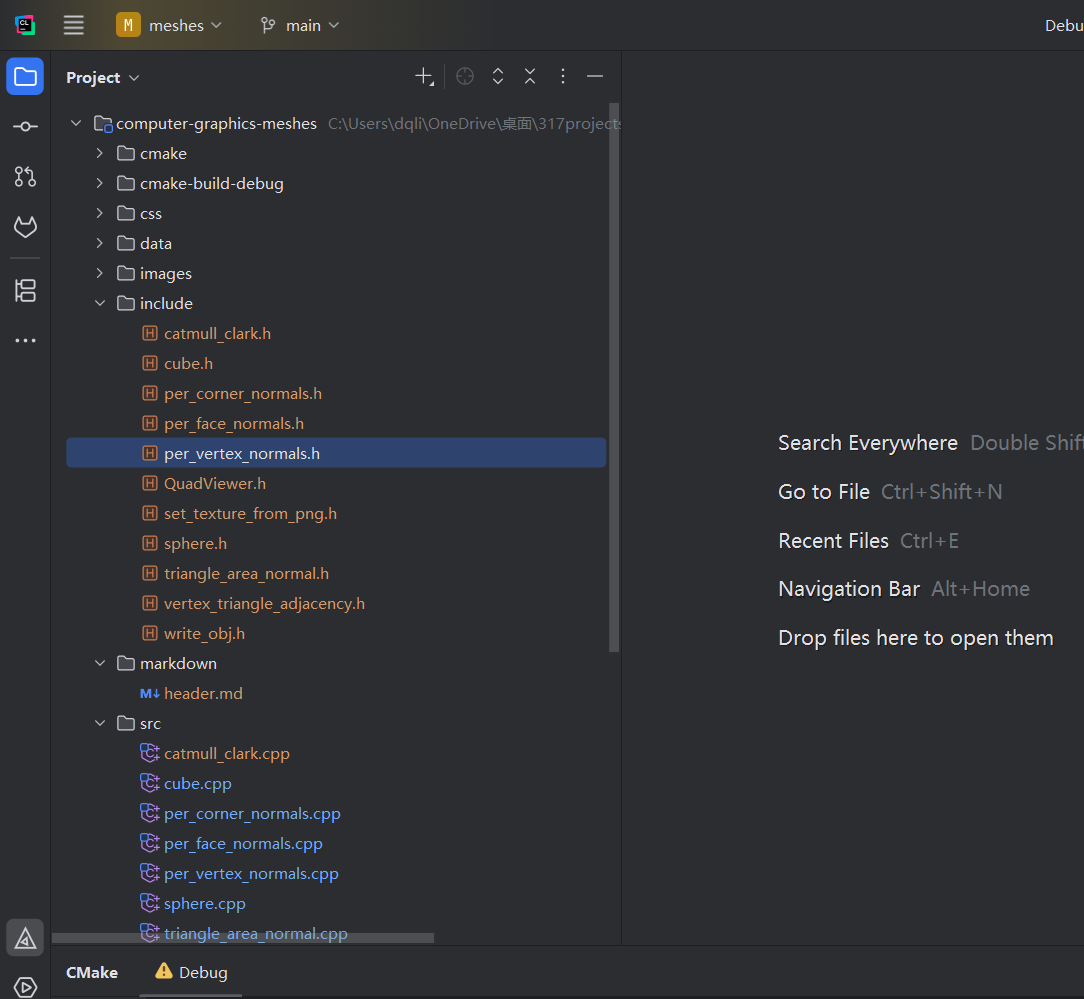
this is a screenshot as what the project looks right now, idk if anything here helps to solve the issue
Please sign in to leave a comment.
Hello!
I see that your project is located inside OneDrive.
Does it help if you disable the OneDrive's OnDemand feature - https://stackoverflow.com/a/49711909/21033369?
works! Thank you!