Can't type period (".") in the terminal

After updating to version 2025.2.4
If I type “.” in the terminal i hear an error bell.
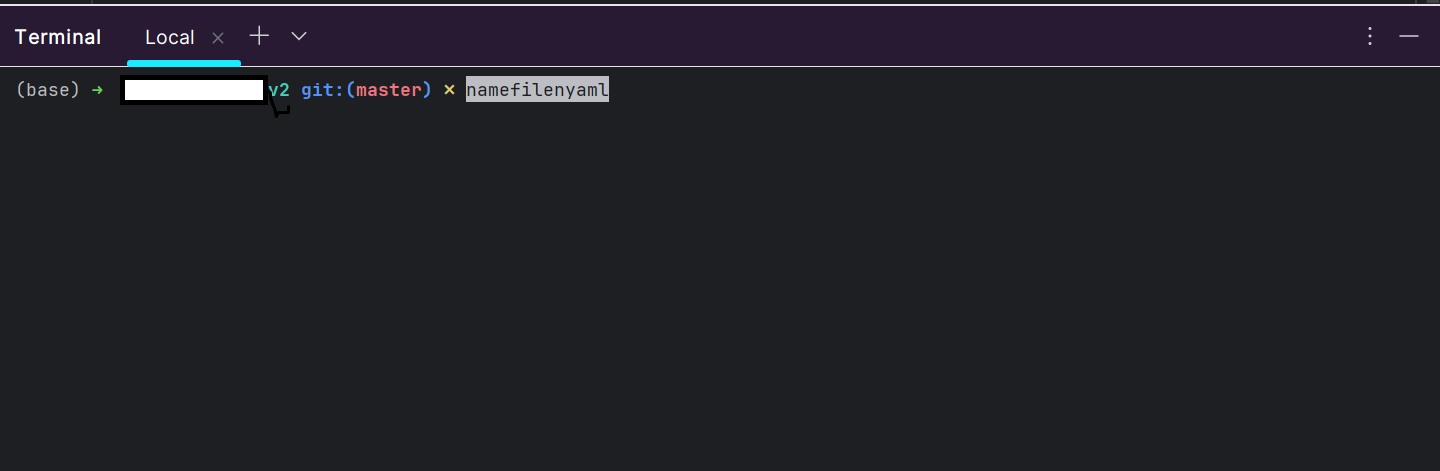
If i paste namefile.yaml in the terminal i get:
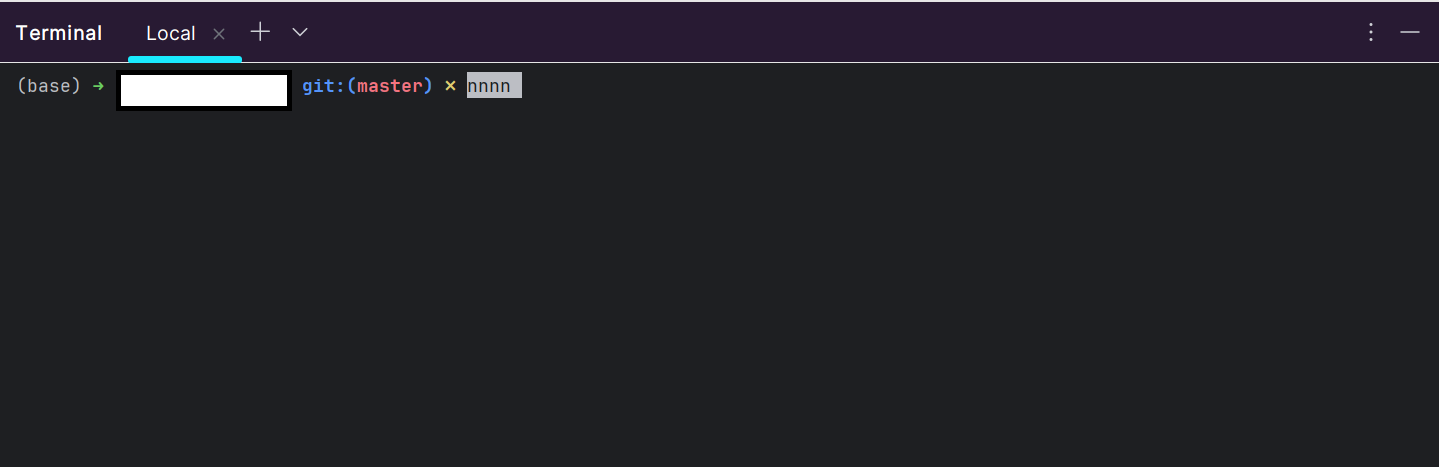
if i paste “….” in the terminal i get:
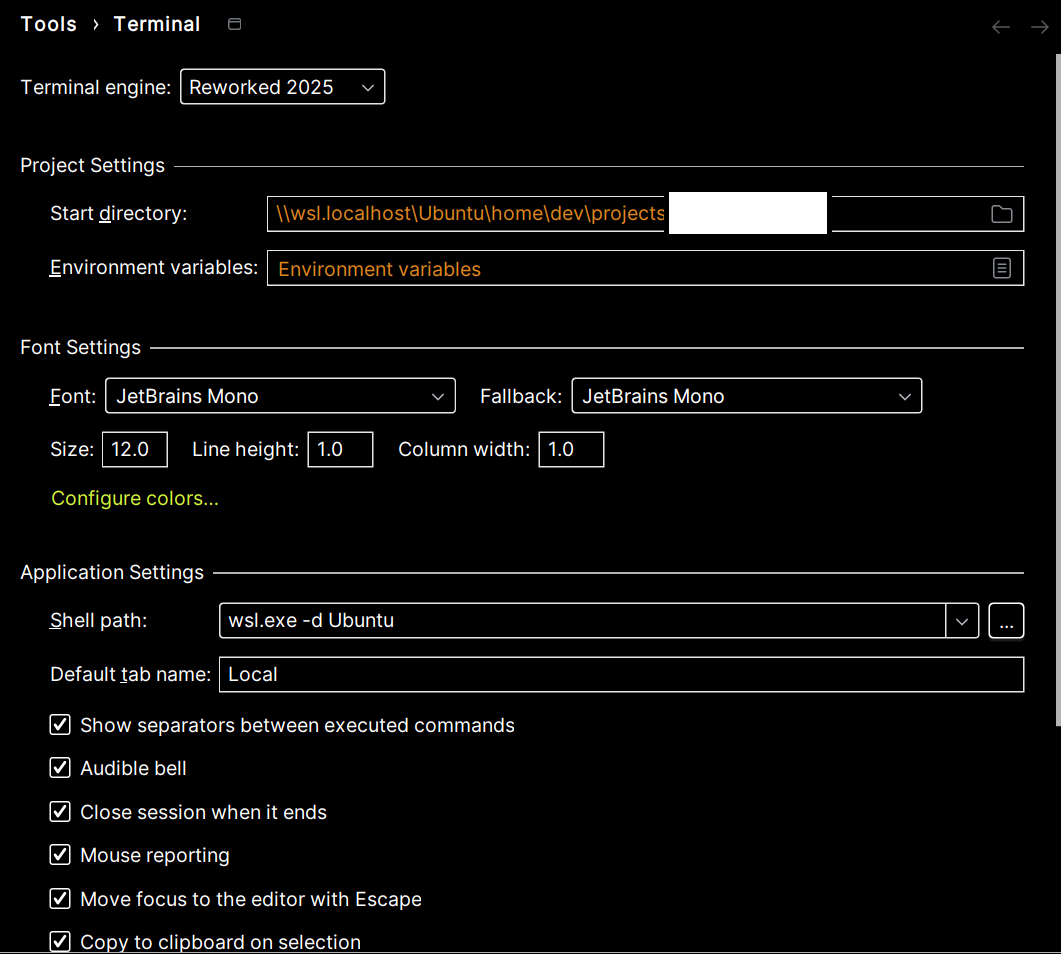
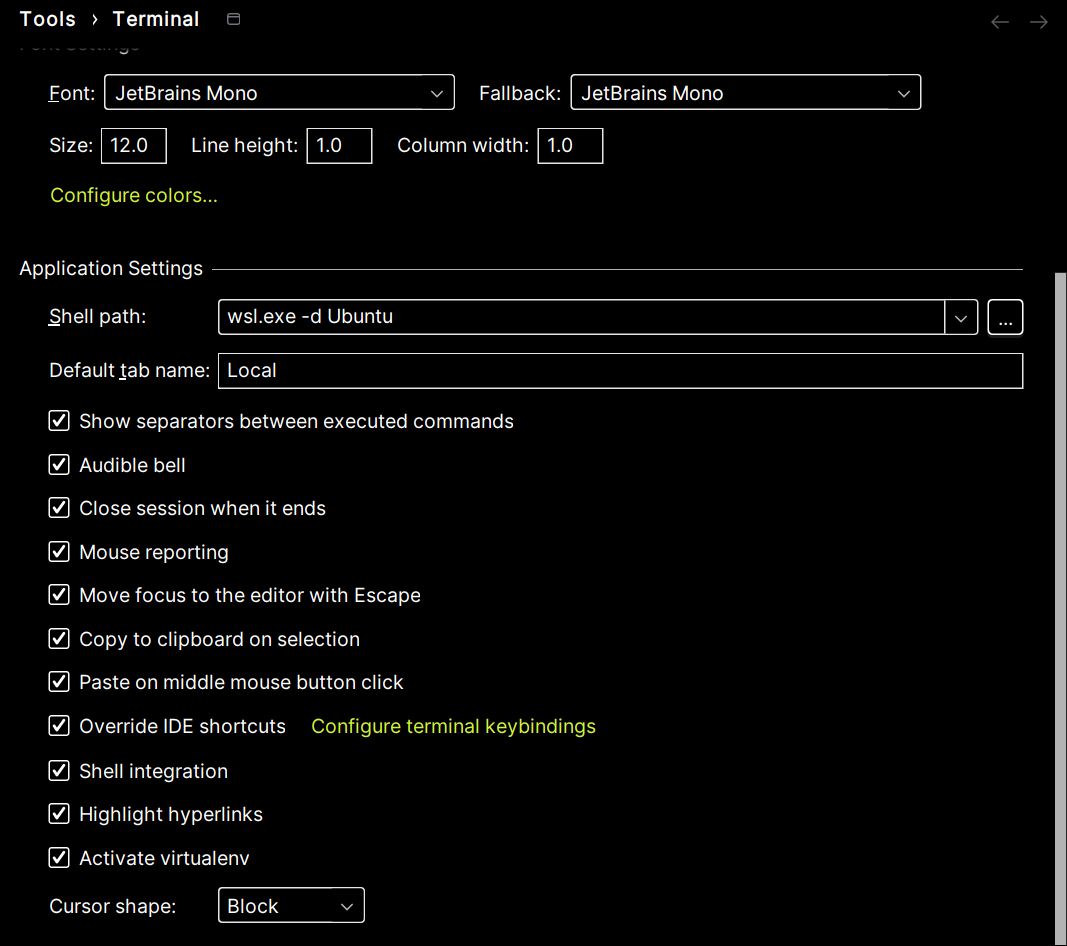
Here are terminal settings:
relevant log Upload id: 2025_11_10_AkanBp7guYd6V21Fi9pEc2 (file: idea.log)
It's driving me mad. Thanks for the help.
Please sign in to leave a comment.
Hi L Trevisani
I tried to replicate this on my end using same settings as provided by you but I am unable to replicate
Could you please try to verify if the issue is related to any non bundled plugin ?
Enabling/Disabling all downloaded plugins can be done from a single setting from Settings | Plugins | gear icon | Disable all downloaded plugins
Do you have other shell customizations which could lead to such behavior ?
Would you try a stock shell configuration in ubuntu (WSL) and let me know if the issue still happens?
I tried stock shell/bash, oh my zh, and zsh with default configurations and did not face such issue.
Kind regards,
Hi Ervis Velika , thanks for your answer.
It appears that the culprit is oh my zh, as if i return to bash the problem disappear.
If you have any suggestion on the problem i would appreciate, but in the meantime I'll try to find a solution in my configuration.
At the moment I've tried to update Oh My zh, but to no avail.
Thanks.
HI L Trevisani
I cannot replicate with stock configuration of oh my zh, so maybe removing and reinstalling oh my zh from scratch could be an option.
Otherwise if you have custom themes, changing back to robyrussell might be an option or reverting any other custom settings until the culprit is found.
Kind regards,