Issue with pycharm, jupyter notebook, and magic command
Answered

Hi all,
maybe is an error, maybe I using it wrong.
I work with phcharm, duckdb, jupyternotebook, and magic command.
When I write following command in a jupyter cell (of course, all libraries were loaded in previous cells), all works well.
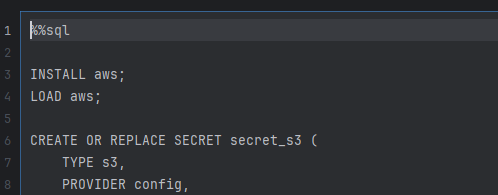
When I close pycharm and I reload the project, the magic command disapears. It also NOT possible to execute the cell again (of course I have execute all dependent cells before)

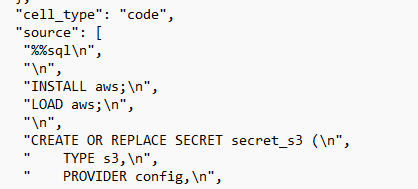
Take a look at the notebook file with notepad, the magic command is still there
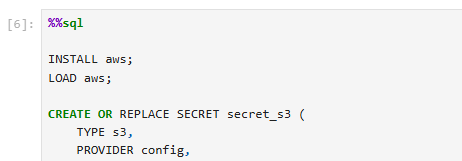
Opening the same project in the jupyter web server, the magic command is also still there
Any idea?
Thx
Thomas Moeltner
Please sign in to leave a comment.
Are you using PyCharm Pro edition? Have you tried to use SQL Cells instead of using the magic command?
I tried to reproduce both on the free and Pro version but was unable to replicate, magic command stayed after restart – Let's go ahead and create a new bug report on YouTrack and provide the exact steps to reproduce it, and please attach the zipped IDE log file from Help | Collect Logs and Diagnostic Data