Emoji Display Issues in IntelliJ IDEA 2025.2.5 on Windows 11

Hi,
I am experiencing an issue with displaying emoji characters (🟥🟧🟨🟩🟦🟪🟫⬛️⬜️) in IntelliJ IDEA version 2025.2.5 on my Windows 11 operating system.
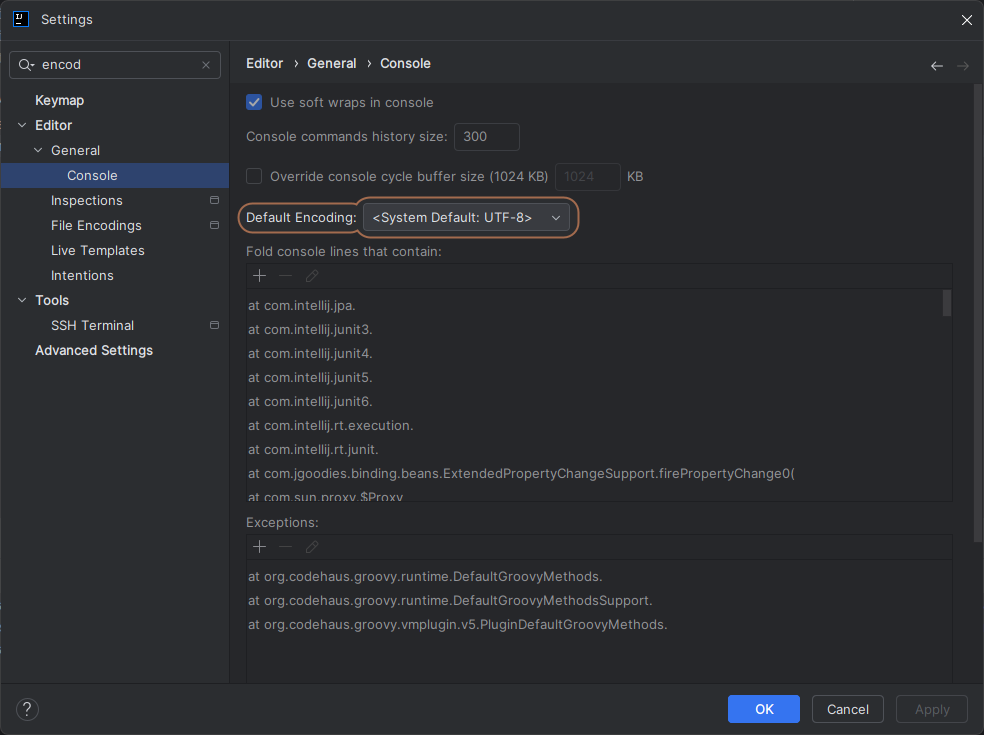
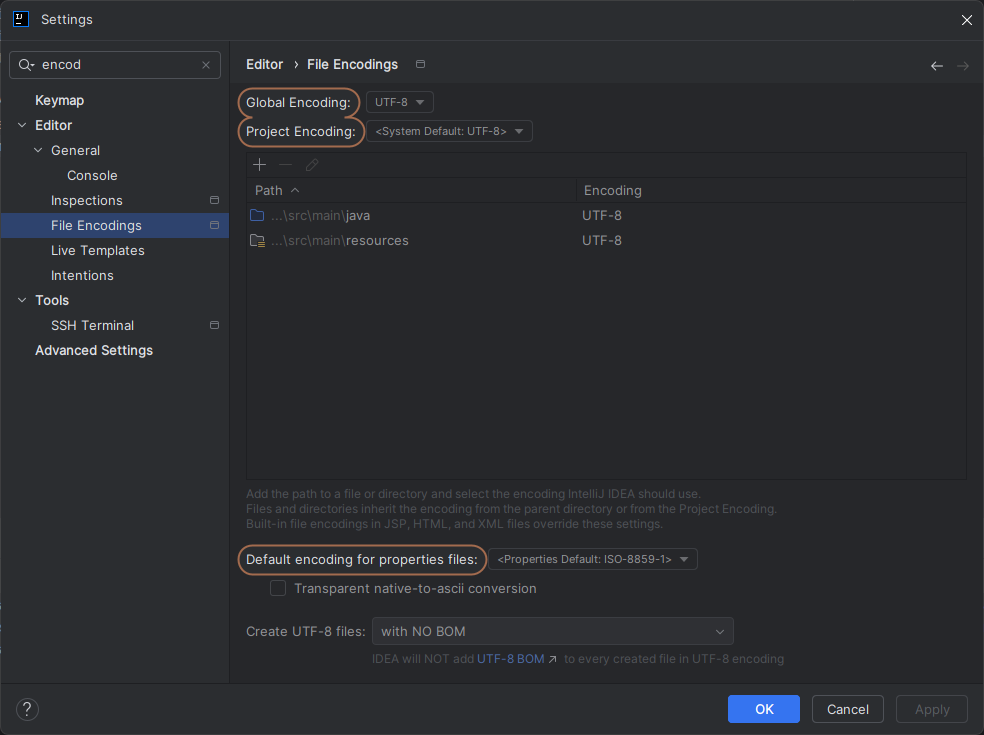
Despite using the same font and encoding (UTF-8) settings as on another computer where emoji display works correctly, I am still unable to see colored emoji characters. The output instead shows incorrectly rendered symbols in the console.
Here are the steps I've already taken to troubleshoot the issue:
Changed the editor font.
Ensured that the file encoding is set to UTF-8.
Cleared the cache using File > Invalidate Caches / Restart.
Unfortunately, none of these steps have resolved the issue.
Has anyone else experienced this problem? Any guidance or suggestions would be greatly appreciated!
Thank you!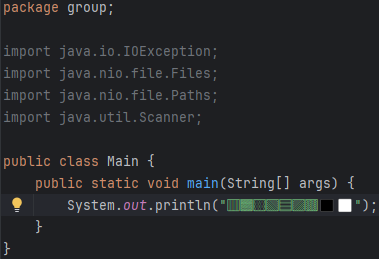
Please sign in to leave a comment.
It seems your two IntelliJ instances are using different emoji fonts—one that provides color and one that does not.
Please open the file including these emojis in these two IDEs, and use IDE main menu `Help | Find Action`, enter "Show Fonts Used by Editor", press enter to show the all fonts used in the editor.
Please try to find the emoji font with colors, make sure that you have this font installed on another computer, and set this font in ` File | Settings | Editor | Font | Typography Settings | Fallback font` to see if it helps.
Hi,
Thank you for your response!
On my other computer (MacBook), I am using the AppleColorEmoji font. However, on my main computer, I have installed Segoe UI Emoji as the fallback font.
Am I correct in thinking that this is the only viable solution for ensuring correct emoji rendering?
I appreciate your help!
Did using Segoe UI Emoji as a fallback font fix your issue? If so, you can use this as a solution.
Different computers have different font configurations, and some systems may fall back to a non–color emoji font by default.
Hi,
Yes, using Segoe UI Emoji as a fallback font solved my issue, thank you!