Copy details always results in TSV format

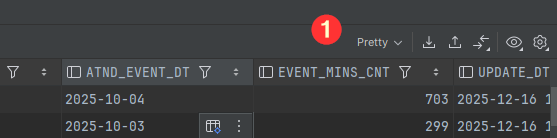
As the title suggests in the latest release, when I copy the details to the clipboard, it is always in TSV format, regardless of the extractor dropdown setting. Previously, the dropdown would determine the format that is not only exported but also used for the clipboard.
Please sign in to leave a comment.
Hi Jim,
If I understood your scenario correctly, the data extractor format you specify in the result set isn't retained in the export dialog window, and neither is the format you copy over clipboard. I tested this scenario in DataGrip 2025.3.1, and I couldn't replicate this behavior.
If I've missed something, please elaborate and specify your IDE version. See the gif below
We have acknowledged this issue and are asking everyone who's currently experiencing it to follow the issue below for more updates:
https://youtrack.jetbrains.com/issue/DBE-25037
I’ve noticed the same copying details always coming out in TSV can be inconvenient. Hoping for an option to choose format in a future update!