[SOLVED] Reduce amount of nodes shown in the database tree view

Is it possible to reduce the amount of nodes being shown in the tree view?
Takes this example: the majority of times I want to work in "database / name / public / tables" => it's quite nested and it happens often that I need to manually open the tree to that point (restart DataGrip, many other DBs so I need to close/open the trees, etc.)
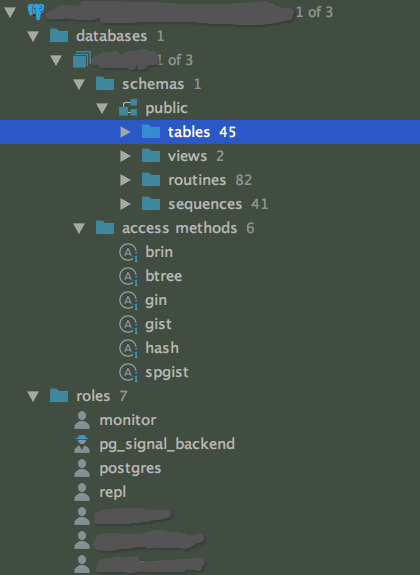
I've already reduced the amount via settings:
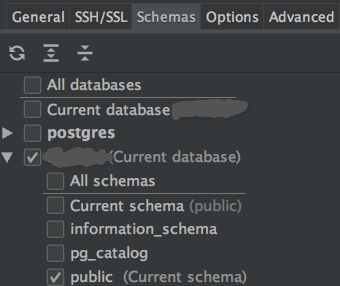
But it's still globered with much more.
I only opened the lower nodes (Access methods, roles) for posterity and they are usually not a problem, but even get to "tables". I need to open 5 nodes == clicks already.
The connecting user has access to multiple databases but I only selected one so I would expected the name of the database to be removed or IMHO I don't need the top-level databases node either.
thanks for hints :-)
Please sign in to leave a comment.
You can play around with the following settings:
and

and
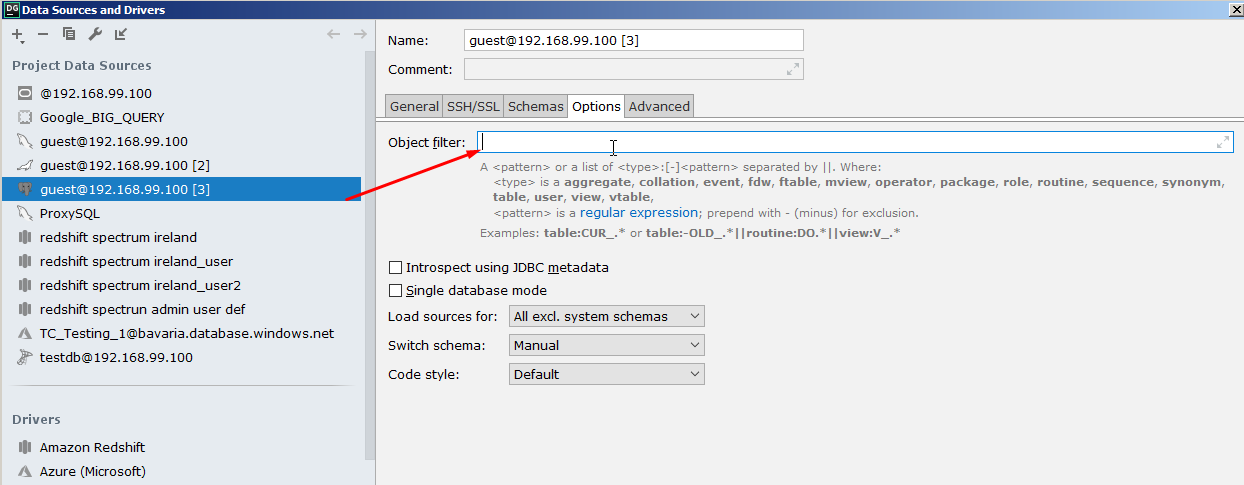
to get the desired view.
O.M.G.
I almost gave up getting some help here. These button. In my face, all the time; no idea what the could do.
The best result for me now was:
- Group schema
- Don't show intermediate nodes
and
Using the filter to remove clutter I don't need to see.
With this setting I now have the tables _directly_ under the DB connection node, wow!
This is also mitigated for roles with lower access privileges as can't see so many "nodes" either.
Thanks!