IDEA can't found Anaconda3
Answered

I install Anaconda3 in MacOS, location '/Users/MyName/Anaconda3'
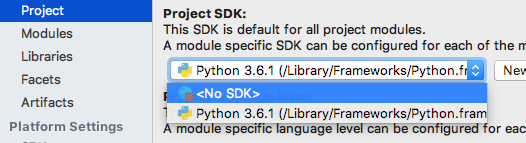
but IDEA can't found Anaconda3, help me!!
Please sign in to leave a comment.
Hello!
You could create a new Conda environment based on your Anaconda3 interpreter as described here: https://www.jetbrains.com/help/idea/conda-support-creating-conda-environment.html and then select it for your project.
Or you could add your Anaconda3 interpreter via "Project Structure| SDKs| + | Python SDK| Add...| Conda Environment| Existing Environment| [...] | Select Python interpreter| OK" as on the attached screenshot: