Missing <Click to see difference> in IntelliJ
Answered

Hi,
I'm missing feature <Click to see difference> in Jest test results in IntelliJ. If I run the same test in Webstorm there is <Click to see difference> link. Do I have to install any plugin that may be installed in Webstorm by default?
Thanks for any reply
Regards
Pavel
Please sign in to leave a comment.
Hello Pavel,
Could you please share your project example? I don't get this feature in both IDEs.
A similar case is happening to us. We have a Grails/Gradle project. In all the tests we run using Spock, we're always missing "click to see the difference". Only the text is provided.
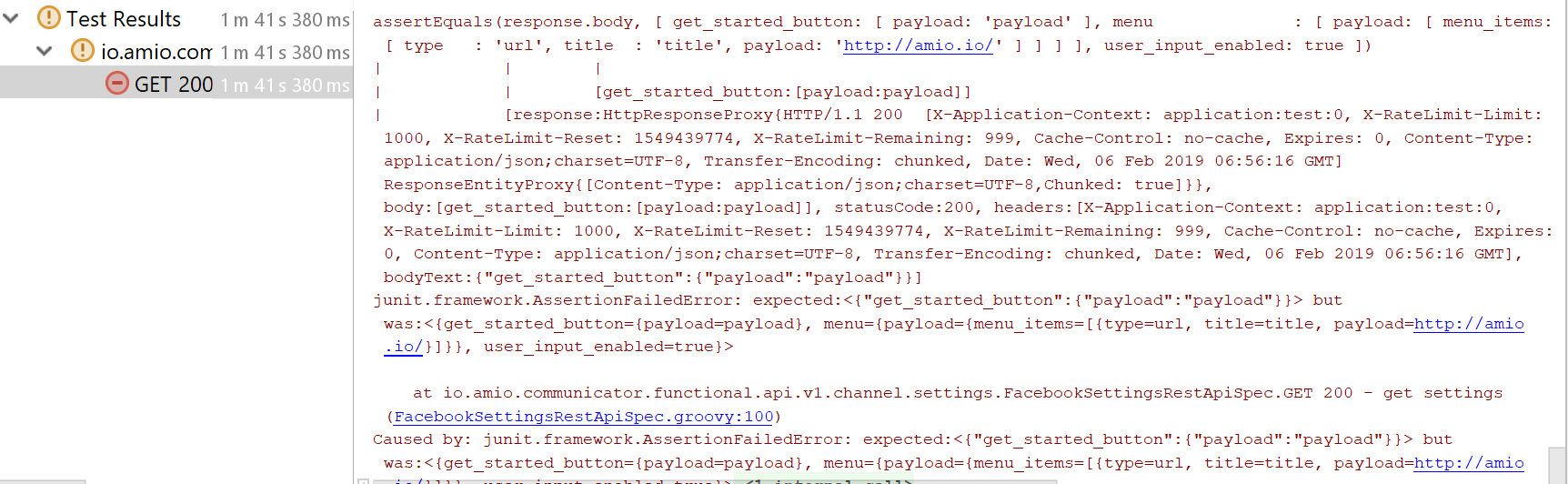
To investigate and fix problem please provide a sample project. Thank you.
I had a similar problem with projects using Gradle. The solution was to change "Run tests using" property from Gradle to Intelij IDEA. Property is located in Preferences > Build, Execution, Deployment > Build Tools > Gradle.