IntelliJ Ultimate 2018.1 - No TODO highlights in Javascript project on mac OS.
Answered

I've got a Javascript project and lines with `TODO` do not get highlighted and alos are not picked up in the TODO tab.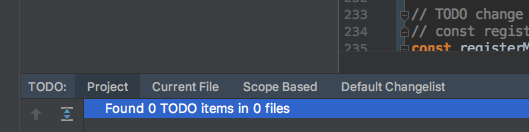
Is this a bug or a configuration? Until recently I used WebStorm and didn't have this issue there.
Please sign in to leave a comment.
Hello,
Could you please attach screenshot from "Settings | Editor | TODO"?
Screen shot below. Tried to enable the `Case Sensitive` setting as well but that did not change anything.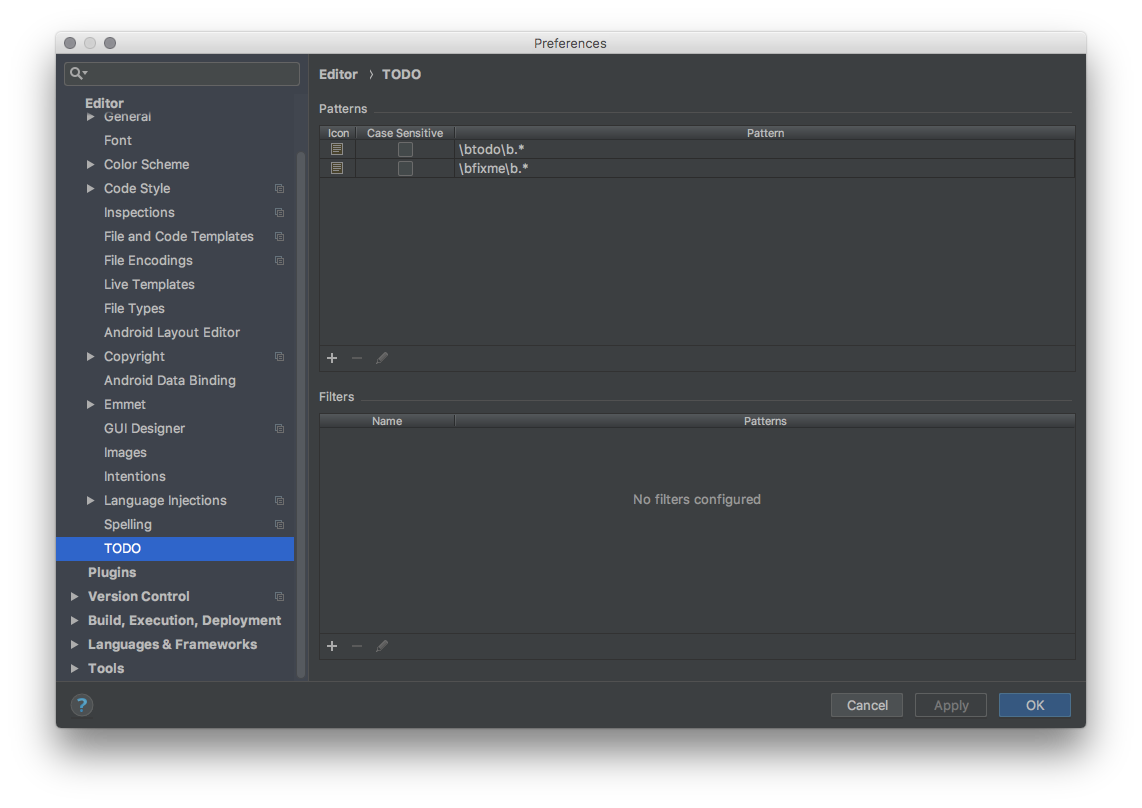
Please try to run "File | Invalidate Caches". Do you face similar issue with other projects?
Re-created the project and copied resources into new project and it's working fine now.