2018.2 Go To File Not Working
Answered

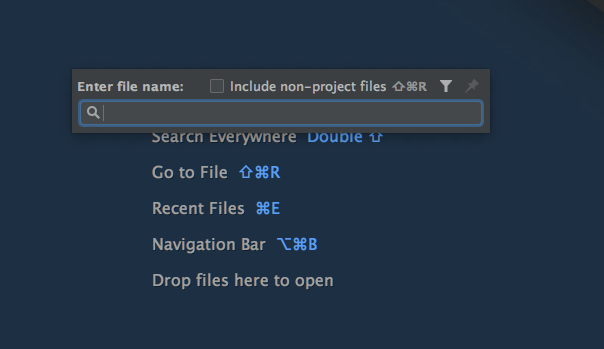
Just updated to 2018.2 and can't seem to type anything into the "Go to File" input when brought up. Also tried focusing the input to no avail. I am running IntelliJ on my 2016 Macbook Pro with macOS High Sierra 10.13.5.
Please sign in to leave a comment.
Upon further investigation, I discovered that the input is being received, but doesn't appear for about five or six seconds. If I click away from the find pane, the text will appear wherever I clicked in the editor after that much time.
Please provide IDE log folder zipped (you may use any file sharing service or upload at ftp://ftp.intellij.net/.uploads or https://uploads.services.jetbrains.com).
Uploaded. The filename is
Thank you. Please follow this issue for updates: https://youtrack.jetbrains.com/issue/IDEA-190158.
Thanks!