Dissapearing caret in IntelliJ Idea
Answered

Hi guys, hope you can help me.
I am crossposting this on AskUbuntu because I am not sure where the problem lies.
Whenever I cancel out of any of the popup menus (for example Recent files dialog or similar), the caret in the editor disappears. I need to click somewhere in the editor to get it back.
I am using keyboard shortcuts mainly using CTRL-SHIFT. For example, CTRL-SHIFT-A to Enter action dialog. I then press ESC key to get out of the popup dialog.
Does anyone have any idea of what this could be? Not sure if it is a Gnome, Ubuntu or Idea problem.
Example
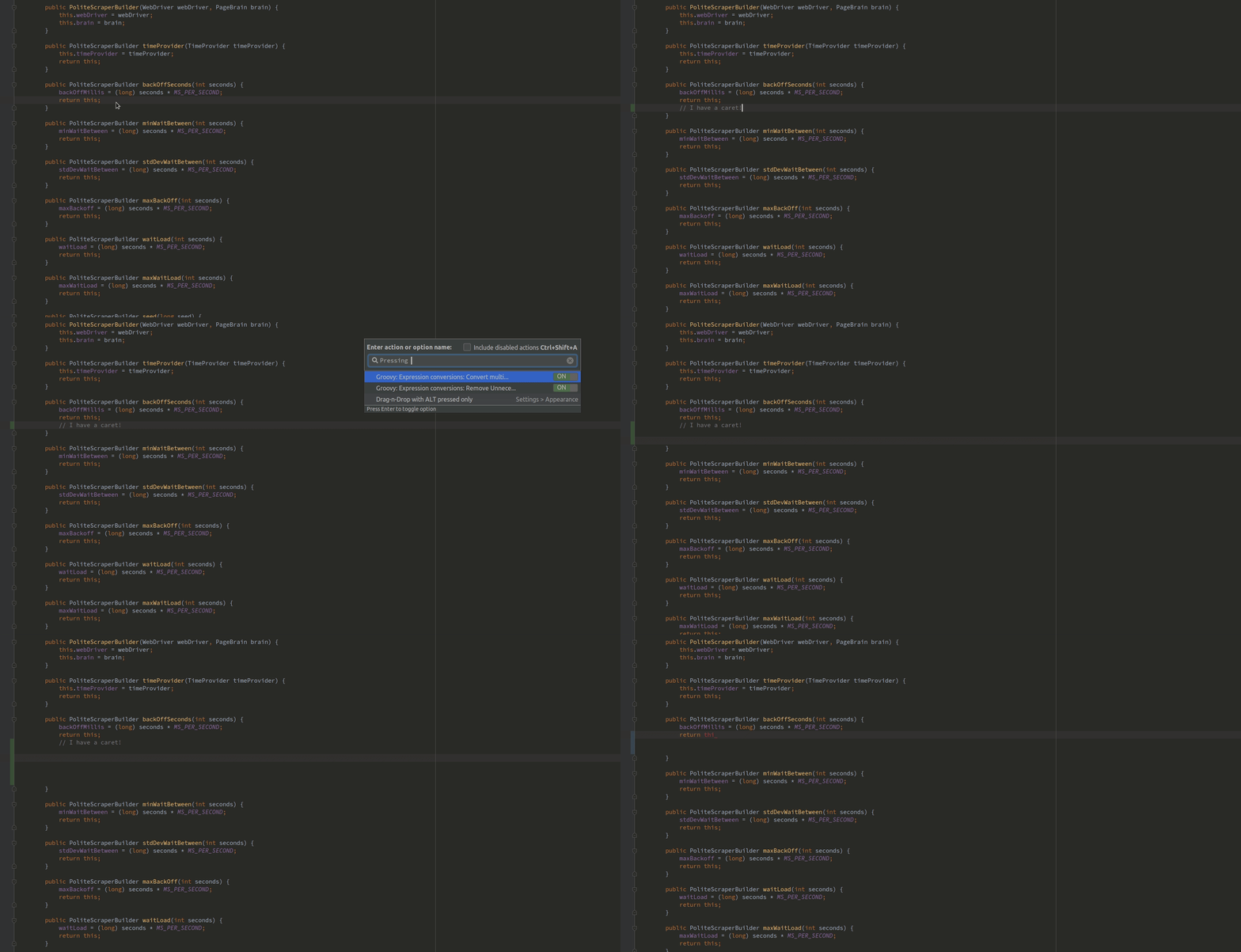
System details
- Ubuntu 18.04 w. Gnome
- IntelliJ IDEA 2018.1.4 (Community Edition) Build #IC-181.5087.20, built on May 17, 2018 JRE: 1.8.0_152-release-1136-b39 amd64 JVM: OpenJDK 64-Bit Server VM by JetBrains s.r.o Linux 4.15.0-22-generic
Please sign in to leave a comment.
Hello Said,
Issue will be fixed in 2018.1.5: https://youtrack.jetbrains.com/issue/IDEA-191839
Sorry for the inconvenience.
Awesome. Thanks.
You are welcome!
Somehow, I still experience this kind of issue with 2018.2.5 (on ArchLinux) except I'm not even able to type after the exit of a pop-up. The only thing I can do is move the invisible caret with the arrows. Most of the shortcuts don't work (the only ones that seem to are the ones making the panels show up but then nothing more can be done).
Should I open another thread with more details?
please raise an issue at https://youtrack.jetbrains.com/issues
Alrighty then. But I'm not sure I'm not using the IDE incorrectly, this time.