pyparsing import prevents autocomplete in interactive console

Hi all,
I've noticed that when importing the following:
from pyparsing import *
the autocomplete functionality of the interactive console ceases to work. For example before importing the module I have (picture 1), where I get given the choice between file_dir and file_dir_test when using autocomplete. But after importing all of pyparsing I get 'No suggestions' (picture 2). Is there a way to resolve this?
Picture 1: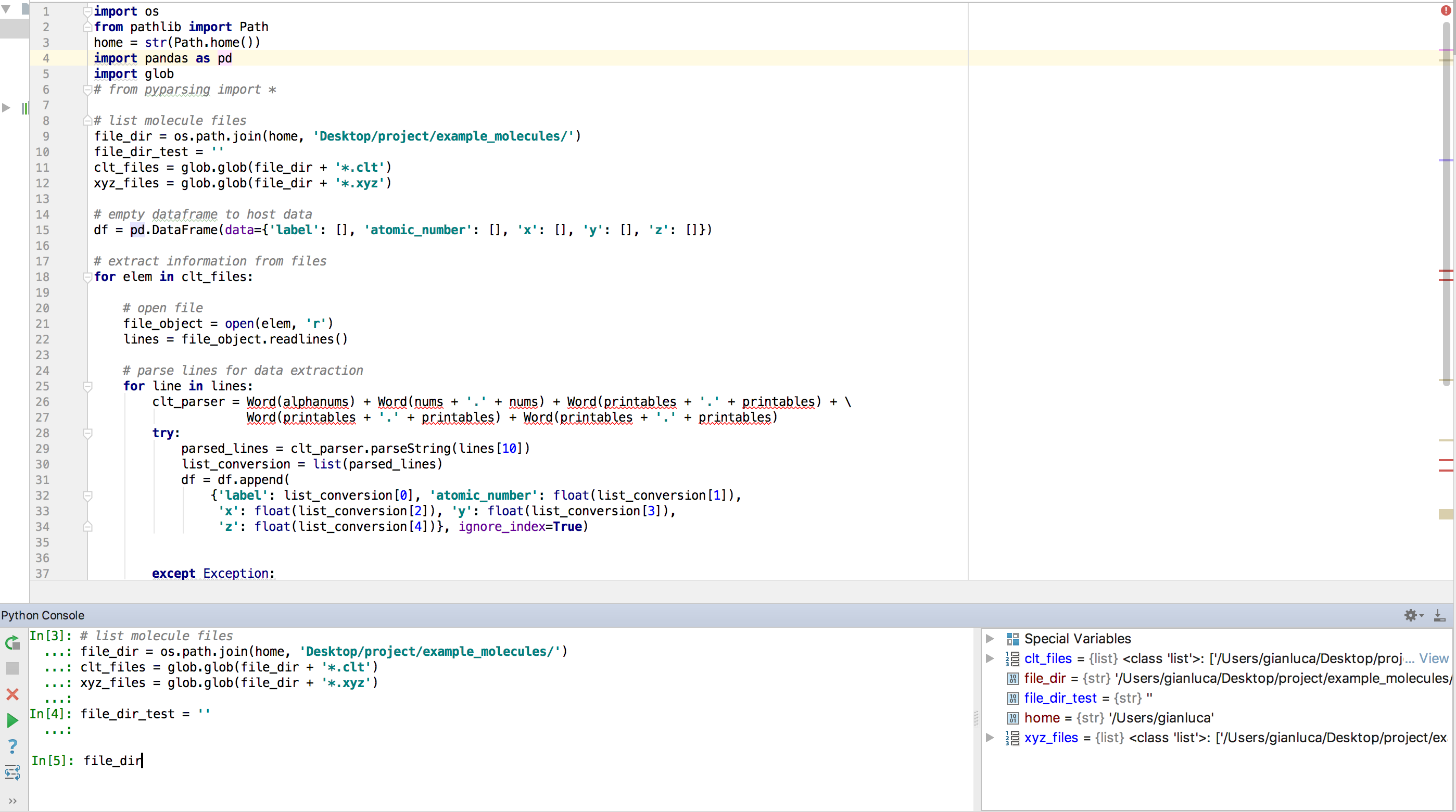
picture 2:
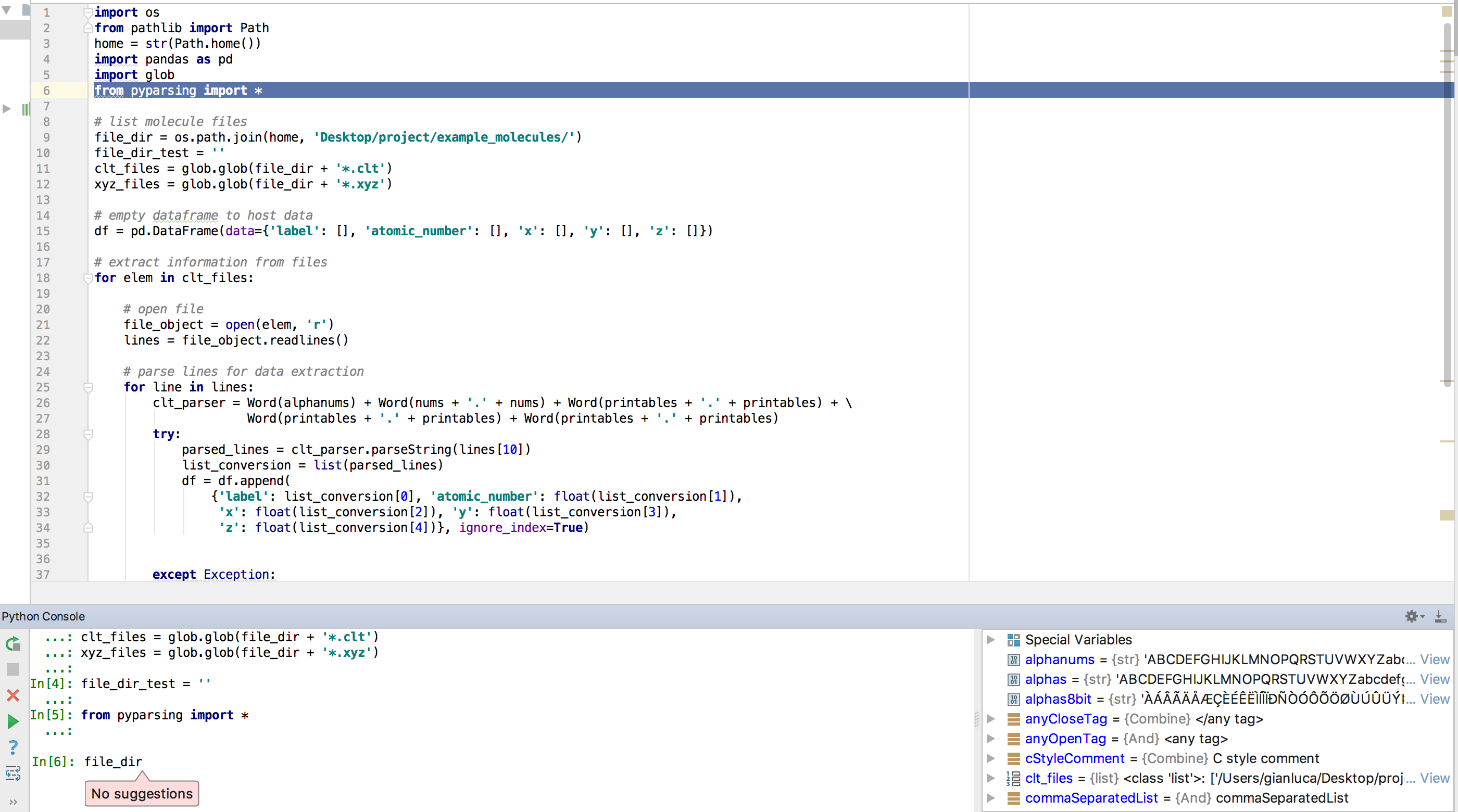
Specifications:
PyCharm 2017.3.1 (Professional Edition)
Build #PY-173.3942.36, built on December 13, 2017
Licensed to Gianluca
Subscription is active until December 22, 2018
For educational use only.
JRE: 1.8.0_152-release-1024-b8 x86_64
JVM: OpenJDK 64-Bit Server VM by JetBrains s.r.o
Mac OS X 10.13.6
Thank you very much,
Gianluca
Please sign in to leave a comment.
Hi,
Our QA Engineer was able to reproduce it in 2018.2.4, but it works in EAP build. Could you please try it in the latest EAP build https://www.jetbrains.com/pycharm/nextversion/ and see if the problem persists?
Kind regards,
Sergey
Hi Sergey,
I can confirm it works on the EAP build, thank you very much. Do you know when the 2018.3 build will go live?
Warm regards,
Gianluca
Great, thanks for letting me know.
I cannot tell the exact date, but it should be the end of November.
So we kindly ask you to wait a little.