Comments containing unmatched items render incorrectly

We have inherited code with 1000s of lines. One issue we have found is that comments incorrectly display when there are unmatched braces, quotes, etc within the comments. Is there anyway to fix this display without having to review each comment? The actual page itself renders ok, just the code shows incorrectly. Example:
 <apex:page >
   <!-- The code below this comment renders correctly -->
 <table>
   <td> This renders ok
   </td>
 </table>

   <!-- The code below this comment also renders correctly as it has matching braces, quotes "{!}"  -->
   <table>
     <td> This renders ok
     </td>
   </table>

 <!-- The code below this comment does NOT render correctly due to nonmatching braces, quotes "{! The code below looks like it is part of the comment -->
 <table>
   <td> This does NOT render ok
   </td>
 </table>

</apex:page>
Please sign in to leave a comment.
Can't recreate the issue with .html, but this doesn't look like HTML. Is it a Visualforce page? what file type did you associate the files with?
Elena - You are correct in that is doesn't appear to be an issue with an HTML file. The issue is with a Visualforce page. Filetype is .page
what file type is .page associated with in Settings | Editor | File Types? Webstorm provides no support for Visualforce pages, did you install a custom plugin?
Illuminated Cloud plug-in.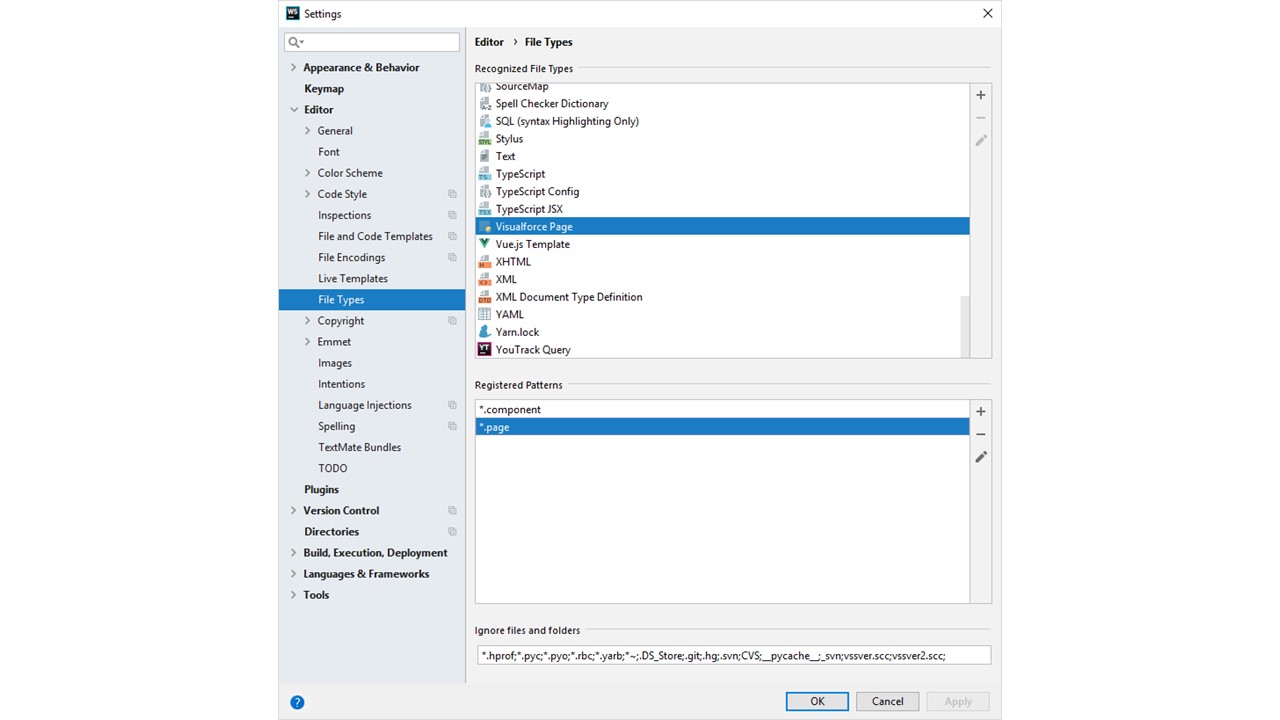
I see. Please report this issue to the plugin vendor, https://bitbucket.org/RoseSilverSoftware/illuminatedcloud/issues.
See also https://bitbucket.org/RoseSilverSoftware/illuminatedcloud/issues/130/improper-syntax-highlighting-visualforce
Thanks. The issue you refer to is similar but is different. I have contacted the plugin vendor. It is a bug that they will fix in their next build. Thanks for your help.