"Rainbow" text in IntelliJ
Answered

Hello,
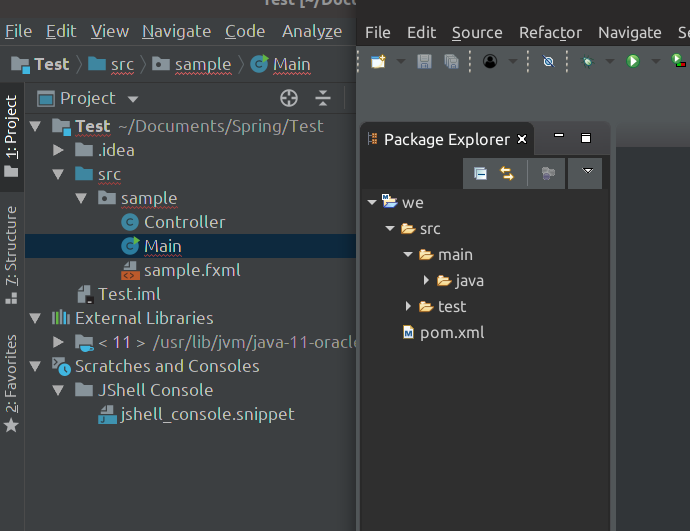
I'm using IntelliJ in Ubuntu and I found that IntelliJ display text like rainbow.
This problem makes me a little bit uncomfortable.
Could you please help me to fix it?
Update: Help | About information
IntelliJ IDEA 2018.3.2 (Ultimate Edition)
Build #IU-183.4886.37, built on December 17, 2018
JRE: 11.0.1+13-LTS amd64
JVM: Java HotSpot(TM) 64-Bit Server VM by Oracle Corporation
Linux 4.18.0-13-generic
Please sign in to leave a comment.
Looks like similar case: https://youtrack.jetbrains.com/issue/IDEA-137639. What monitor do you have?
Try settings "-Dawt.useSystemAAFontSettings=on" in Help | Edit Custom VM Options... and restart IDE. Check also other tips to try from the mentioned issue.
Custom VM Options is not working with me. I tried with File >> Settings >> Appearance and Behavior. Then set antialiasing to Geyscale. It works.
I hope IntelliJ have some update to fix this problem.
I use Asus G551JX but I don't know which type of screen in the laptop.
Could you add information from Help | About dialog? Thanks.
Yes, I added
Thanks. Is there a reason why you are using Oracle JDK to run IDE under? Please try to switch to the bundled JetBrains JRE: https://intellij-support.jetbrains.com/hc/en-us/articles/206544879.
Because I don't like to install too many JDKs in my system.
But installing bundled JetBrains JRE fixed the problem I met.
Thank you so much!
Thanks for the information.
IDE distribution by default comes with bundeld JDK for quite some time. This JDK fixes many Oracle JDK bugs and has better text rendering support.