No "appearance" options, cannot change the background color

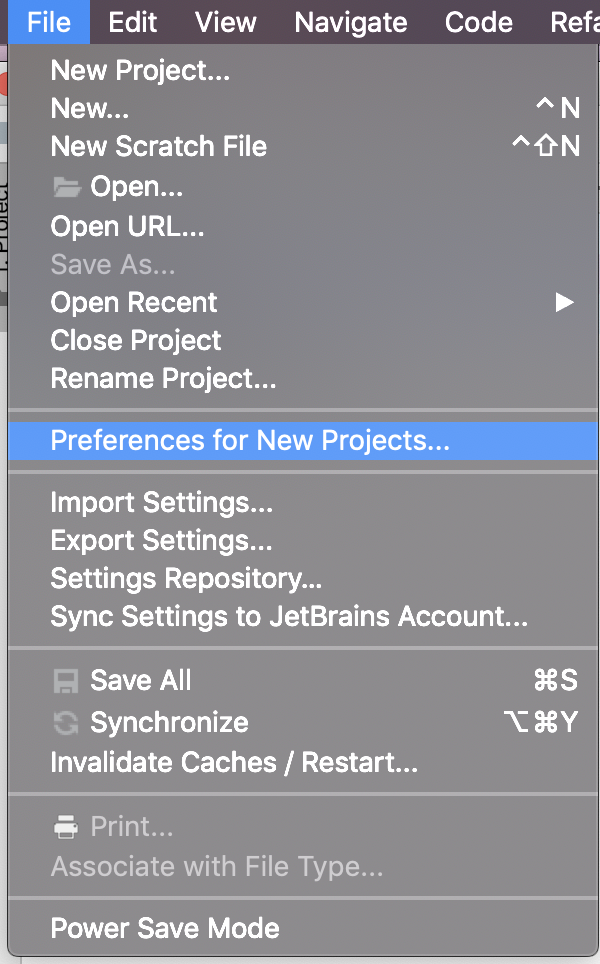
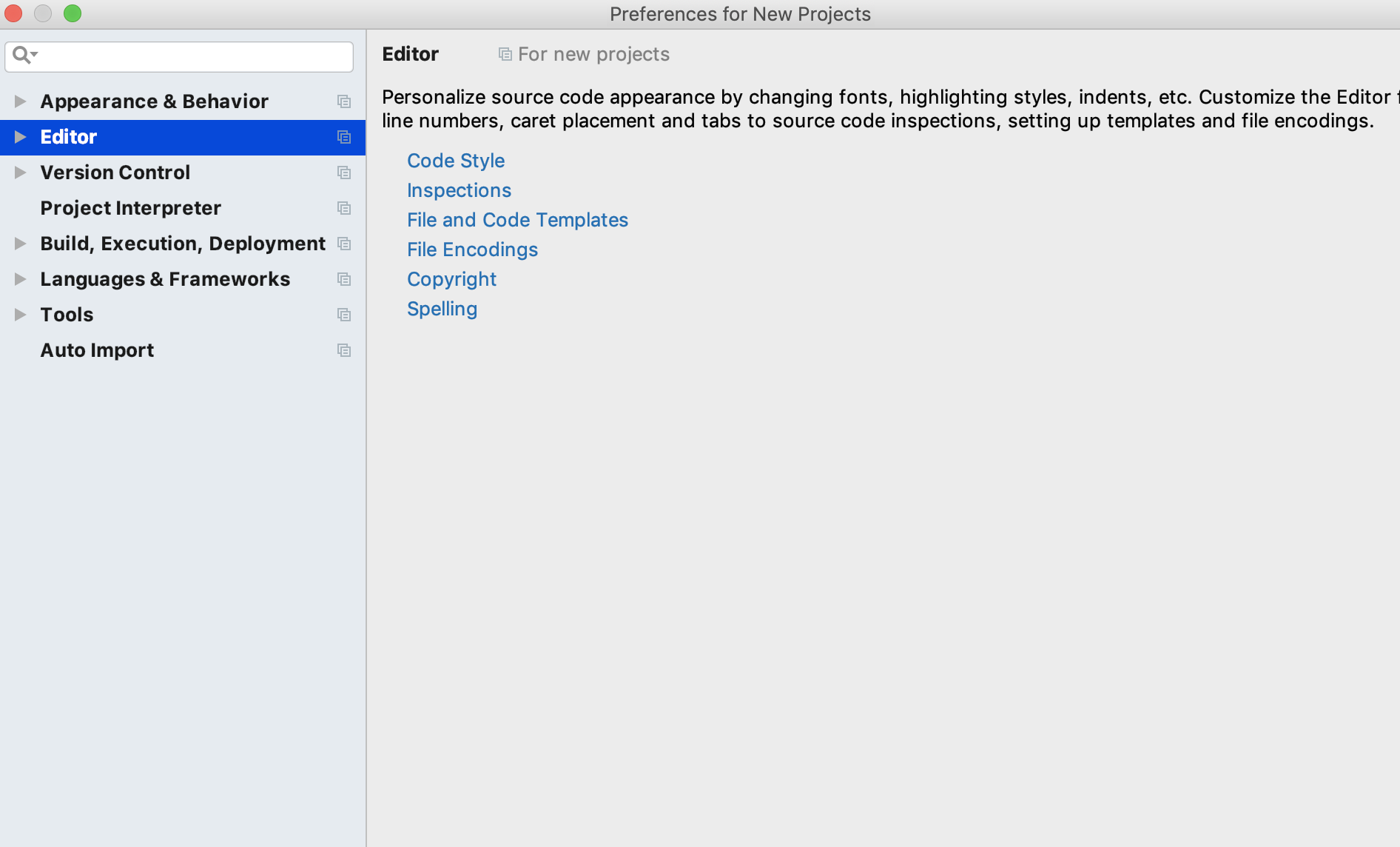
For my Pycharm in Mac OS, I don't have the option "Appearance" but just "Appearance for new projects". Furthermore, I the options of "Appearance for new projects" is also totally different. For example, I don't have the option "color theme" or "font size" or something else.
Could you guys give me a explanation or solution?
Please sign in to leave a comment.
File | Preferences for New Projects is a way to specify certain settings that will be applied to new projects on creation. To access your current project settings, use Pycharm | Preferences menu.
Editor color schemes can only be accessed from current project preferences (Pycharm | Preferences). But they are set globally, on IDE level, and thus applied to all projects, including new ones
Thanks a bunch for your answer! But my problem is still not solved. You can see my uploaded image that I don't have the access of preferences under the "file" option. Do you know what happens?
Did you read my comment? Preferences are not under File menu, you need Pycharm main menu. See above:
"To access your current project settings, use Pycharm | Preferences menu.
Editor color schemes can only be accessed from current project preferences (Pycharm | Preferences)"
Thanks a bunch for your answer! Now the problem is be solved. I am a new user of MacOS und I don't know that there also a menu under Pycharm.
best Regard:)