Scala plugin not compatible with idea
Answered

I have idea ultimate installed and version is 2018.3.2.
I want to install scala plugin ,with version ,scala-intellij-bin 2019.1.1 .
I tried to install plugin from disk,and idea told me the plugin was not compatible.
Please help me.
I don't have internet access on my computer,so the only way is to install from disk .
Thanks
Please sign in to leave a comment.
Please download the compatible version, check the since/until build numbers displayed for the plug-in downloads. Your IntelliJ IDEA build displayed in Help | About must be within this range.
Hi Serge, the problem is that no compatible version of IntelliJ exists. The required minimum version for the scala plugin is 191. But the latest preview release of IntelliJ is only 183.
Yes, how do we update IntelliJ to version 191 when that version does not exist? I'm using the JetBrains Toolbox and it says that the latest version is 183.
There is 2018.3.5 plug-in version that is compatible with IntelliJ IDEA 2018.3.x builds.
Plug-in version 2019.1.1 is for IntelliJ IDEA 2019.1 EAP which is not released yet.
See the screenshot:
Direct download link for 2018.3.5 Scala plug-in: https://plugins.jetbrains.com/plugin/download?rel=true&updateId=53362.
We already know how to use the scala plugin version 2018.3.5.
The point of this question is: how to use version 2019.1.1? This version has critical bugfixes which we need.
If we can't use it until IntelliJ version 2019.1 EAP, then when will 2019.1 EAP be released?
You can't use 2019.1.1 Scala plug-in version until IntelliJ IDEA 2019.1 EAP is available.
IntelliJ IDEA 2019.1 EAP should be available in 1-2 weeks.
Thanks for the info.
In that case, please ask your IntelliJ friends to stop taunting us with plugin releases we can't use.
These builds are used internally by the testers. IntelliJ IDEA will not suggest to install incompatible plug-in versions. Most IDE users do not download plug-in files manually, but install them directly from the IDE.
Ok.
Is there any way to install IntelliJ 2019.1 EEAP? (Early early access, or some sort of nightly build?)
Only if someone puts an internal build for you on FTP. You can try asking Scala plug-in developers in the comments of the YouTrack issue that affects you.
I really don't understand paying for the monthly sub for updates when the updates for the latest install on Idea Ultimate is removing the plugins I have previously installed. If the solution to use Scala is to down grade to a older version on Idea Ultimate then this becomes a monthly waste of money. 5 plugins removed on a recommended update is BS. Just saying.
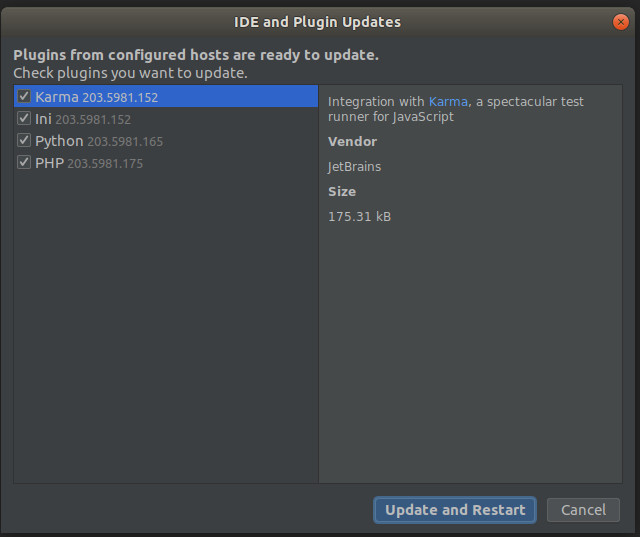
marvinthemartian Please update your IDE to 2020.3. On the screenshot, Scala plugin is already updated for IntelliJ IDEA 2020.3, but IDE itself is not yet upgraded.
Konstantin Annikov the thing is Idea Ultimate suggested the upgrade and then removed the plugins. I get the suggested upgrade at least twice a day. So I close down the project I am working on and run the update and restart just for the hell of it and the needed break.
After restart I still have the same problem. This is making writing Producer and Consumer for Kafka or Leader Elections for Zookeeper or running Spark a slow problem. No Scala then it's back to Java. I will download 2020.3 and give that a try again.
I am about to run the update again.
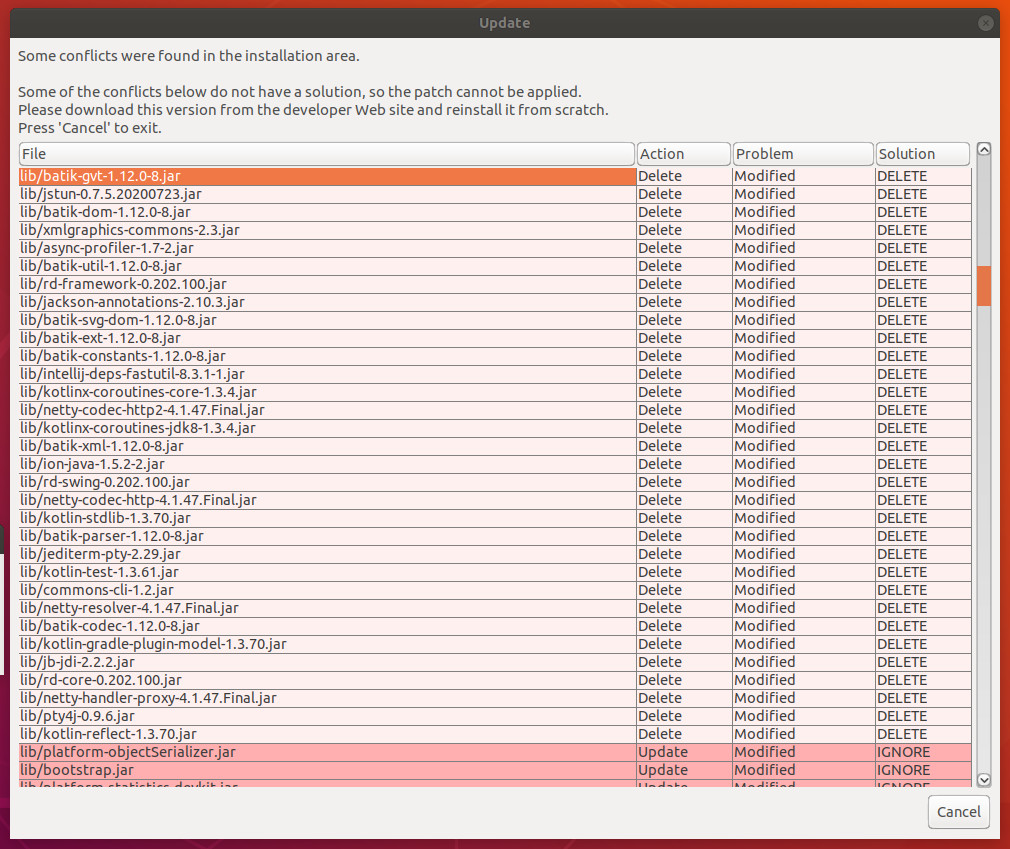
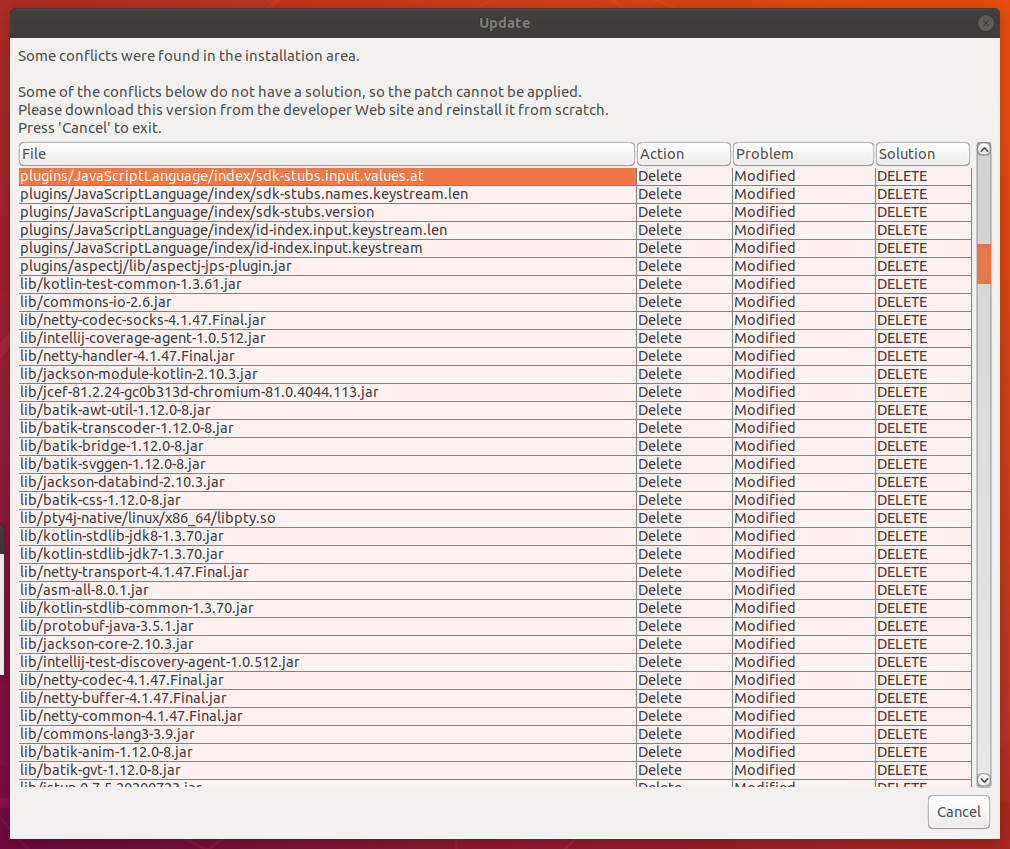
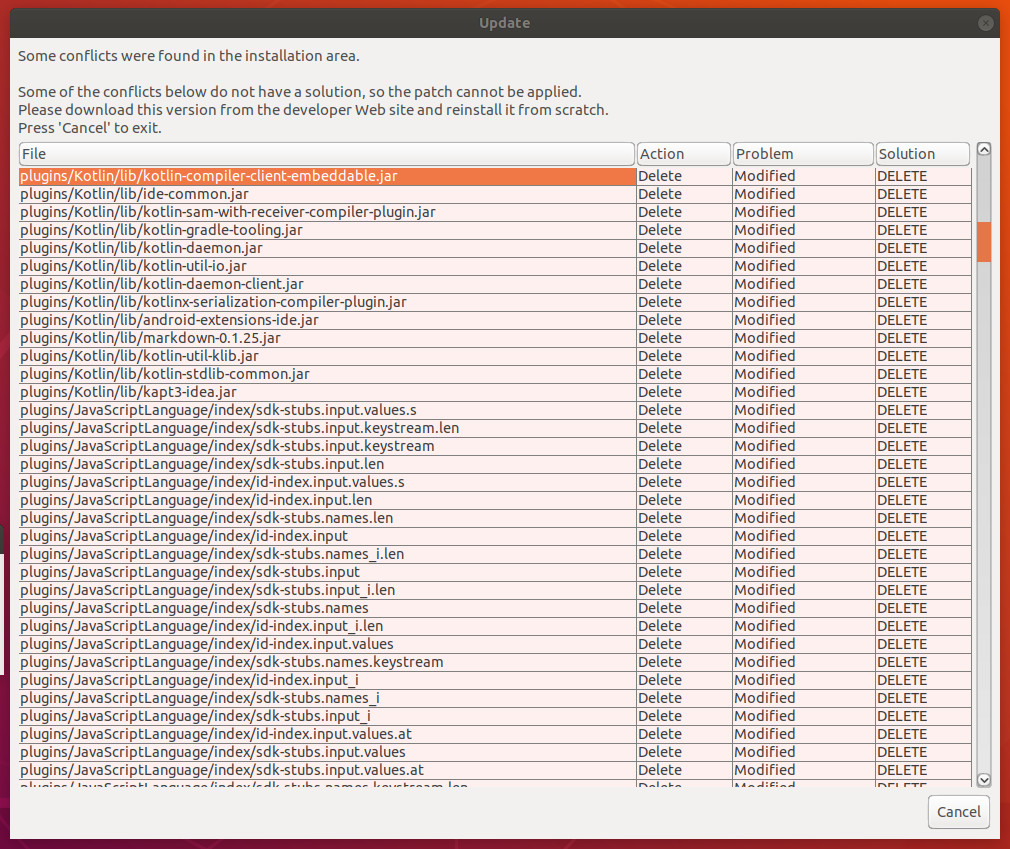
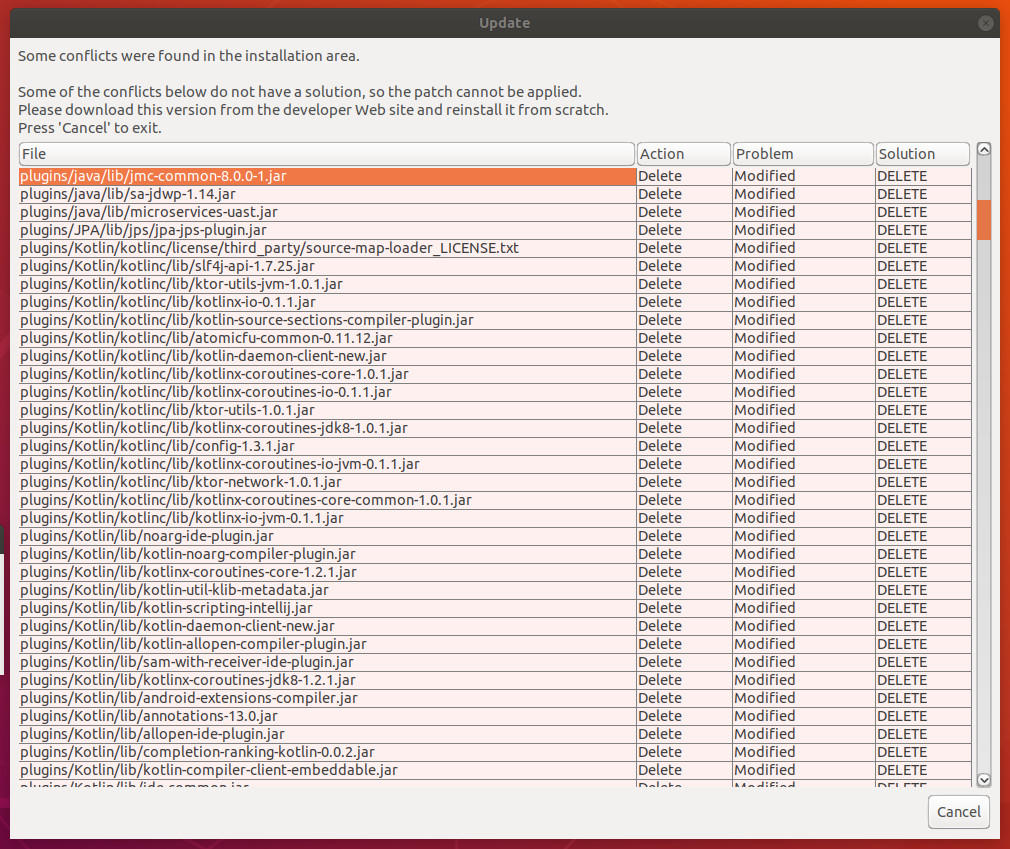
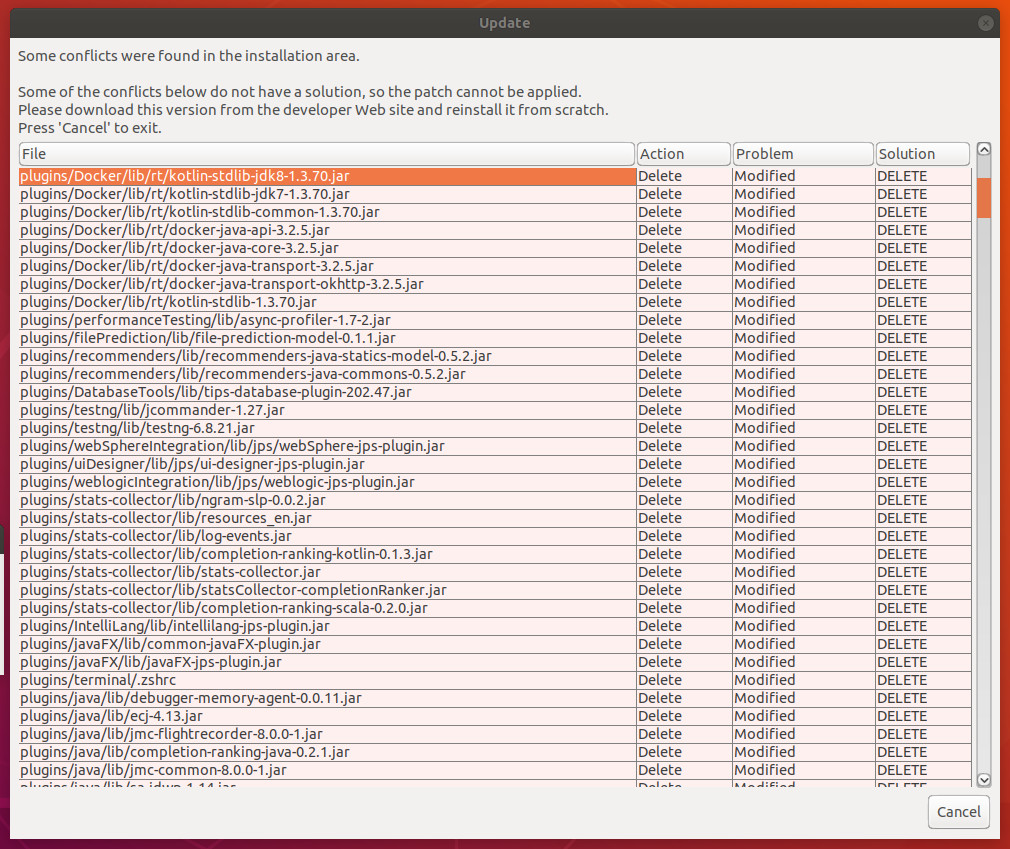
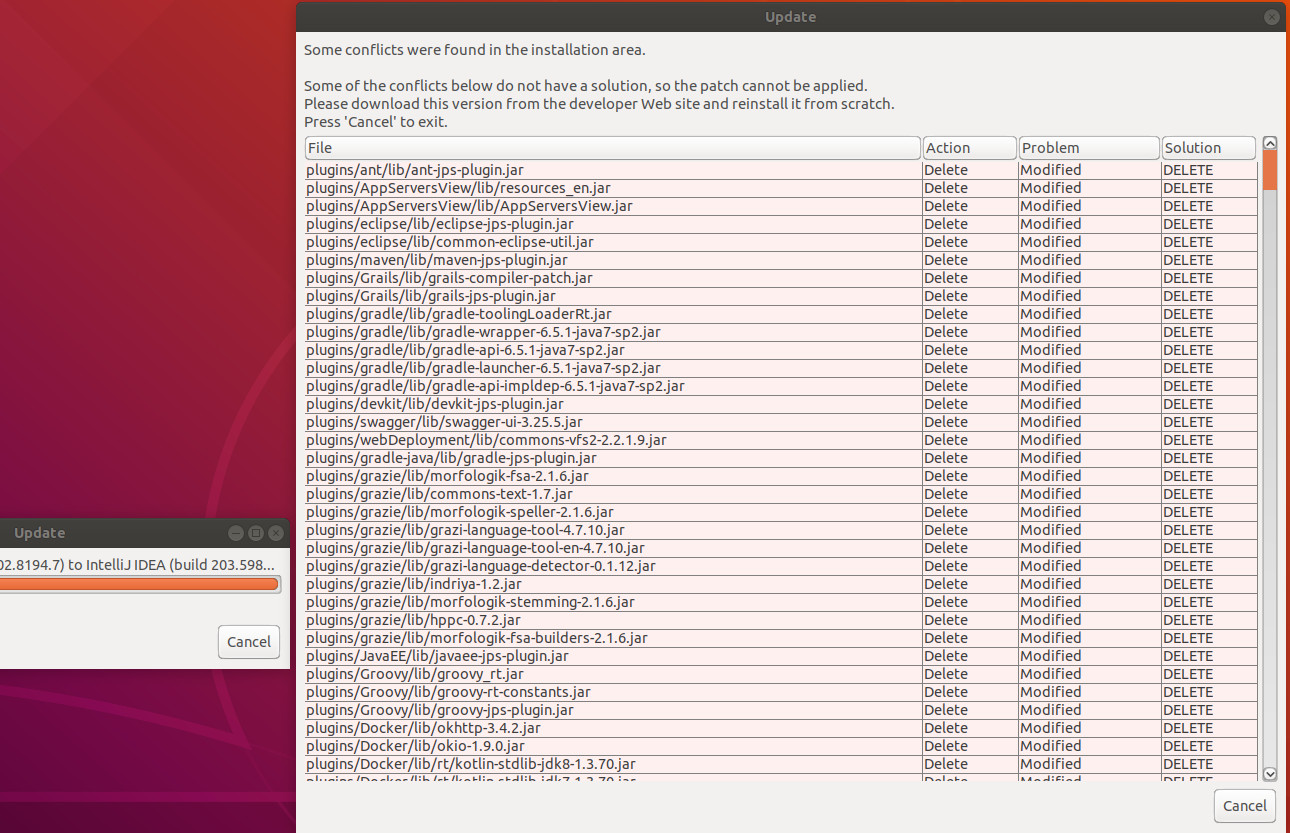
Konstantin Annikov Serge Baranov Here is the update after clicking on the update pop up. I got no update and the pop up suggesting I update came up again. This is a broken process. I downloaded the tar file version 2020.3 and one only plugin is throwing a error, the Big Data Tools plugin needs javafx install