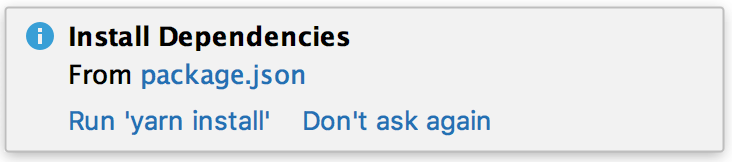
New Laravel project, pop-up prompting to run yarn on package.json when I'm using composer

I have no reason to use yarn, I'm already using composer, the project is just Laravel for an API (not a web interface).
I'm not seeing how to use composer instead of yarn the way PHPStorm is suggesting here:
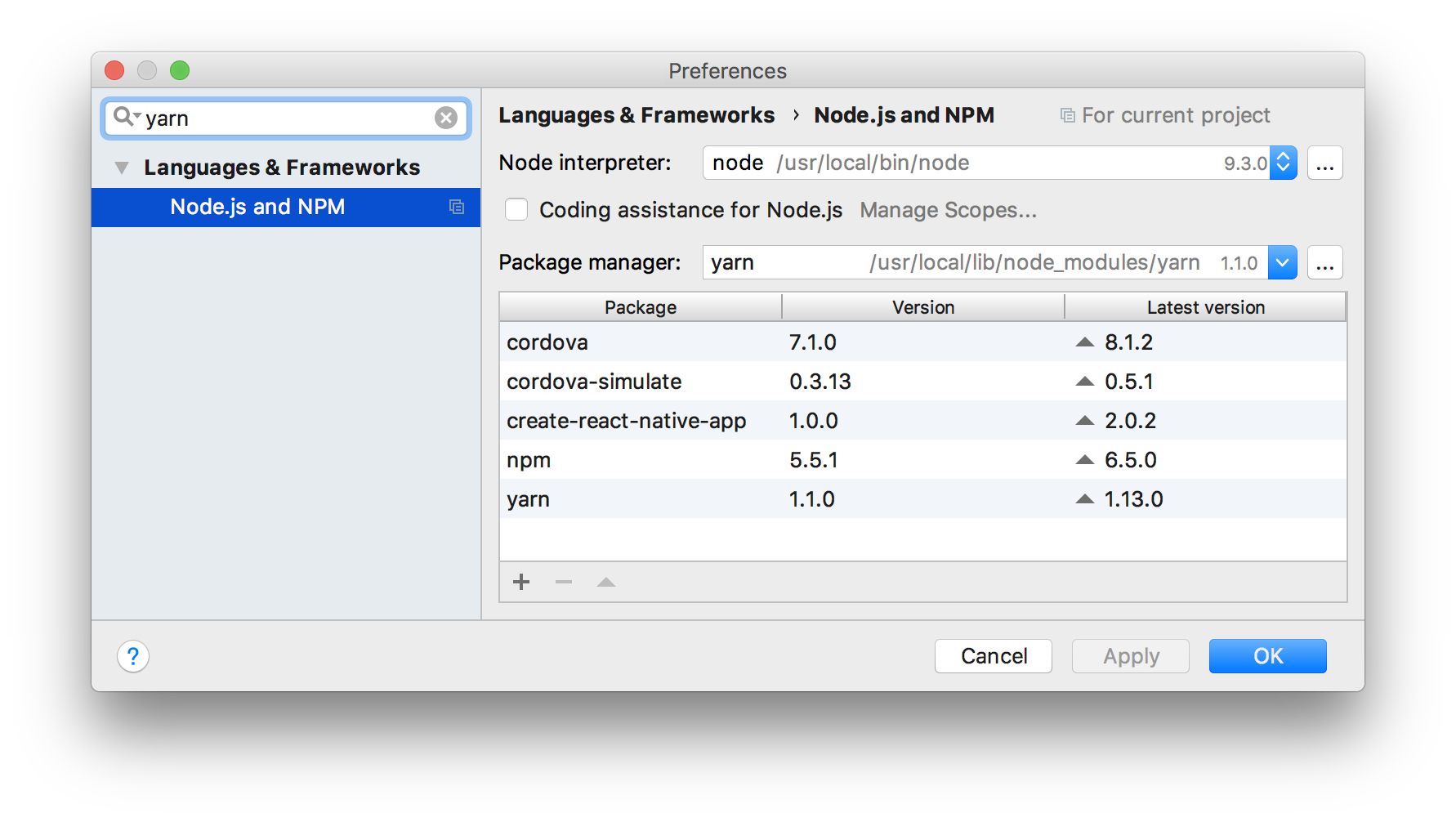
There's one place yarn exists in settings, and I really don't need it for anything.
composer has a lot of different search results in the editor, so am I wrong in assuming I can set it up for this project to use composer instead of yarn?
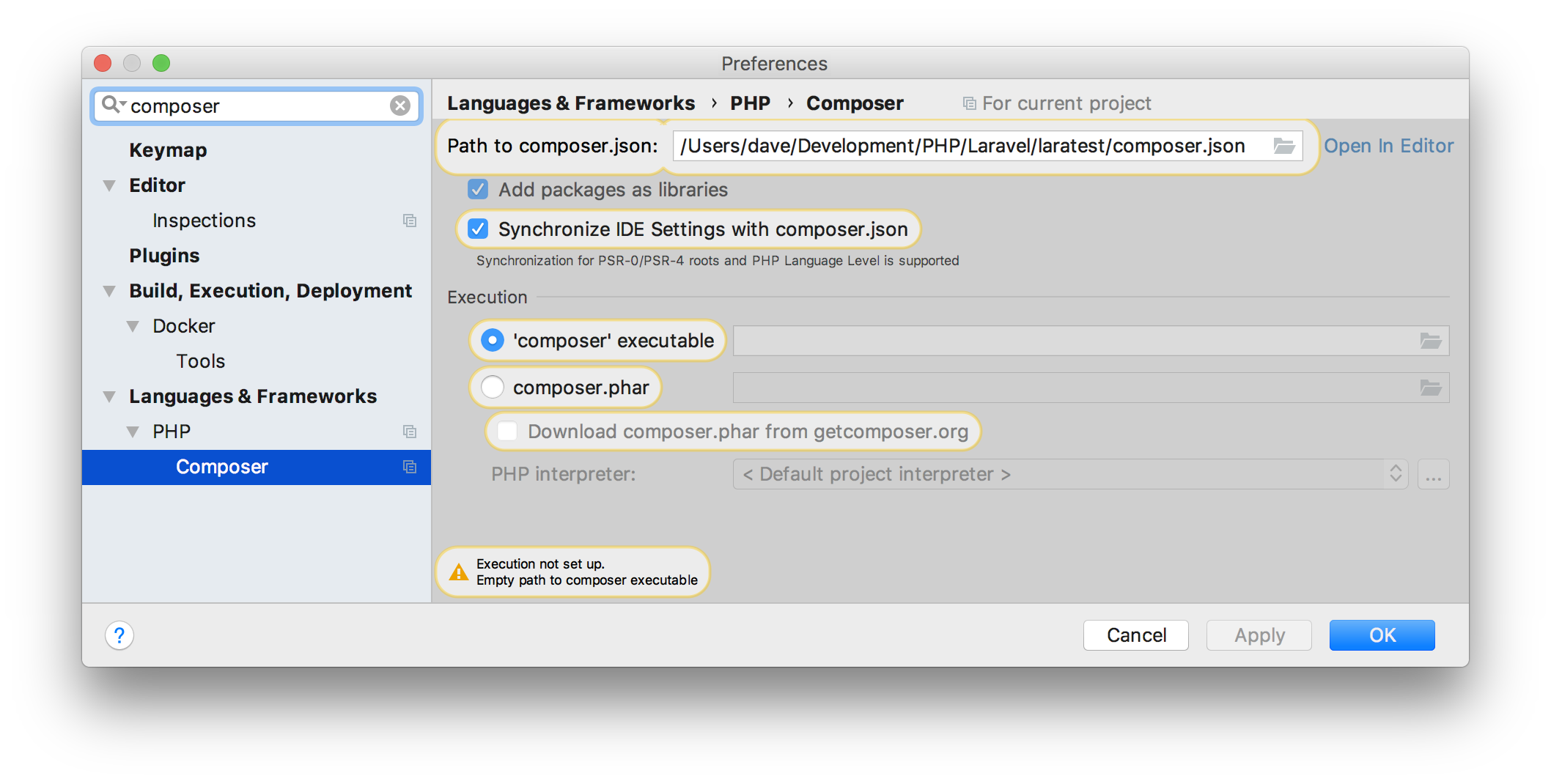 I just want to automate or utilize this in the editor as much as possible to keep me from switching to command-line or the built-in terminal... is it all configurable in settings or are there other manual steps I should take?
Please sign in to leave a comment.
yarn install command/feature is for the package.json.
composer install command/feature is for composer.json
Just open composer.json & you should see basic controls at the top of the editor area. Please see also https://www.jetbrains.com/help/phpstorm/using-the-composer-dependency-manager.html
You can dismiss the "Run 'yarn install'" message by clicking "Don't ask again" button next to it
OK thank you, I didn't realize package.json was only for yarn.
So from my other posts, is there a pop-up like the yarn one for composer? It seems some automation could be done there if so.