debug and work with clion with an existing executable
Answered

Hi,
I was trying to look for info in the blog and the website but couldn't find a solution to my problem.
I'm working with qmake and C++ editor and want to start working with CLion, without re-write the makefile. means :
- i want to continue to build independently
- i want to use CLion to run and debug my project.
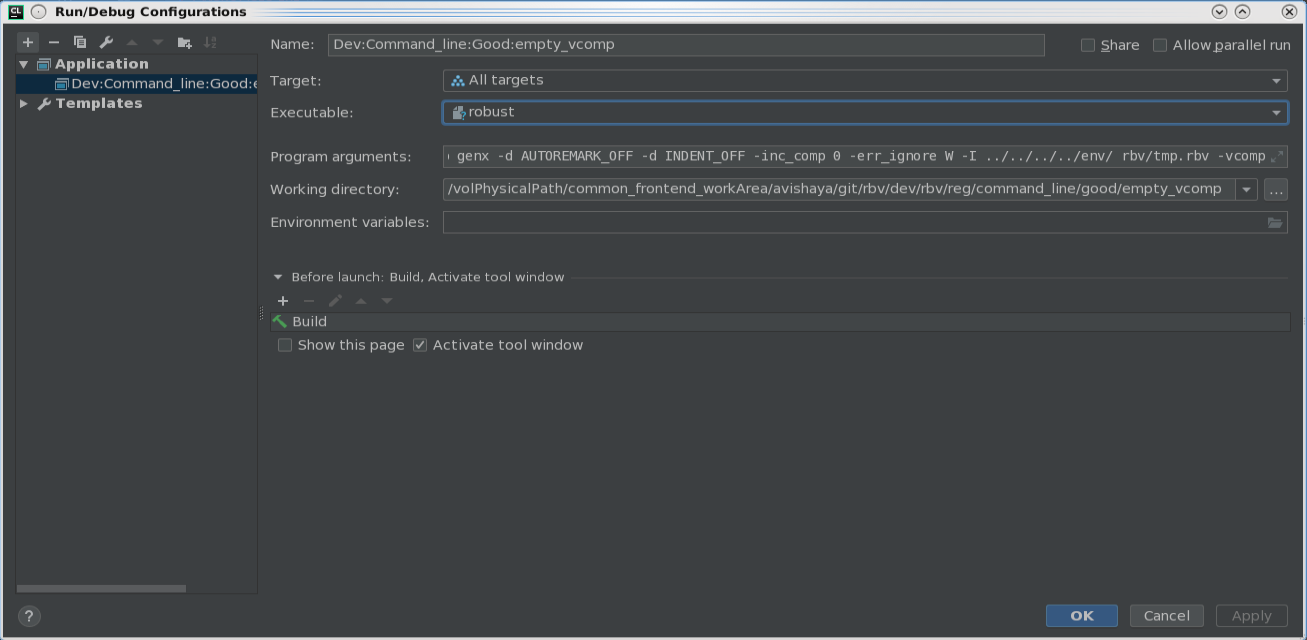
I was trying to import my project to CLion and edit the configurtaions according to the descriptions in the website, but I was unable to do this.
I noticed that CLion added Cmake to my project and its currently empty. I saw a few suggestions about how to configure it in order to link it to an existing qmake, or about how to convert my qmake, but non of those worked.
any help will be appreciated.

Please sign in to leave a comment.
anyone?
Hello! You can either convert your project into a proper CMake-based project (add target etc.), or open your project using Compilation Database (https://blog.jetbrains.com/clion/2018/08/working-with-makefiles-in-clion-using-compilation-db/) and use custom build targets and applications (https://www.jetbrains.com/help/clion/2019.1/custom-build-targets.html) to build and run/debug.