No debug option with Docker
Answered

Hi!
I am trying to move my development workflow to Docker. So far, I was able to create a run configuration, but no debugging is possible:

See that it is grayed out. My Project interpreter is set to Docker:
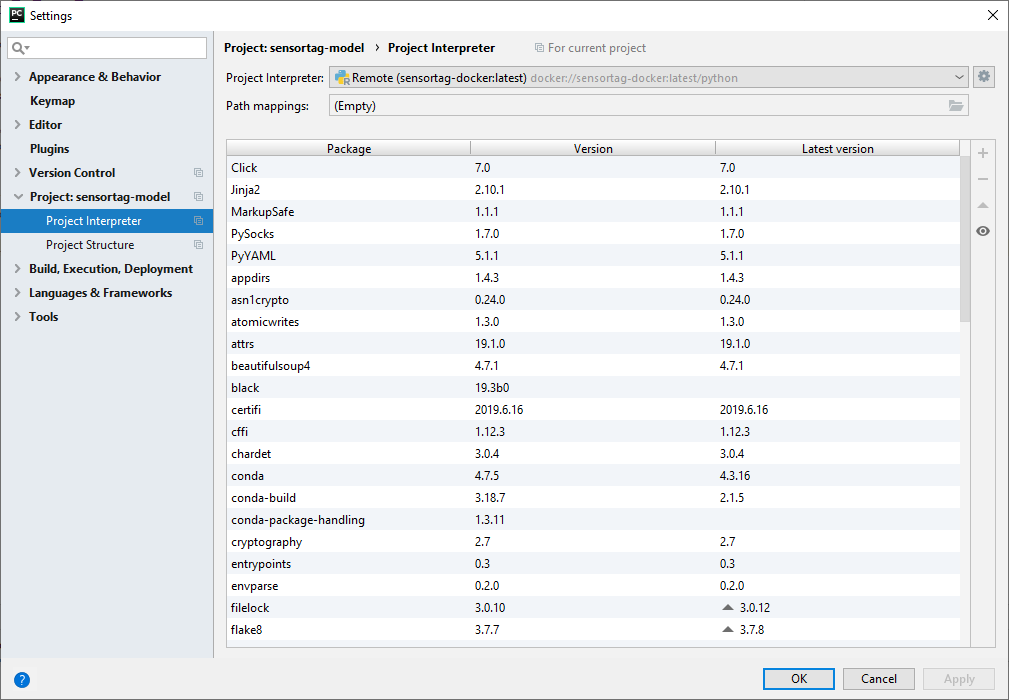
Run/Debug configuration is configurated like this:
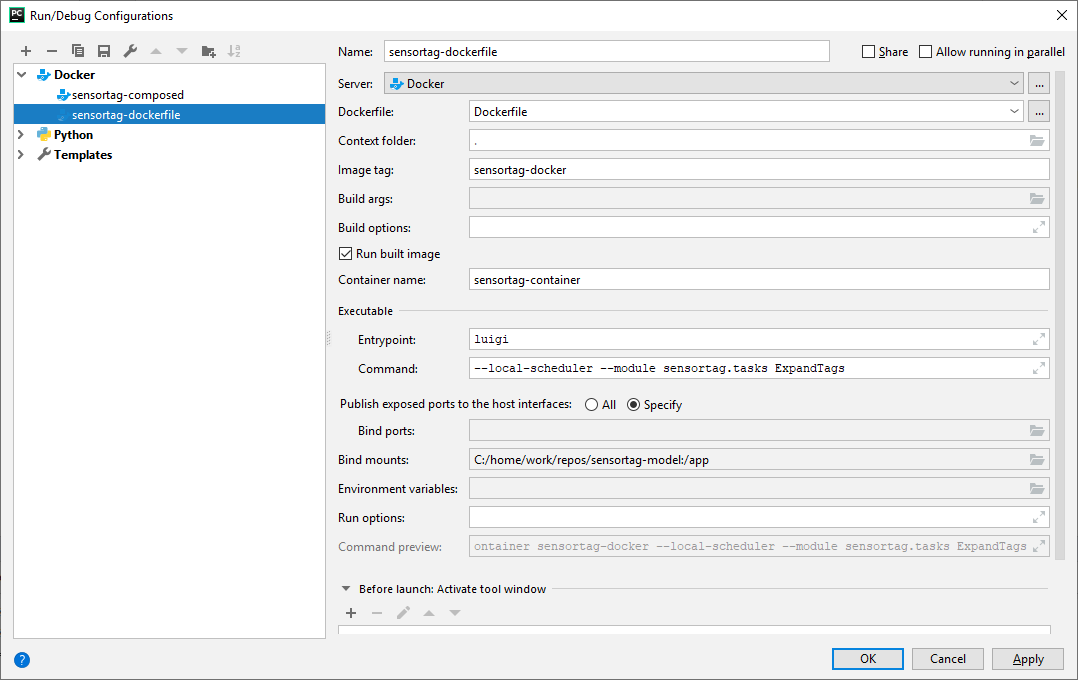
I looked through the help, but could not figure out what is wrong. Tried both with entry point and without it. With Luigi code and without it.
Docker file:
# base image
FROM continuumio/miniconda3:4.6.14

ARG PIP_NO_CACHE_DIR=off
WORKDIR /app

RUN echo "source activate base" > ~/.bashrc

# load in the environment.yml file
COPY sensortag-model-dev.yml /app/environment.yml

# create the environment
RUN conda update -n base conda -y && conda env update
COPY . ./

# install library in development mode
RUN conda develop ./src

#CMD luigi --local-scheduler --module sensortag.tasks ExpandTags
Please sign in to leave a comment.
Could you please re-configure your Docker-based interpreter and try again?
Has it helped?