Unable to remap the TAB key
Answered

I unbound the Editor Actions -> Tab within the intellij settings.

Since ive done that, i can't press tab while writing code to ident my code.
I'm trying to rebind the keybind:
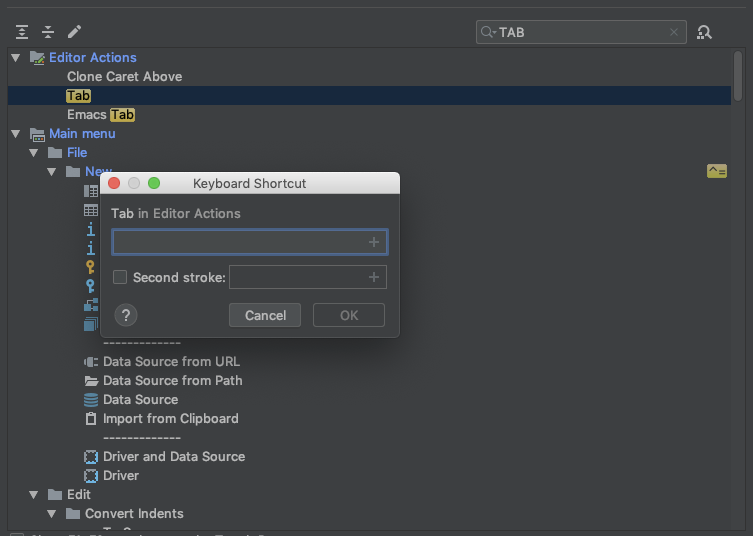
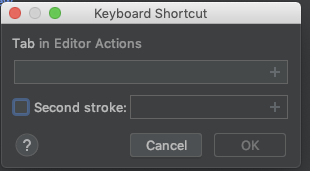
When i click in the input box and then hit tab (to bind it), the IDE just uses the tab to change to the next menu item.
I couldn't edit the keymap manually since i'm using the jetbrain settings sync.
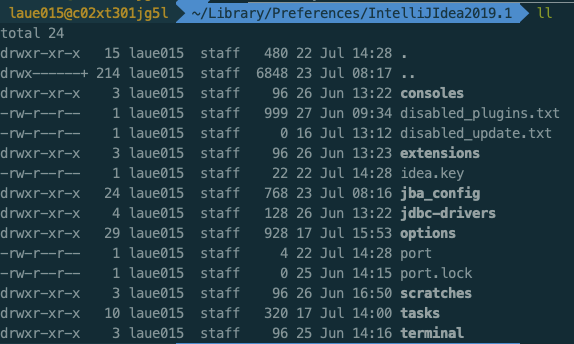
There's no keymaps directory and the idea.key doesn't contain keybinds.
Please sign in to leave a comment.
Please look inside jba_config subdirectory for the keymap files and delete/edit it to restore the Tab key binding.
I've reported the issue for the Tab key in keymap dialog: https://youtrack.jetbrains.com/issue/IDEA-218845.