Missing jupyter notebook file association after update to the latest 2019.2 in MacOS
Answered

As title.
My PyCharm professional edition has zero jupyter notebook related features now.
It can't even render a basic .ipynb and just show as raw text file

Please sign in to leave a comment.
Hi, please check is Jupyter Notebook plugin is enabled:
Hi,
I am having this issue too. I can confirm that the Jupyet Notebook plugin is installed and enabled, and the jupyter package is installed. I am on:
PyCharm 2019.2.3 (Professional Edition)
Build #PY-192.6817.19, built on September 25, 2019
This happens regardless of whether I open a .ipynb file created by someone else or if I create a new Jupyter Notebook file from within Pycharm:
I was using Community Edition, but wanted to work with Jupyter so I upgraded to professional. I had previously opened a .ipynb file in CE before upgrading. My uneducated guess is that opening this file type before I had a version that supported it somehow associated it with raw text rather than a notebook.
-Jimmy
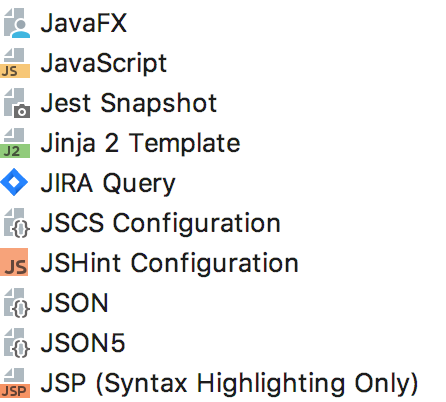
Please ensure your file type settings are correct - make sure *.ipynb pattern is registered only for Jupyter file type, and not for Python or Text file types.
Thank Andrey, it worked
If anyone else has this issue:
https://www.jetbrains.com/help/pycharm/creating-and-registering-file-types.html
Click on Jupyter Notebook
Add '.ipynb' to the Registered Pattern section