2019.2: Toggle tasks executions gone?
Answered

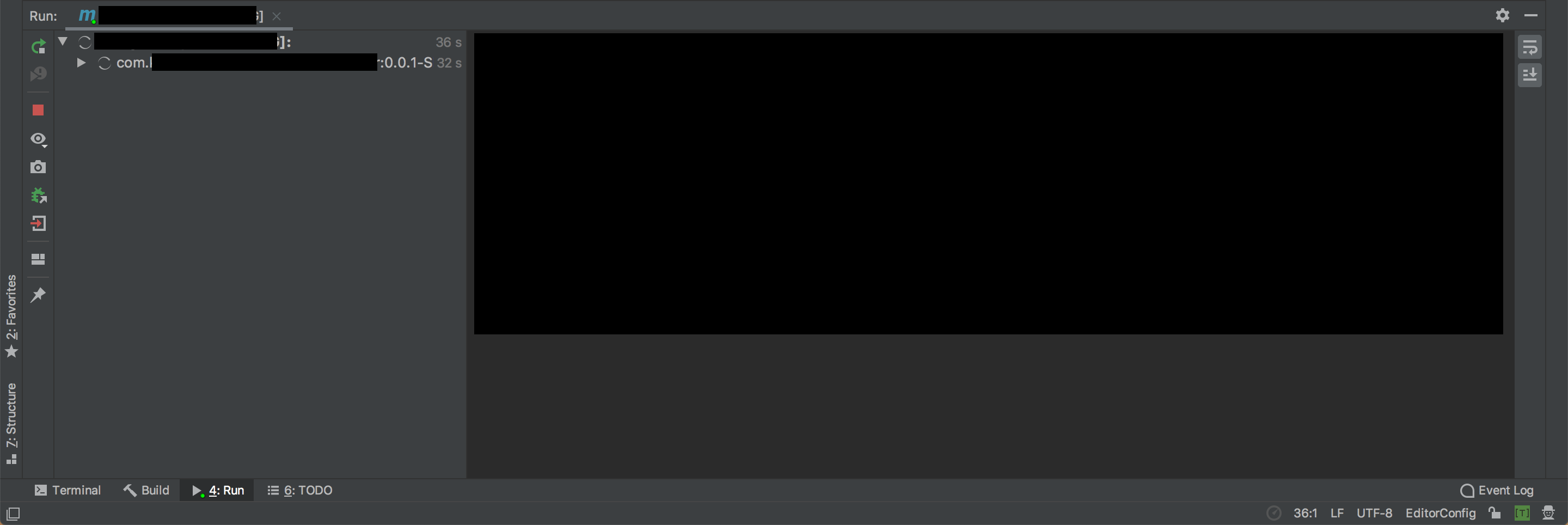
In the Run tool window in 2019.2 CE I cannot find any trace of the "Toggle task executions" button when I run my Maven project.
This means that I can only see the logs as the application executes. When execution is finished I have no trace of what happened, the only thing I know is "Failed to execute goal...".
In frustration, I deleted all caches and settings and reinstalled, thinking it might be some weirdness introduced with importing settings from an earlier version, but no. Still not there.
Referring to the documentation for the Run tool window, it's supposed to be there in the toolbar, but the only ones I have are "Use soft wraps" and "Scroll to the end"
Please sign in to leave a comment.
Rolling back to 2019.1.4 I now have toolbar controls again and can enable/disable the "Toggle task executions" button so I can see the log output again after finished execution.
Is the Maven Run window supposed to be tasks only in 2019.2...? I cannot understand what developer would NOT want to look at their logs after execution.
Hello Hakan,
is it reproducible with every project? Could you share idea.log ("Help | Show log in...") after restarting IDE and reproducing the issue?