Intellij is not updating junit test file changes causing unreliable tests.
Answered

I'm having some weird issues that started yesterday regarding unit tests. I'm not sure if they are affecting other files or not yet.
When i make a change to a test, these are the logs that show up in the idea.log file.
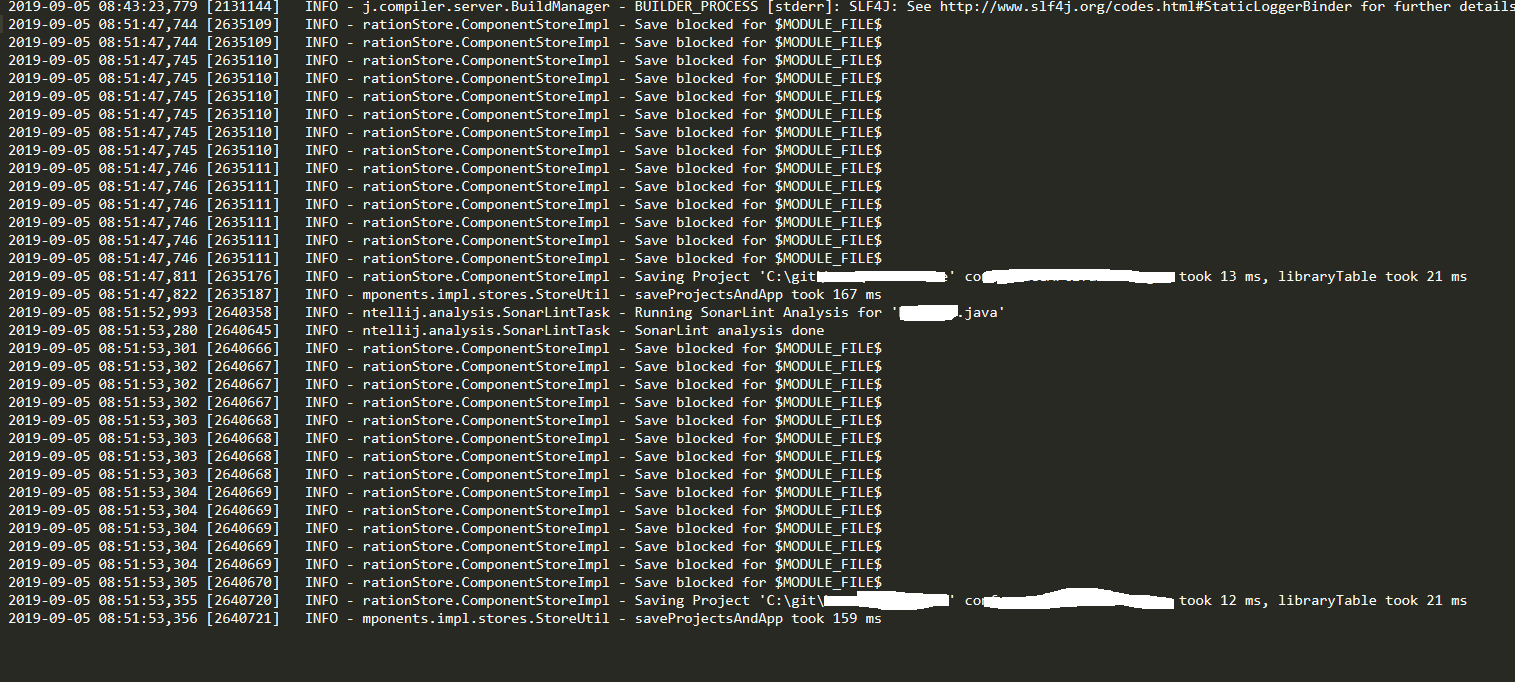
I'm not sure what else to try. I've tried every combination of rebuilding, refreshing, resyncing, restarting, maven builds, etc that i can think of. It just refuses to properly pick up changes to the file. My unit test configs are set up to do a build when they run.
Any thoughts or suggestions?
Please sign in to leave a comment.
These error could appear when there are issues with reading configuration files, when they are corrupted.
Make sure the user can w/r to disk and the project directory.
Try re-creating project configuratoin by re-importing project from existing sources: https://www.jetbrains.com/help/idea/import-project-or-module-wizard.html selecting main pom.xml file to import from.
If problem remains provide the steps to reproduce, the expected/actual result you get and IDE log folder zipped.
I'm curious if it may be a class file issue. Could it be an issue where a test class file already exists in .m2, so it's trying to run the old version of the file or something?
From the description I'm not exactly sure what the problem is.
Ok, i'll try and dig up some more details. Looking at those logs, that "Save blocked..." message shouldn't be an issue?
It seems like i can get around the issue by running a maven goal of "test-compile" before the tests run, rather than running "build" before the tests run. I'm not sure why "build" isn't sufficient though.
I'm having the very similar issue. When I change the test file and then run test from this dropdown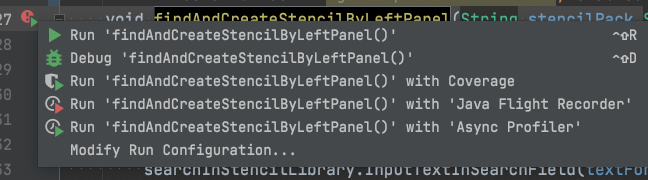
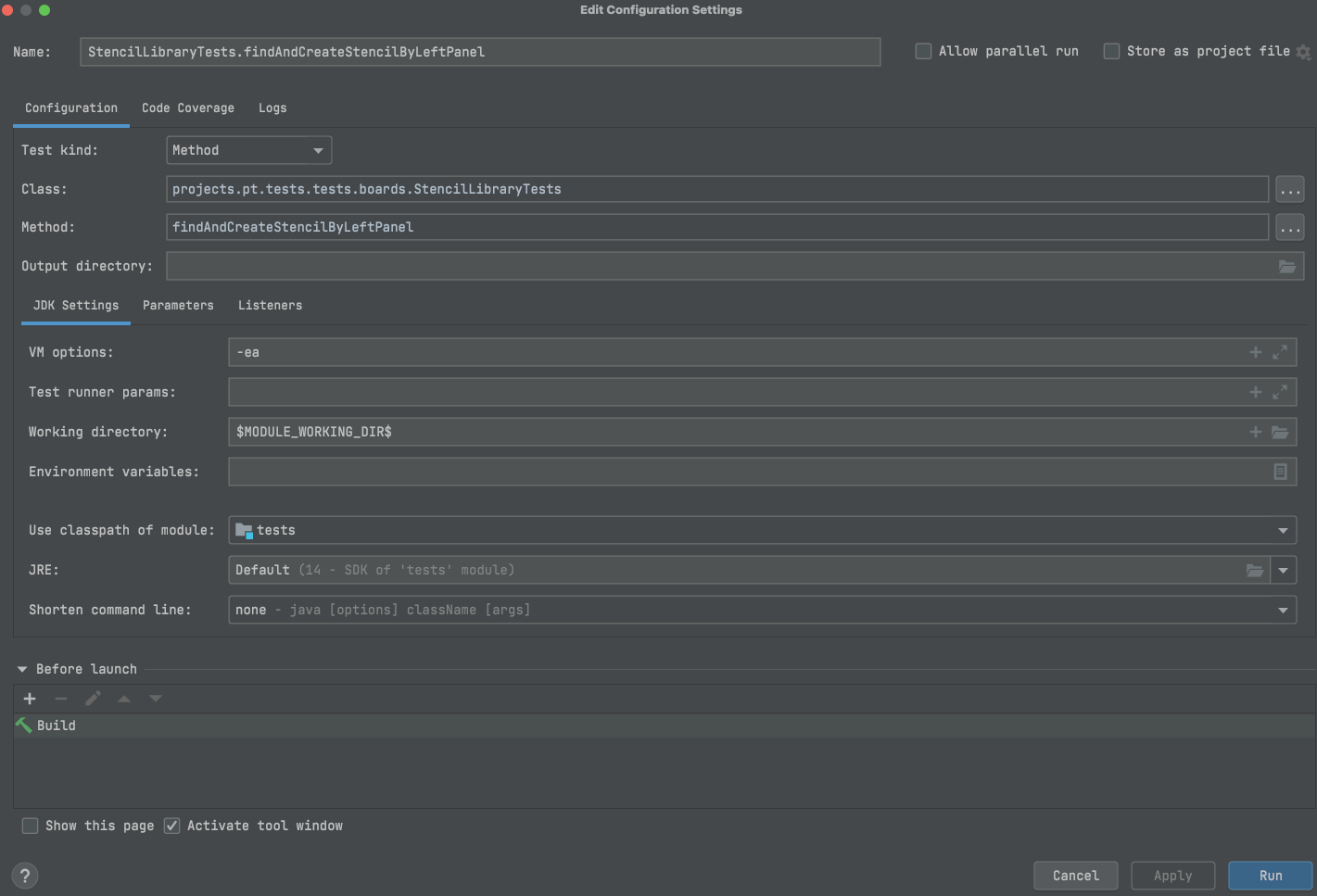


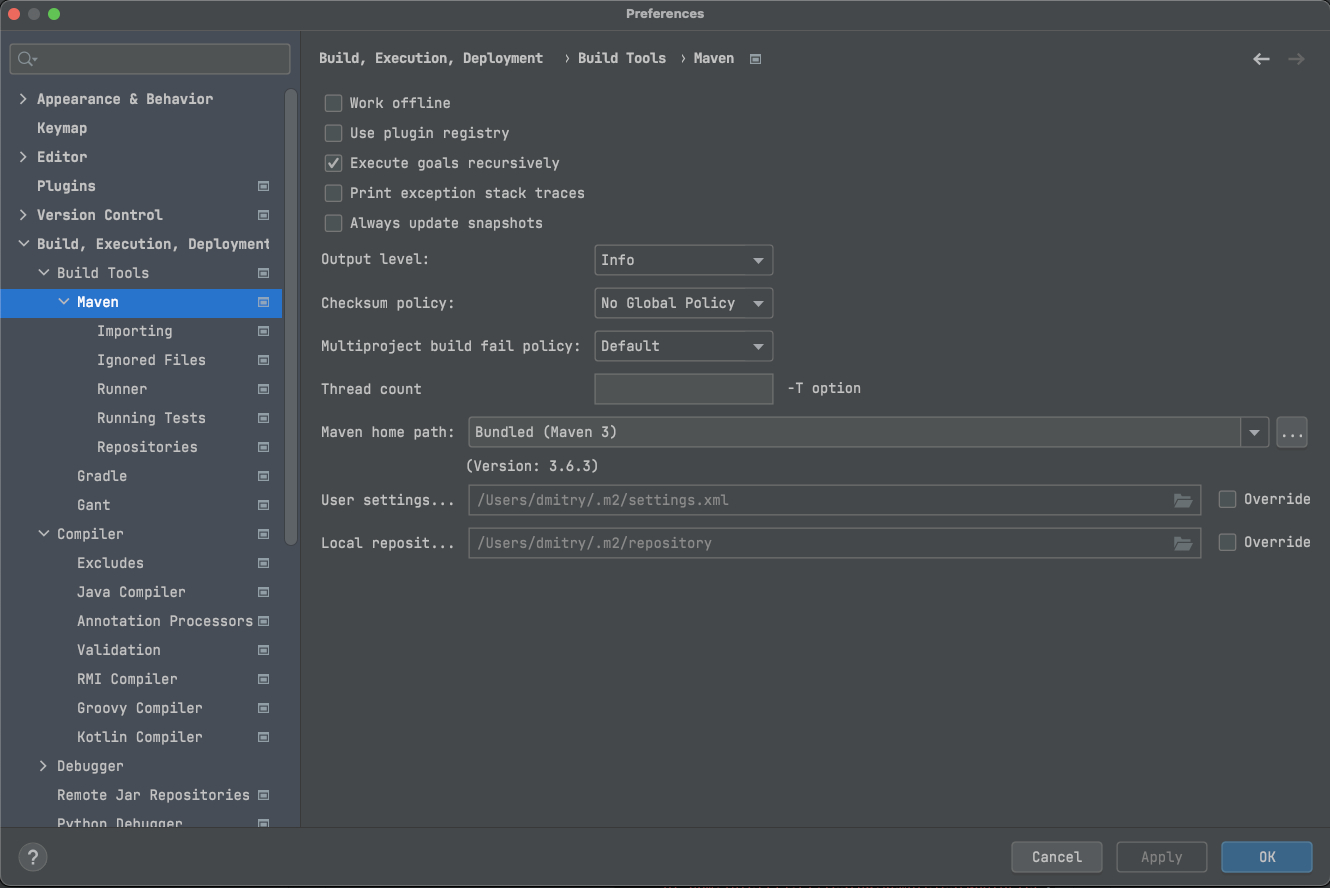
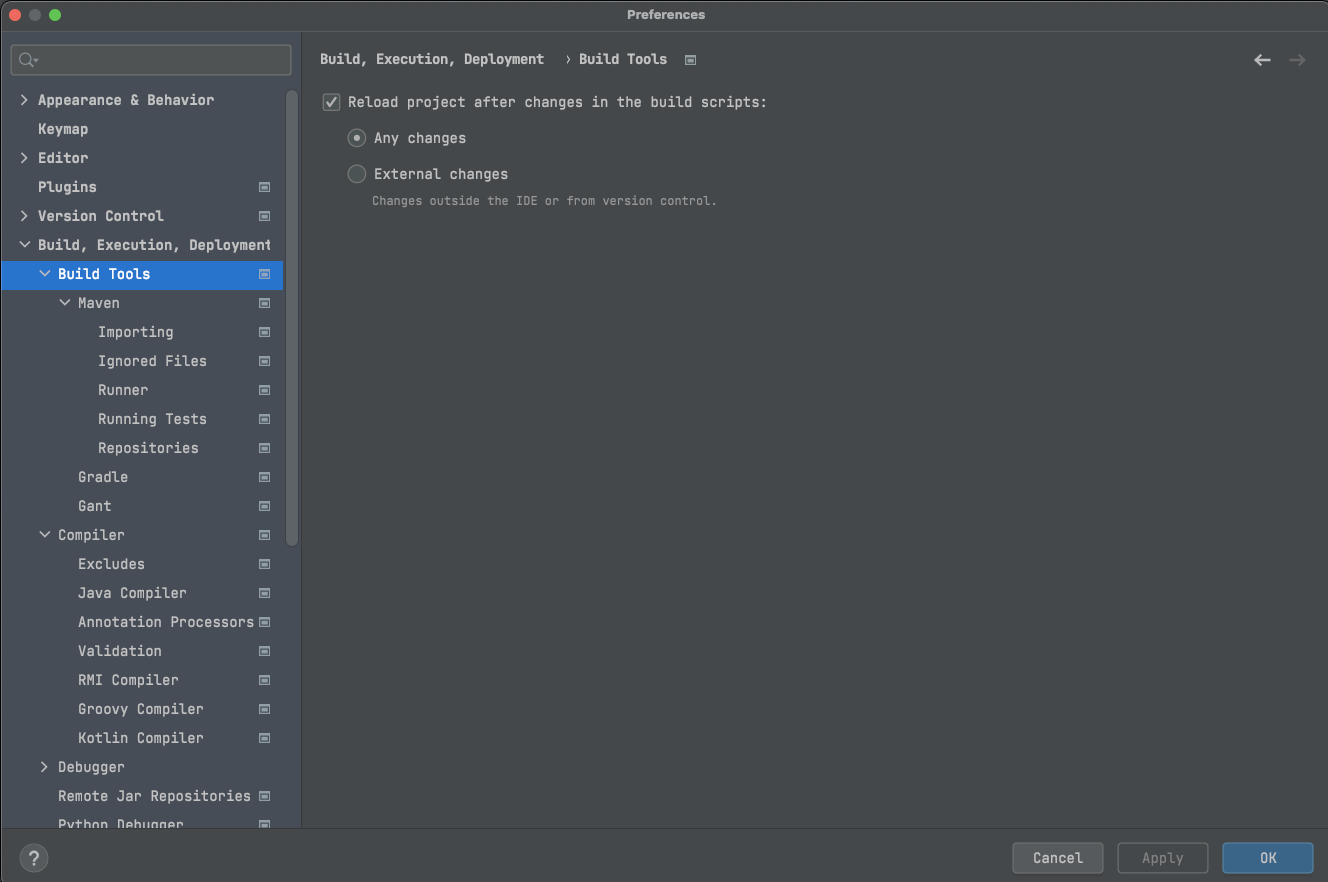
The test runs without spotting any changes in it. This is strange because I clearly see those changes in the compiled file of the test.
And this is not fixed by running Maven compile goal, but only after I run "mvn clean install -DskipTests" which is very slow.
Is there some caching of the old test files involved? If so, then how to bust this cache and make changes in test files affect the test runs?
Here are the settings of the run command:
Dmitriy Davydov there is no caching of changes except of that if you use IDE builder - IDE uses incremental build - i.e. it compiles files only changed since the last IDE build (if there was not external build e.g. Maven used).
What exact changed and where do you make? Where these classes are located in project? Are these classes used as dependencies in tests? If so - are these local module dependencies or dependencies from the Maven repository? Please also clarify how exactly do you build the project between these changes.
Please also provide IDE logs after reproducing: use Help | Collect Logs and Diagnostic Data action to collect them. For uploading you can use https://uploads.jetbrains.com or any file sharing service or upload them via this form.
Check also if the Build | Rebuild action helps.
Thanks for the explanation Andrey! But the issue was solved by deleting of the project's folder, clearing the IDE cache and reinitializing the project.