MacOS - open a folder
Answered

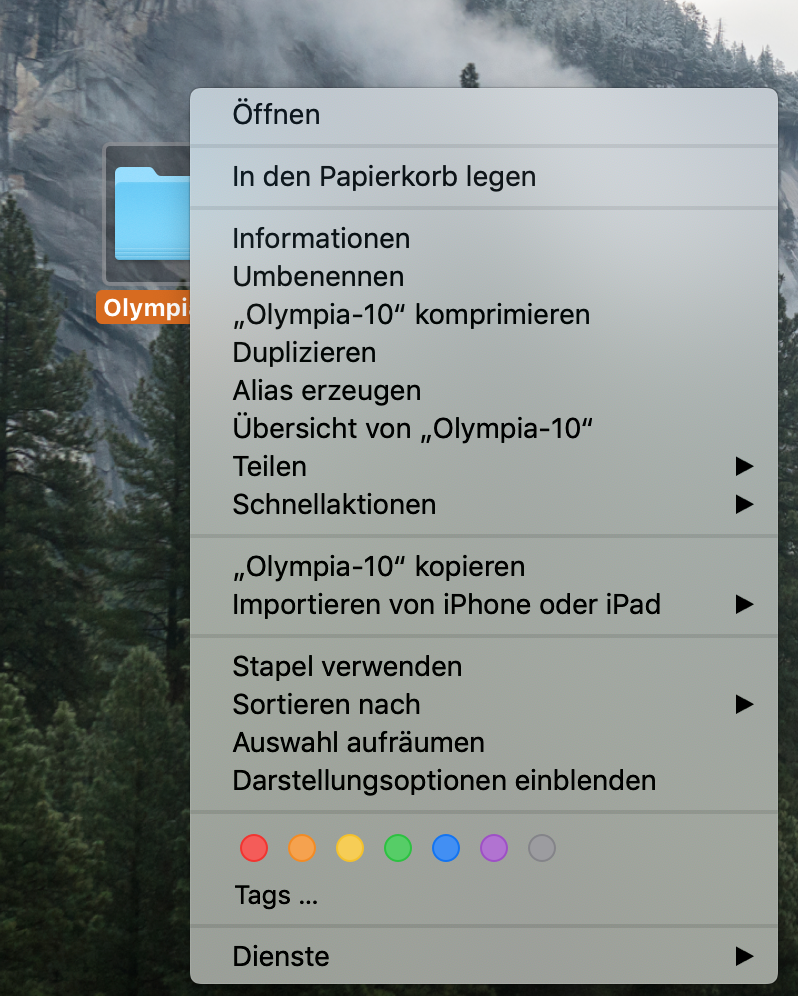
HI, i want to open a Folder directly as an IntelliJ Project on MacOS. How does it works?
Please sign in to leave a comment.
We have a related ticket, please upvote https://youtrack.jetbrains.com/issue/IDEA-199781
on your Mac create an new quick action with automator and use the following code line
open -na "IntelliJ IDEA.app" --args "$@"this will give you the option to open a file or folder
For community edition: