Rich text is not working properly
Answered

Hi,
I want to copy my codes from IntelliJ IDEA to MS Powerpoint or Google Docs.
However, the theme is not copied properly.
IntelliJ IDEA
- Font: Consolas, Color Scheme: Default
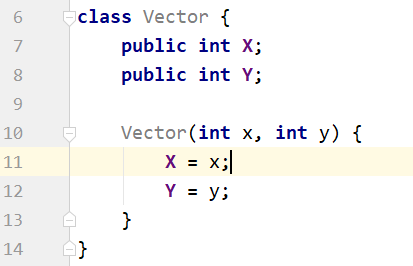
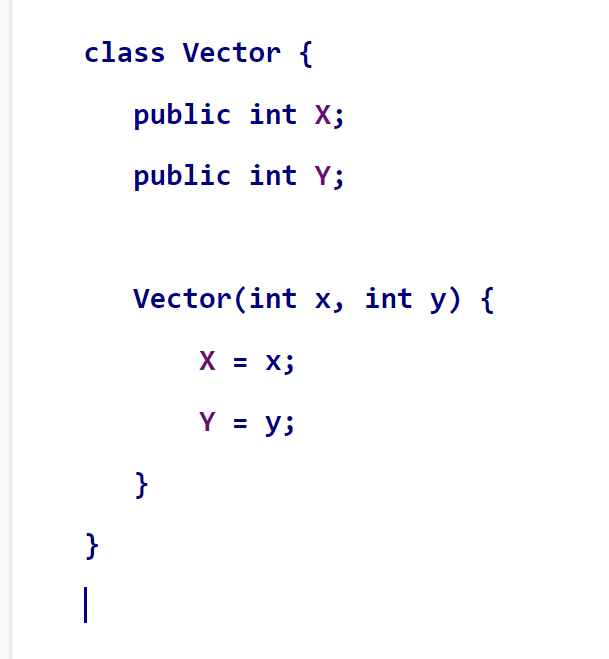
Google Doc
- The class name and bracket colors are wrong.
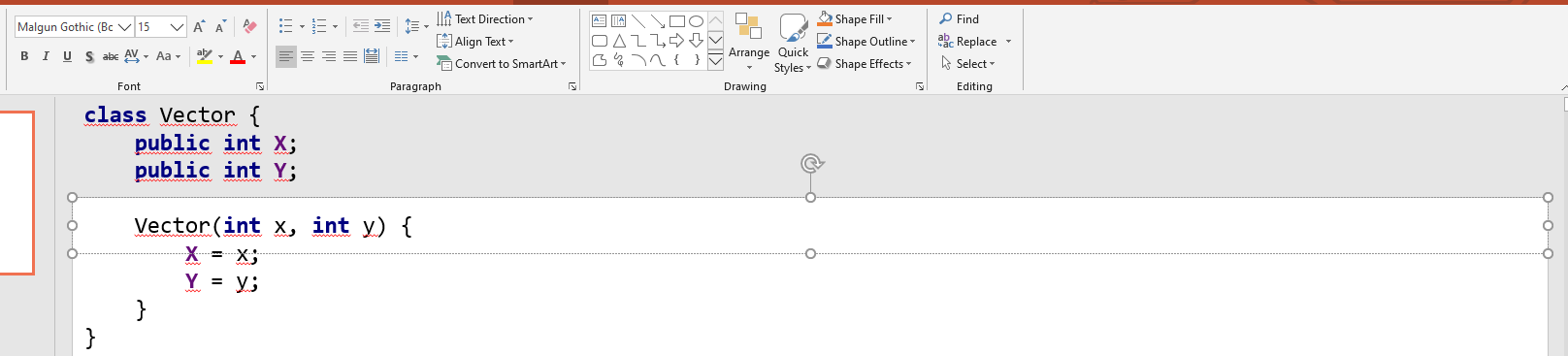
Powerpoint
- Wrong font, weird pasted location
Is there any idea how to fix this?
Please sign in to leave a comment.
Hi Chris,
By default, all text is copied as rich text in IntelliJ IDEA since version 14.1 (the setting is configurable).
Using IDEA 2019.3.1, I tried pasting a piece of code to GDocs and Powerpoint Online - color formatting was preserved in both apps as long as I chose a blank document/slide with no structure to paste into.
It appears, Powerpoint and GDocs internal themes tend to override pasted font face with what is currently selected in the Font setting, so you need to change it post pasting manually.
As to the weird paste location in Powerpoint, it looks like the title area of the slide was selected when you pasted the code, and the code block was aligned against that area. Try creating a blank slide with no structure and pasting the code there.
Hi Arina,
Thank you for answering my question.
For Google Doc,
You are right! I thought my document was empty/blank because I didn't type or put any text there, but the font color was set as blue. That's why the copied codes' color was blue.
For Powerpoint,
As you said, if I pasted my copy into a given Text Box, codes are printed well. However, if I pasted my code to a Text Box, which I created, codes were located on the top.
[OK] To paste code into a given Text Box:
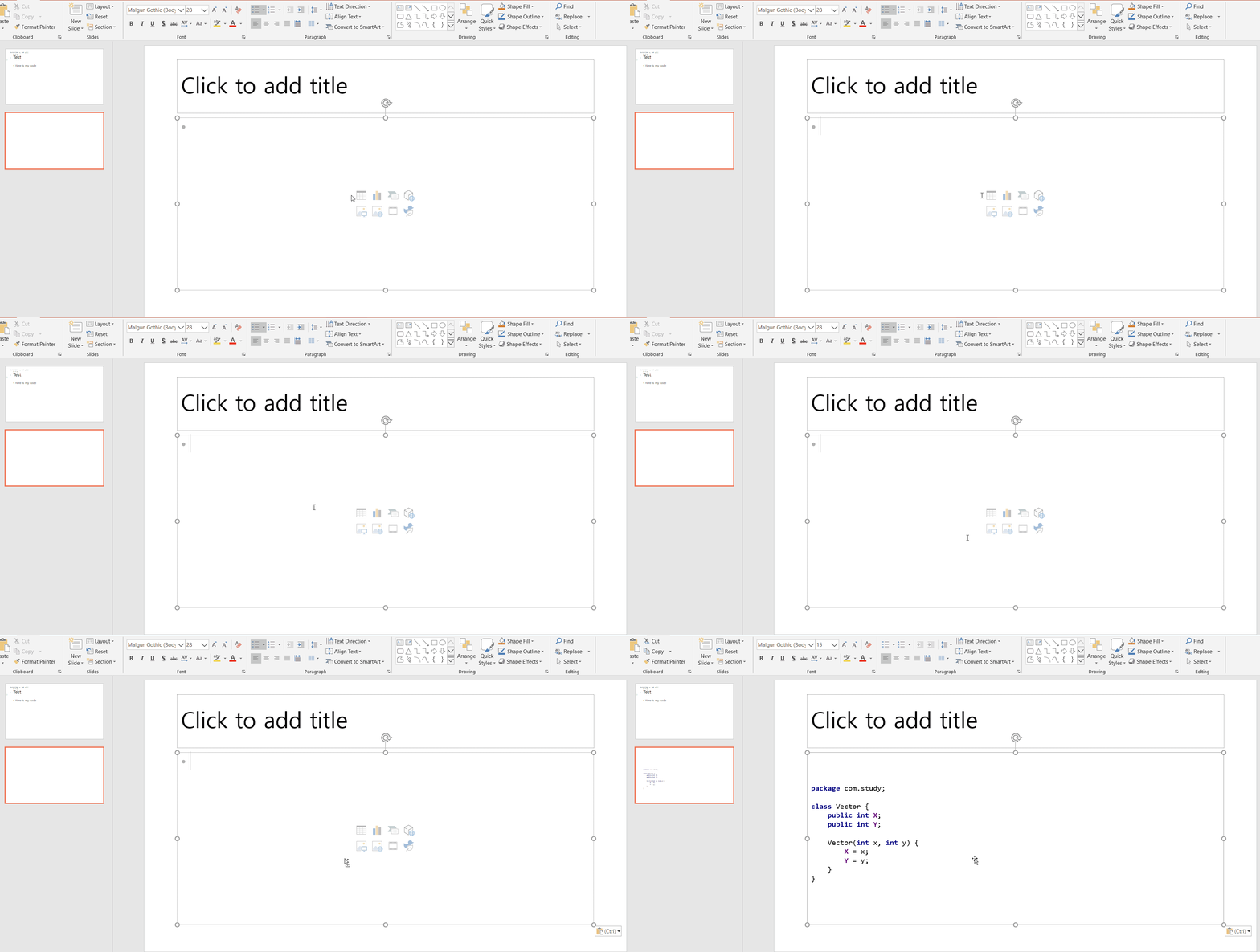
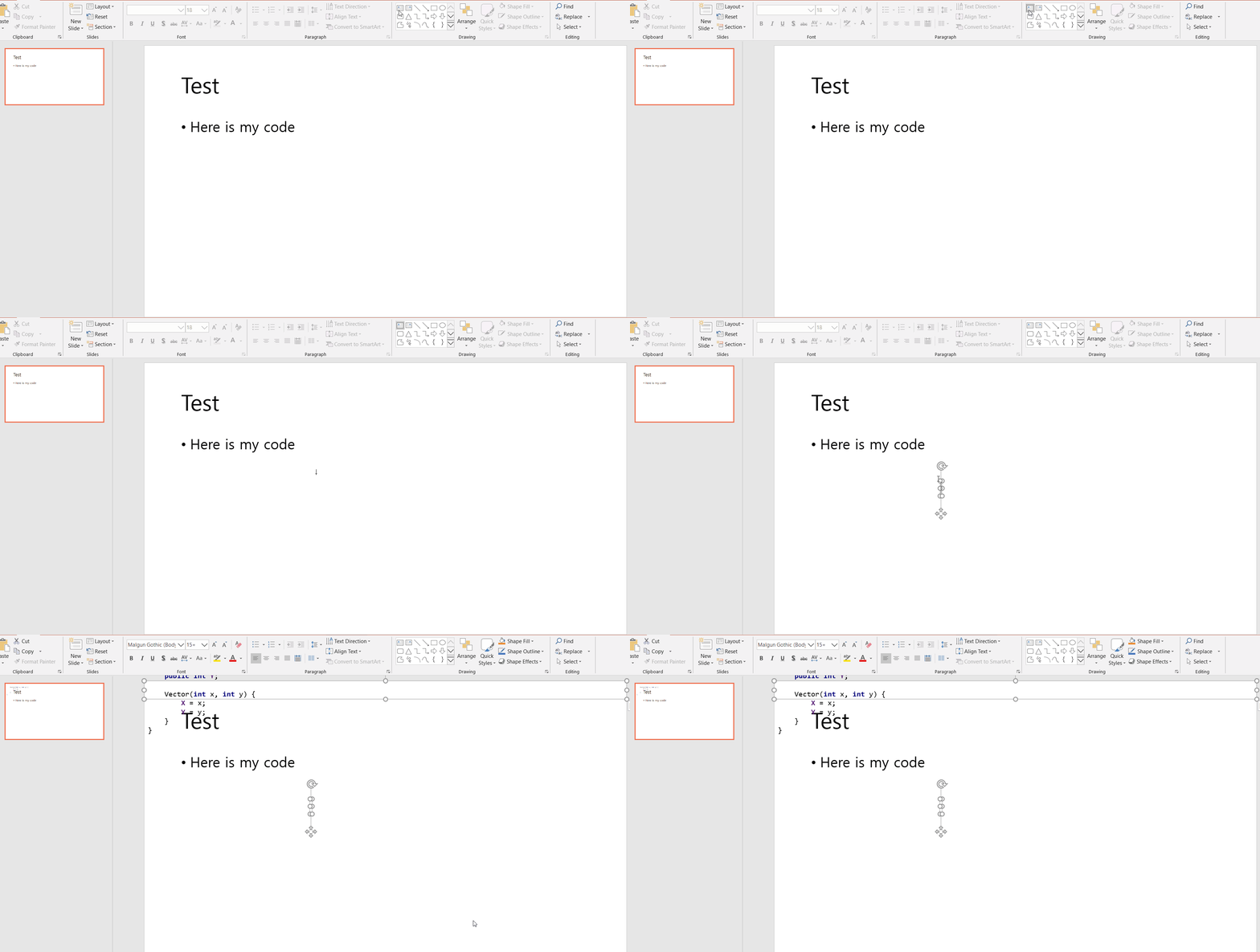
[Not OK] To paste code into a created Text Box:
I hope that I can paste my codes into a Text Box which I create. Otherwise, I have to do extra work to paste my codes: 1) Create an empty title-content slide 2) Paste codes into a given Text box 3) Copy codes from step 2 4) Paste it into a text box which I created.
Hi Chris,
I'd be happy to assist you further, but Powerpoint-related issues are out of my professional scope I'm afraid. A Microsoft representative should be a more suitable candidate for troubleshooting this.
As a workaround, try using the online version of Powerpoint - I don't seem to be having this issue upon code insertion there.
In Powerpoint, increasing the size will get rid of all the weird formatting, although I haven't found a way to make the textbox by default transparent.
I'm facing the same problem. I also thought of seeking professional help. Since the issue is related to working with powerpoint, I usually turn to slide peak where they know all the nuances of working with presentations. I think it is easy to solve this problem here.
thank CR!Your tutorial is very detailed and helpful for me!
Quick Draw